Download the PHP package sunergos/og-pilot-php without Composer
On this page you can find all versions of the php package sunergos/og-pilot-php. It is possible to download/install these versions without Composer. Possible dependencies are resolved automatically.
Download sunergos/og-pilot-php
More information about sunergos/og-pilot-php
Files in sunergos/og-pilot-php
Package og-pilot-php
Short Description PHP client for the OG Pilot Open Graph image generator with Laravel support.
License MIT
Homepage https://ogpilot.com
FAQ
Example:

In general, it is recommended to use always a project to download your libraries. In an application normally there is more than one library needed.

- Some hosting areas are not accessible by a terminal or SSH. Then it is not possible to use Composer.
- To use Composer is sometimes complicated. Especially for beginners.
- Composer needs much resources. Sometimes they are not available on a simple webspace.
- If you are using private repositories you don't need to share your credentials. You can set up everything on our site and then you provide a simple download link to your team member.
- Simplify your Composer build process. Use our own command line tool to download the vendor folder as binary. This makes your build process faster and you don't need to expose your credentials for private repositories.
Informations about the package og-pilot-php
OG Pilot PHP
[!IMPORTANT]
An active OG Pilot subscription is required to use this package.
A PHP client for generating OG Pilot Open Graph images via signed JWTs, with first-class Laravel support.
Requirements
- PHP 8.1 or higher
- Composer
Installation
Install the package via Composer:
Laravel
The package supports Laravel's auto-discovery, so the service provider and facade will be registered automatically.
Publish the configuration file:
Add your credentials to your .env file:
Standalone PHP
For non-Laravel projects, configure the client directly:
Or use environment variables like OG_PILOT_API_KEY, OG_PILOT_DOMAIN,
OG_PILOT_IMAGE_TYPE, OG_PILOT_QUALITY, and OG_PILOT_MAX_BYTES.
Usage
Laravel (using Facade)
Standalone PHP
Using a Custom Client
Create a dedicated client with custom configuration:
Per-call image_type, quality, and max_bytes values still override those
global defaults when you need a one-off delivery profile.
Options
The createImage method accepts two arguments:
-
params (array): Image parameters sent to OG Pilot
template: Template nametitle: Image title (required)description: Image descriptionpath: Request path for analytics (auto-resolved if not provided)image_type: Delivered image format (jpeg,png,webp, orgif)quality: Delivered image quality (1-100)max_bytes: Maximum delivered image size in bytes- Any other template-specific parameters
- options (array): Request options
json: Set totrueto receive JSON metadata instead of a URLiat: Timestamp for cache control (accepts Unix timestamp, DateTime, or milliseconds)headers: Additional HTTP headersdefault: Set totrueto force path to "/" (useful for default OG images)
HTTP behavior
- Requests are sent as
POSTtohttps://ogpilot.com/api/v1/images(or your configuredbase_url). - Redirect responses are followed automatically.
- The signed JWT is still passed as the
tokenquery parameter. - In URL mode (
json: false), successful requests return the final redirected URL when available, otherwise theLocationheader, then the original signed request URL as a fallback. - When
jsonistrue, the client sendsAccept: application/json. - If image creation fails (request/configuration/validation/etc.),
createImagedoes not throw. It logs at error level and returns:nullin URL mode['image_url' => null]in JSON mode
Template helpers
createImage defaults to the page template when template is omitted.
Supported templates: page, blog_post, podcast, product, event, book, company, portfolio, github.
Use these helpers to force a specific template:
createBlogPostImage(...)createPodcastImage(...)createProductImage(...)createEventImage(...)createBookImage(...)createCompanyImage(...)createPortfolioImage(...)- For
github, usecreateImage(['template' => 'github', ...])(no dedicated helper yet).
These helpers are available on both Sunergos\OgPilot\OgPilot and Sunergos\OgPilot\Client.
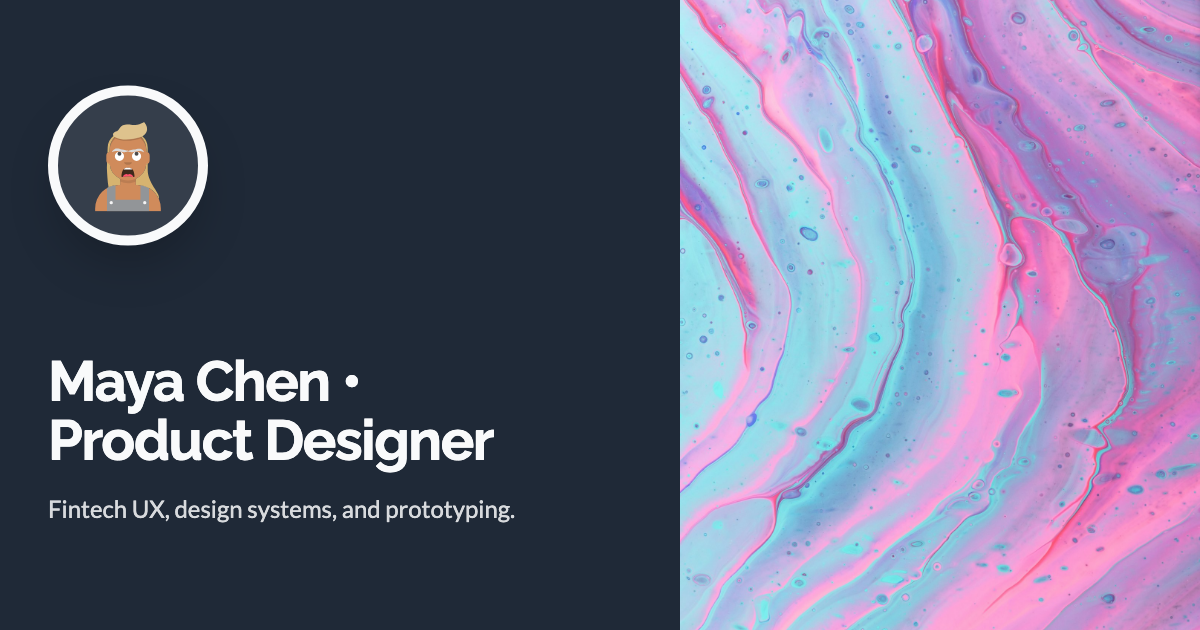
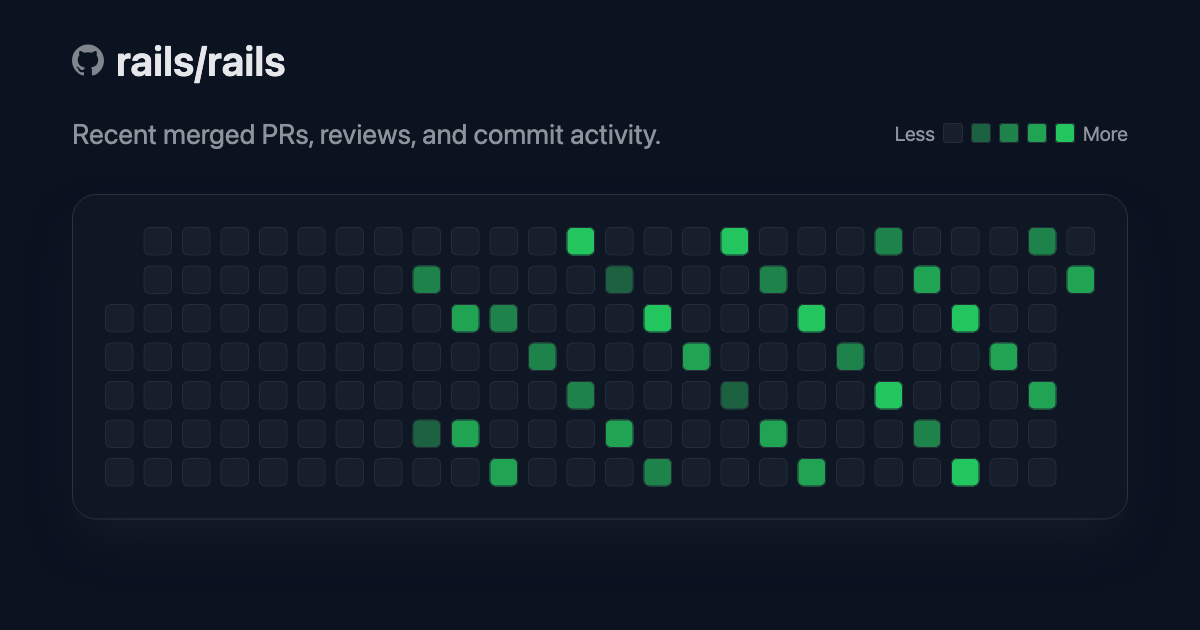
OG Image Examples
All sample payloads set explicit bg_color, text_color, and logo/avatar URLs to avoid default branding fallbacks.
For templates that support custom images, this set includes both with_custom_image and without_custom_image variants. (github currently has no custom image slot.)
Avatar-style fields (for example author_avatar_url) use DiceBear Avataaars, e.g. https://api.dicebear.com/7.x/avataaars/svg?seed=JaneSmith.
Sample Gallery
| Template | Variant | Preview |
|---|---|---|
page |
with custom image |
 |
page |
without custom image |
 |
blog_post |
with custom image |
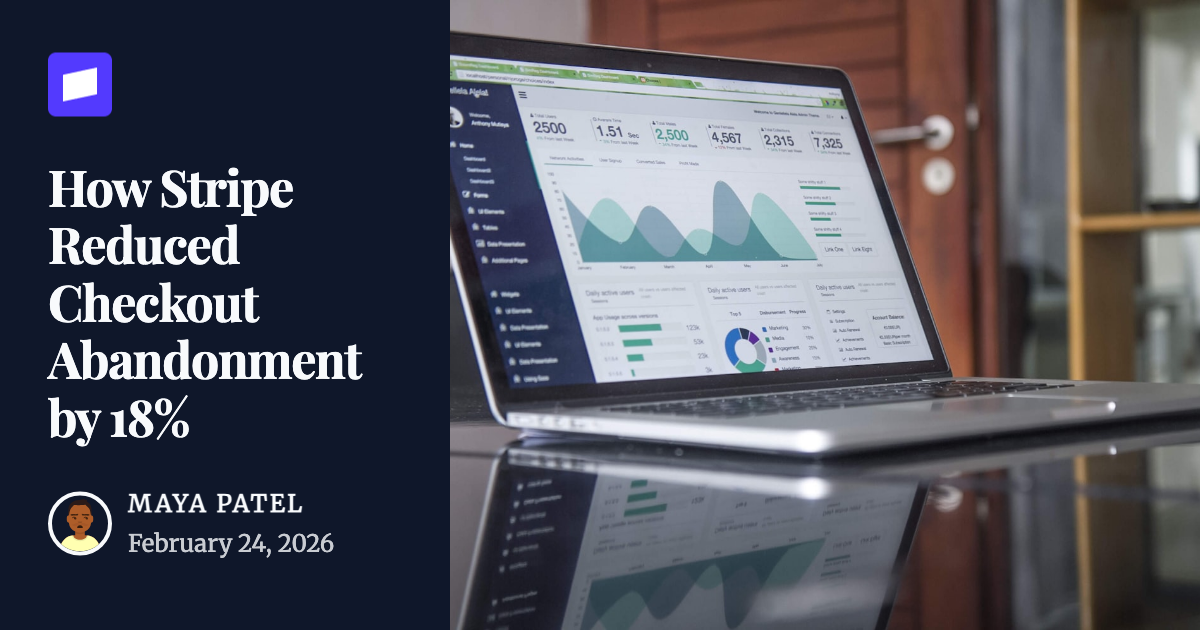 |
blog_post |
without custom image |
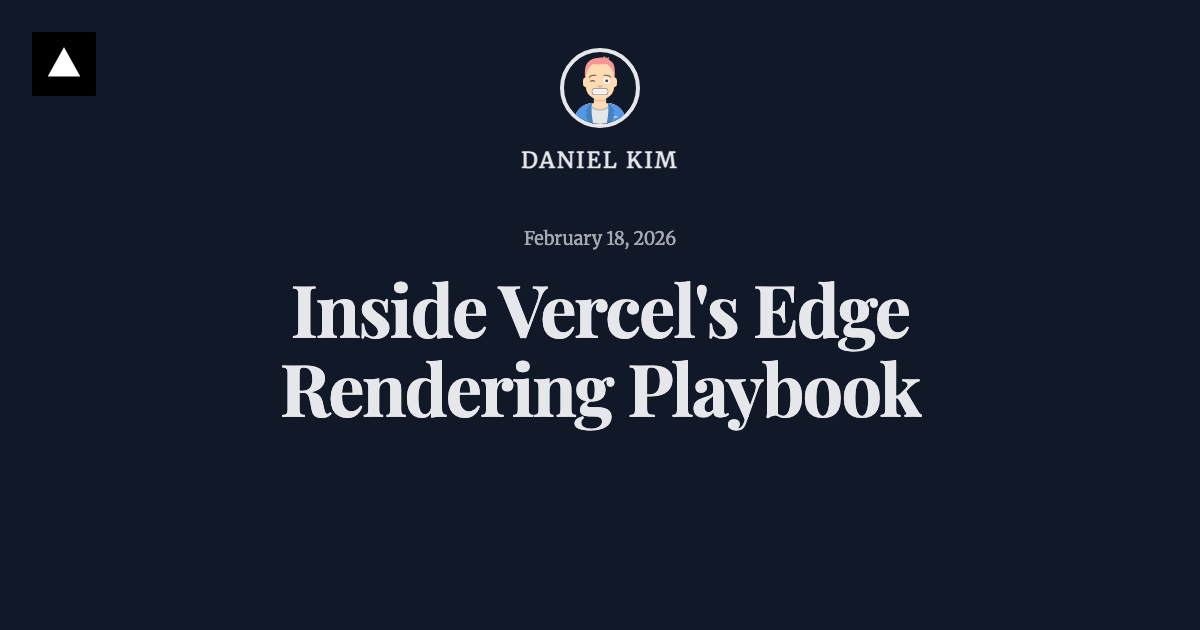 |
podcast |
with custom image |
 |
podcast |
without custom image |
 |
product |
with custom image |
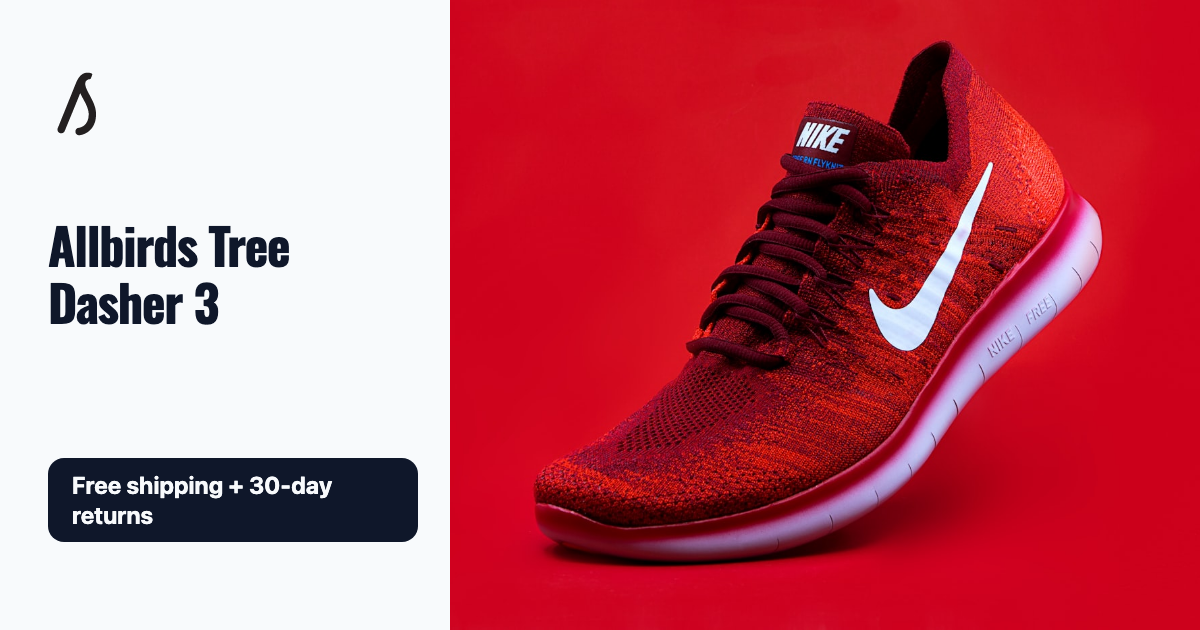 |
product |
without custom image |
 |
event |
with custom image |
 |
event |
without custom image |
 |
book |
with custom image |
 |
book |
without custom image |
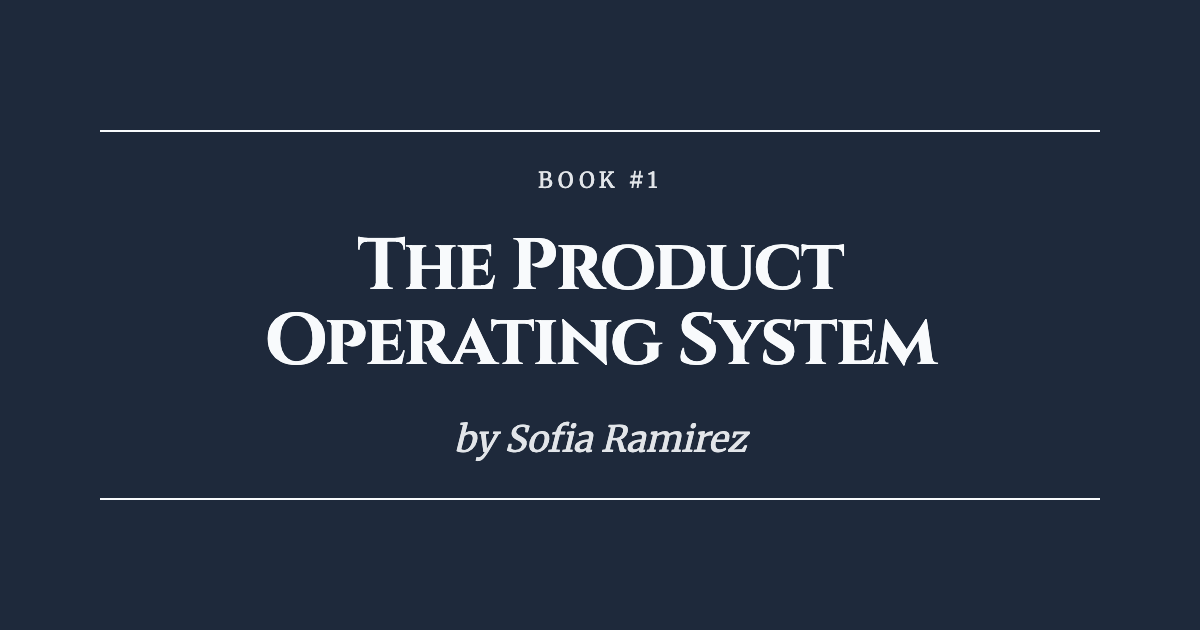 |
portfolio |
with custom image |
 |
portfolio |
without custom image |
 |
company |
with custom image |
 |
company |
without custom image |
 |
github |
default |
 |
Parameters Used
Exact payloads for these samples
Path Handling
The path parameter enhances OG Pilot analytics by tracking which OG images perform better across different pages on your site. By capturing the request path, you get granular insights into click-through rates and engagement for each OG image.
The client automatically injects a path parameter on every request:
| Option | Behavior |
|---|---|
default: false |
Uses the current request path when available (via framework auto-detection, request context, or $_SERVER), then falls back to / |
default: true |
Forces the path parameter to /, regardless of the current request (unless path is provided explicitly) |
path: "/..." |
Uses the provided path verbatim (normalized to start with /), overriding auto-resolution |
Automatic Framework Detection
The library automatically detects the current request path from popular PHP frameworks:
Laravel - Zero setup required! The library automatically uses Laravel's request() helper to get the current path. Just use OG Pilot anywhere in your Laravel application:
Manual Request Context (Other Frameworks)
For non-Laravel frameworks, set the current request context manually:
Vanilla PHP:
Using withRequestContext (recommended):
Symfony Middleware:
Manual Path Override
Default Path
Configuration Options
| Option | Environment Variable | Default | Description |
|---|---|---|---|
api_key |
OG_PILOT_API_KEY |
null |
Your OG Pilot API key |
domain |
OG_PILOT_DOMAIN |
null |
Your domain |
base_url |
OG_PILOT_BASE_URL |
https://ogpilot.com |
API base URL |
connect_timeout |
OG_PILOT_CONNECT_TIMEOUT |
5.0 |
Connection timeout in seconds |
timeout |
OG_PILOT_TIMEOUT |
10.0 |
Request timeout in seconds |
strip_extensions |
OG_PILOT_STRIP_EXTENSIONS |
true |
Strip file extensions from resolved paths (see Strip extensions) |
strip_query_parameters |
OG_PILOT_STRIP_QUERY_PARAMETERS |
false |
Remove query strings from resolved paths before signing (see Strip query parameters) |
image_type |
OG_PILOT_IMAGE_TYPE |
null |
Default delivered image format: jpeg, png, webp, or gif |
quality |
OG_PILOT_QUALITY |
null |
Default delivered image quality from 1 to 100 |
max_bytes |
OG_PILOT_MAX_BYTES |
null |
Default maximum delivered image size in bytes |
Strip extensions
When strip_extensions is enabled, the client removes file extensions from the
last segment of every resolved path. This ensures that /docs, /docs.md,
/docs.php, and /docs.html all resolve to "/docs", so analytics are
consolidated under a single path regardless of the URL extension.
Multiple extensions are also stripped (/archive.tar.gz becomes /archive).
Dotfiles like /.hidden are left unchanged. Query strings are preserved.
Strip query parameters
When strip_query_parameters is enabled, the client removes the query string
from resolved paths after normalization (and after extensions are stripped), so
/docs?ref=main, /docs?ref=prod, and /docs all sign the same payload.
This keeps analytics data grouped under a single path even when users append
tracking parameters.
Error Handling
createImage is fail-safe and does not throw to your application on runtime failures.
If generation fails for any reason (request/configuration/validation/etc.), the client logs
an error and returns a fallback value.
In Laravel, errors are logged through Log::error(...). In non-Laravel environments,
the client falls back to PHP error_log(...).
Framework Notes
This library is intended for server-side usage only. Keep your API key private and do not expose it in client-side code.
- Laravel: Use in controllers, jobs, or any server-side code
- Symfony: Use in controllers or services
- WordPress: Use in theme functions or plugins (server-side only)
Testing
License
The MIT License (MIT). Please see License File for more information.
