Download the PHP package nadaft/laraspa without Composer
On this page you can find all versions of the php package nadaft/laraspa. It is possible to download/install these versions without Composer. Possible dependencies are resolved automatically.
FAQ
Example:

In general, it is recommended to use always a project to download your libraries. In an application normally there is more than one library needed.

- Some hosting areas are not accessible by a terminal or SSH. Then it is not possible to use Composer.
- To use Composer is sometimes complicated. Especially for beginners.
- Composer needs much resources. Sometimes they are not available on a simple webspace.
- If you are using private repositories you don't need to share your credentials. You can set up everything on our site and then you provide a simple download link to your team member.
- Simplify your Composer build process. Use our own command line tool to download the vendor folder as binary. This makes your build process faster and you don't need to expose your credentials for private repositories.
Informations about the package laraspa


LaraSPA
A Laravel package that scaffolds a Laravel REST API and React application. The package implements a REST API for the backend and React for the frontend.
Features
- React
- React Router
- React Redux Toolkit
- React Helmet
- React Toastify
- TailwindCSS, Tailwind Merge and Automatic Class Sorting with Prettier
- Includes Laravel Debugbar and Ide Helper
- Implemented backend API testing
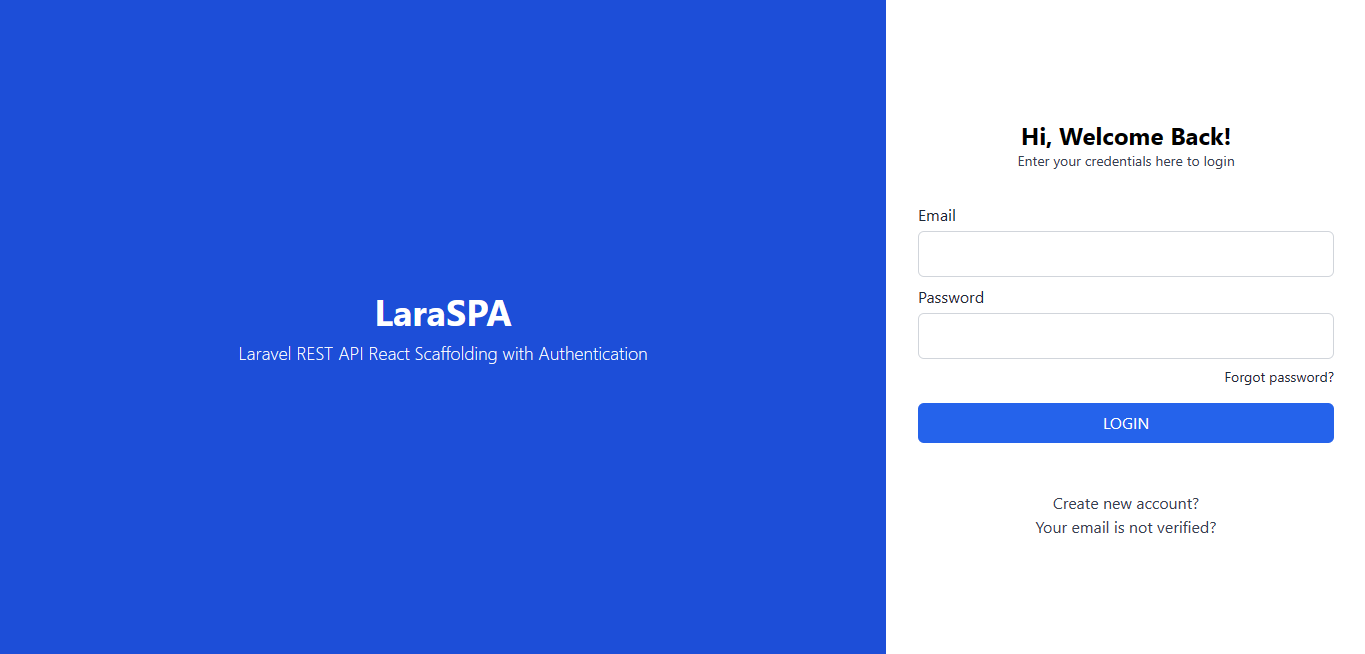
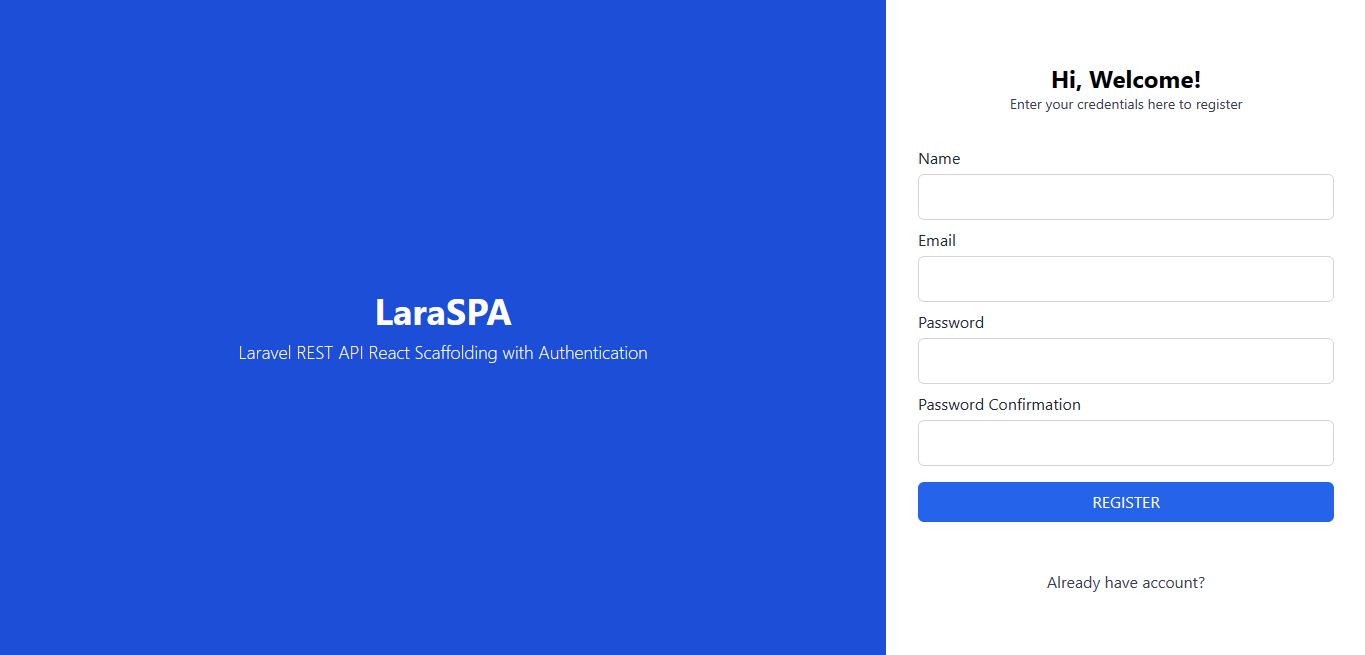
- Includes Login, Register, Reset Password, Resend Email Verification, and Dashboard Pages
- Includes protected routes for authentication
- Optionally you can use ESLint, Prettier and Airbnb Standard. You can choose to use it or not during the installation.
How to install
1. First you need a fresh Laravel installation
If you don't already have one, start by creating a fresh Laravel installation. We recommend starting with a fresh installation because the package will replace your current Laravel application files.
To create a fresh installation, run the following command:
Once the installation is complete, run the following command:
Next, install the necessary node modules using your preferred package manager (npm, yarn, or pnpm):
or
or
2. Install the Package
Run the following command:
(Optional) If the package isn't discovered automatically, add the service provider to your config/app.php providers array:
3. Install Laraspa
Run the following command:
During the installation process, you will be prompted to choose whether or not to use ESLint for your Laravel application. If you choose to use it, the necessary dependencies and configuration files will be installed. If you choose not to use it, the installation will proceed without installing ESLint.
Wait for the installation process to complete. Then, run the following command:
Your Laravel App is now ready to use.
Screenshots