Download the PHP package kseven/filament-seven-theme without Composer
On this page you can find all versions of the php package kseven/filament-seven-theme. It is possible to download/install these versions without Composer. Possible dependencies are resolved automatically.
Download kseven/filament-seven-theme
More information about kseven/filament-seven-theme
Files in kseven/filament-seven-theme
Package filament-seven-theme
Short Description A modern, responsive, and customizable theme for FilamentPHP, designed to elevate your admin panel with a sleek interface and seamless user experience.
License MIT
Homepage https://github.com/ksevendev/filament-seven-theme
FAQ
Example:

In general, it is recommended to use always a project to download your libraries. In an application normally there is more than one library needed.

- Some hosting areas are not accessible by a terminal or SSH. Then it is not possible to use Composer.
- To use Composer is sometimes complicated. Especially for beginners.
- Composer needs much resources. Sometimes they are not available on a simple webspace.
- If you are using private repositories you don't need to share your credentials. You can set up everything on our site and then you provide a simple download link to your team member.
- Simplify your Composer build process. Use our own command line tool to download the vendor folder as binary. This makes your build process faster and you don't need to expose your credentials for private repositories.
Informations about the package filament-seven-theme
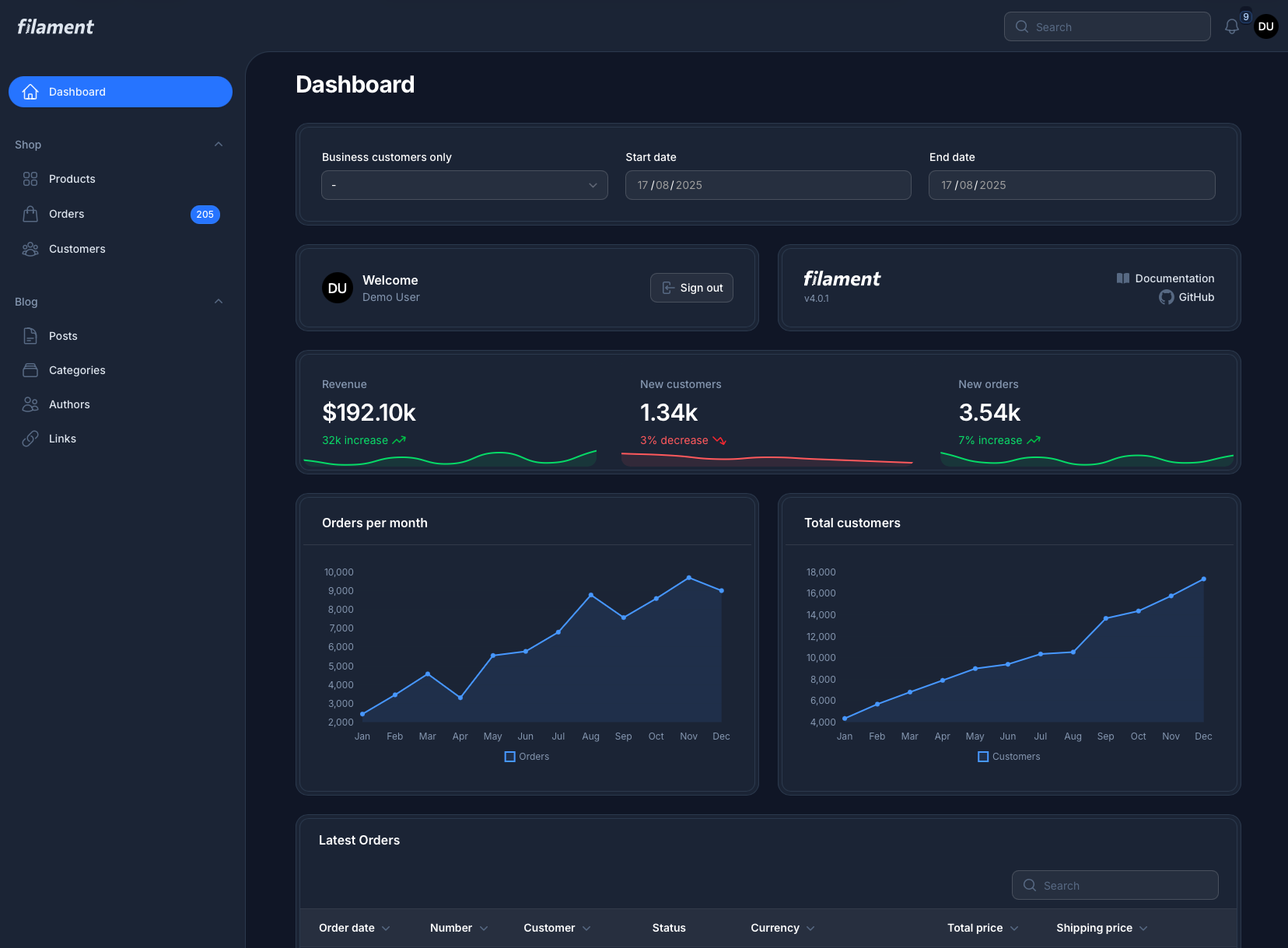
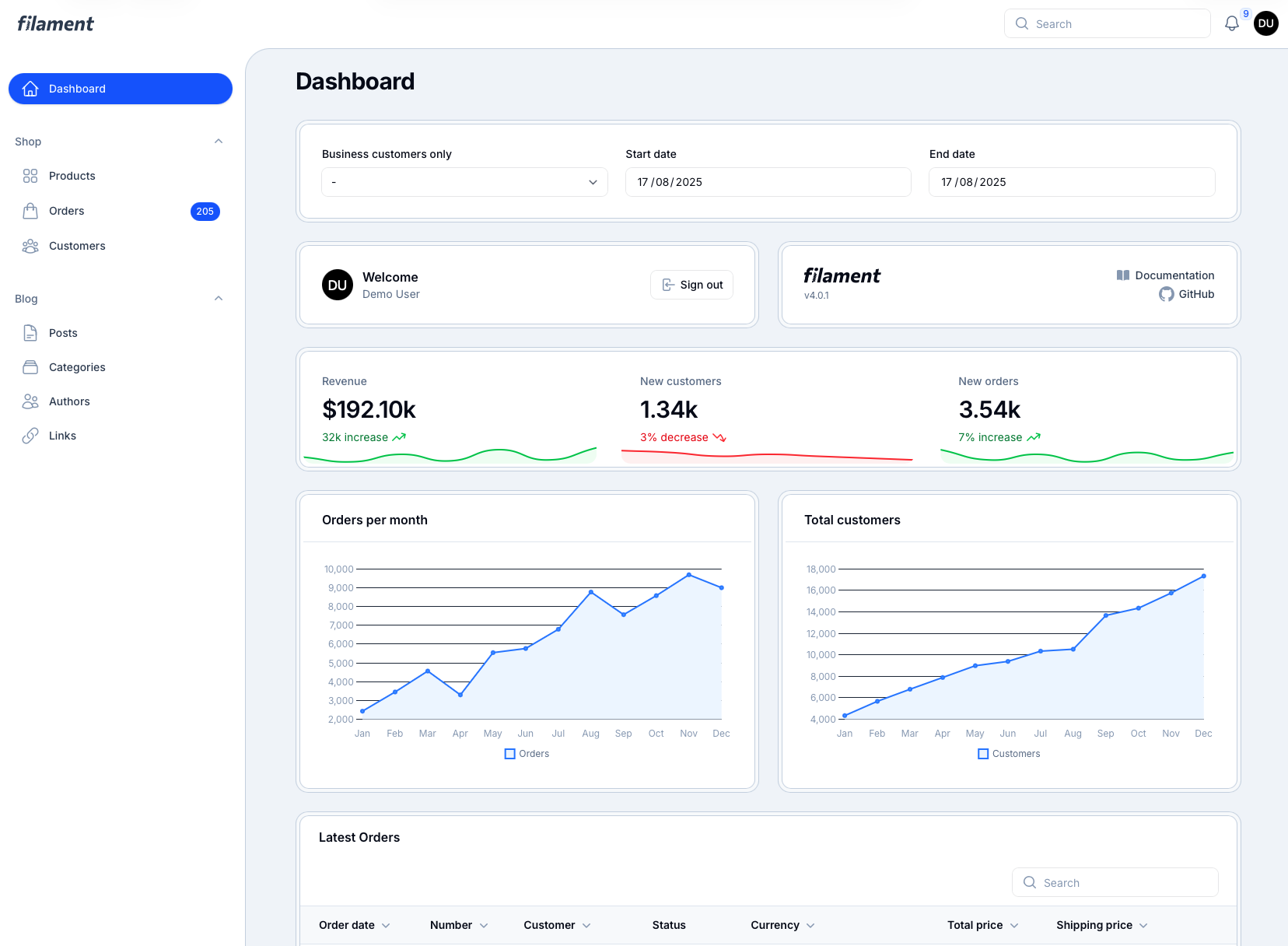
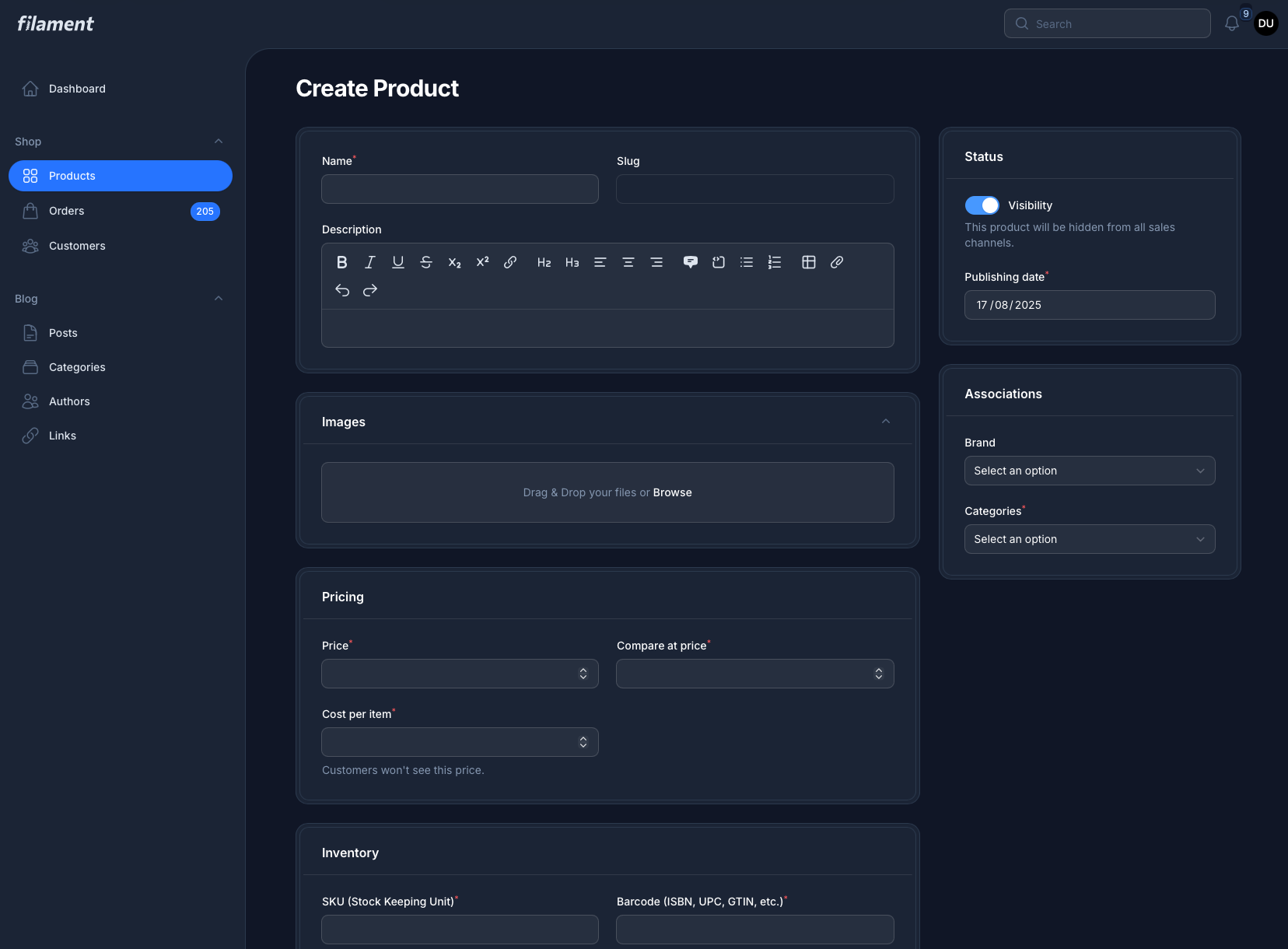
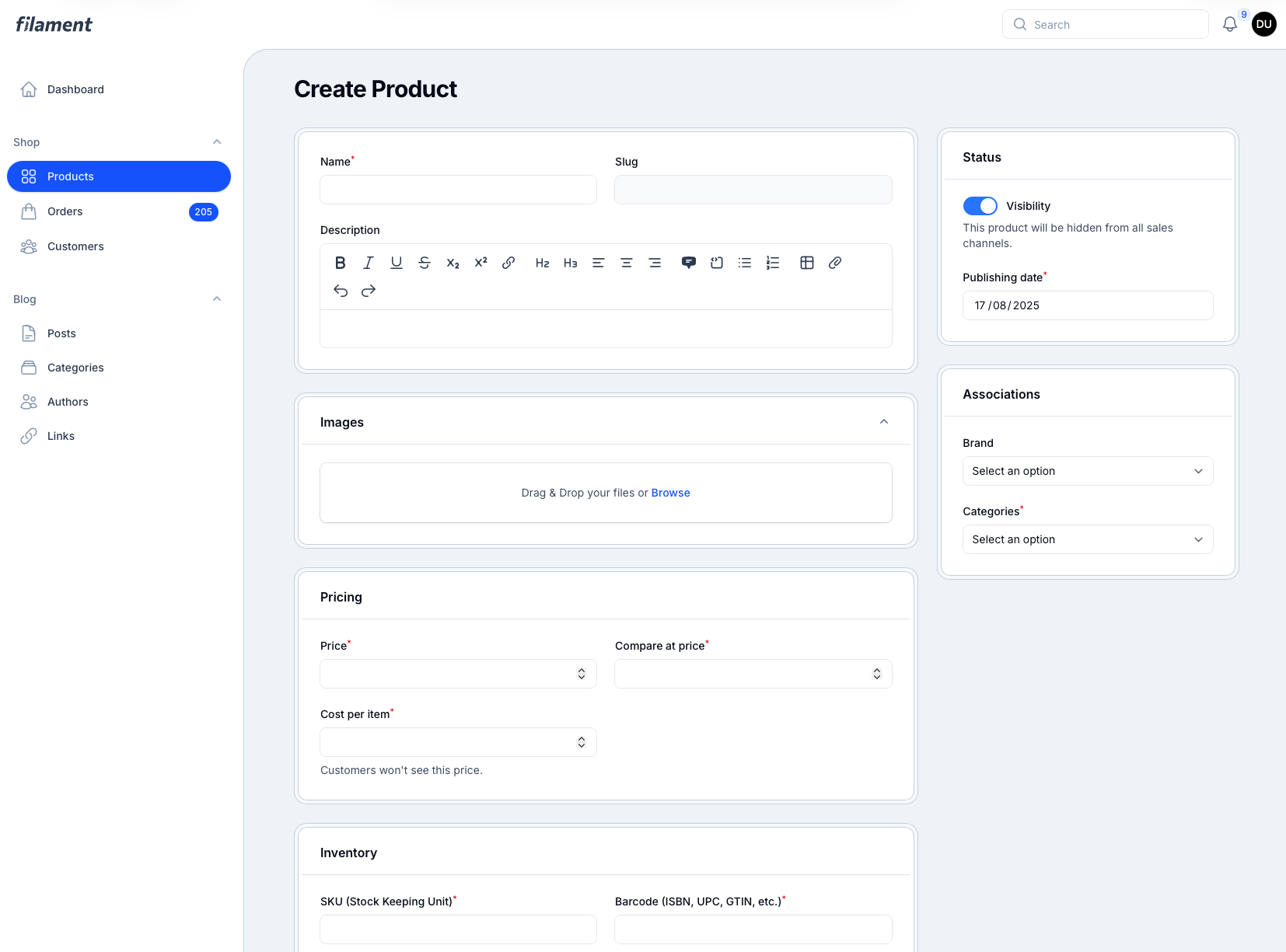
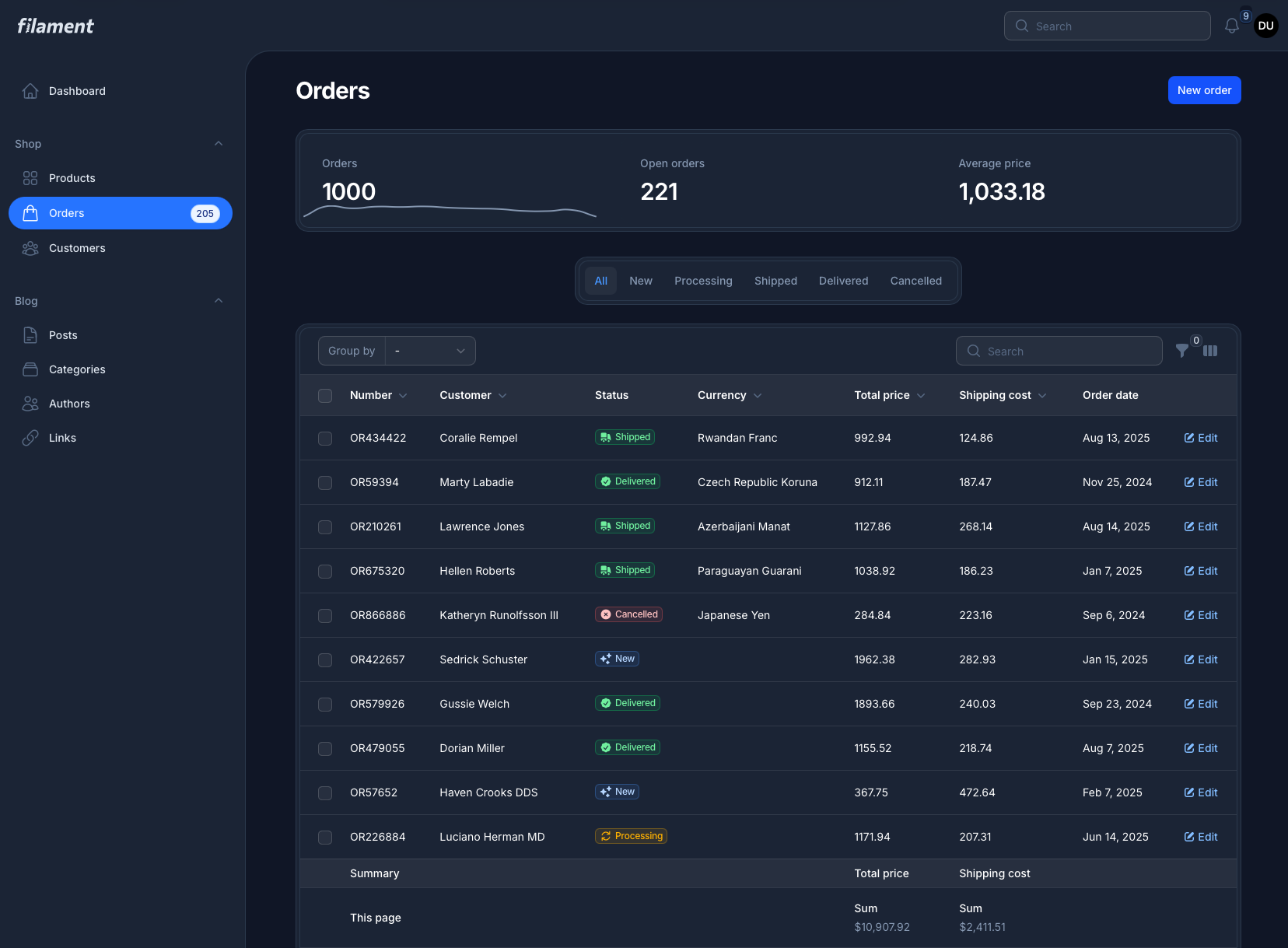
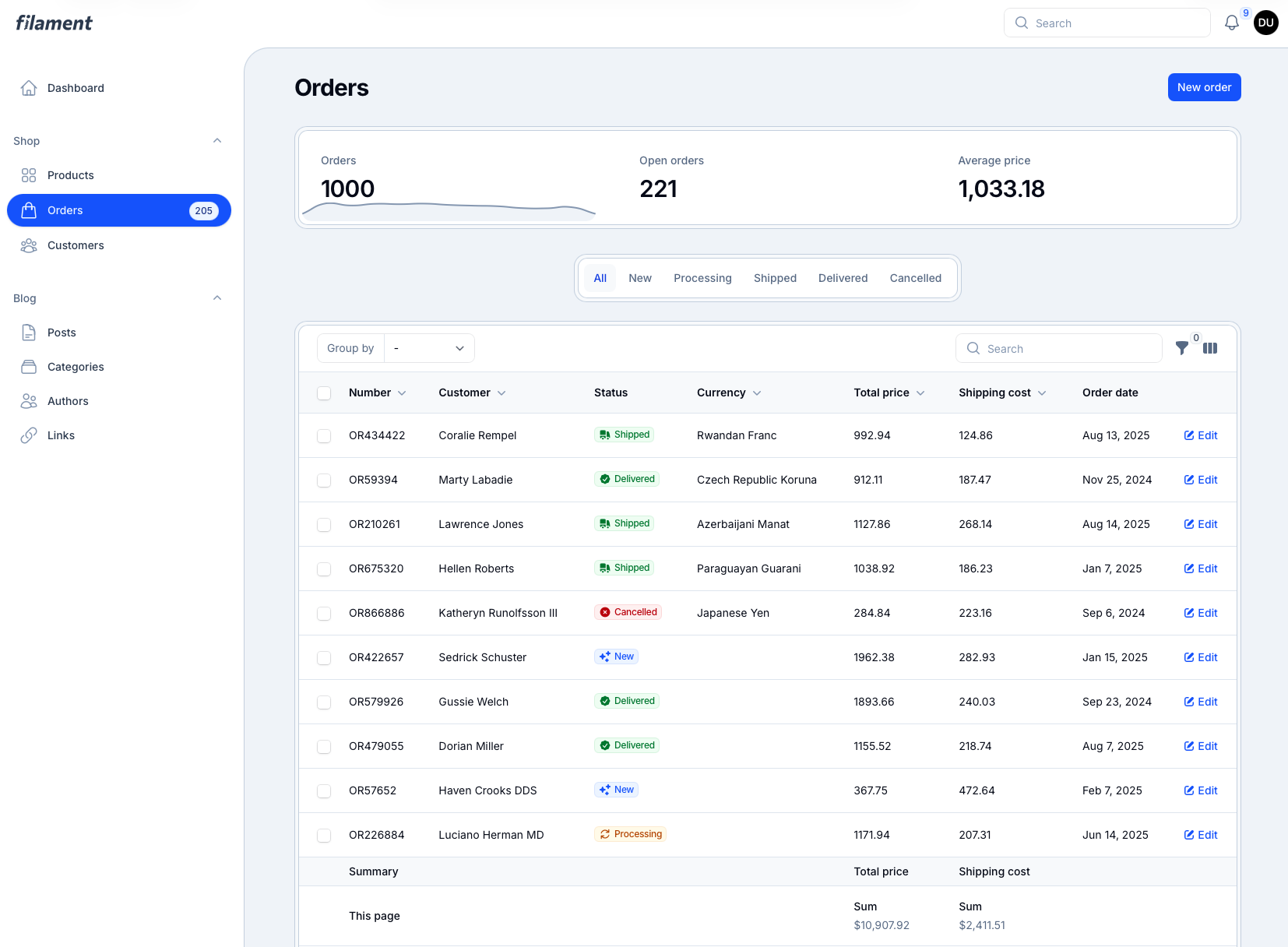
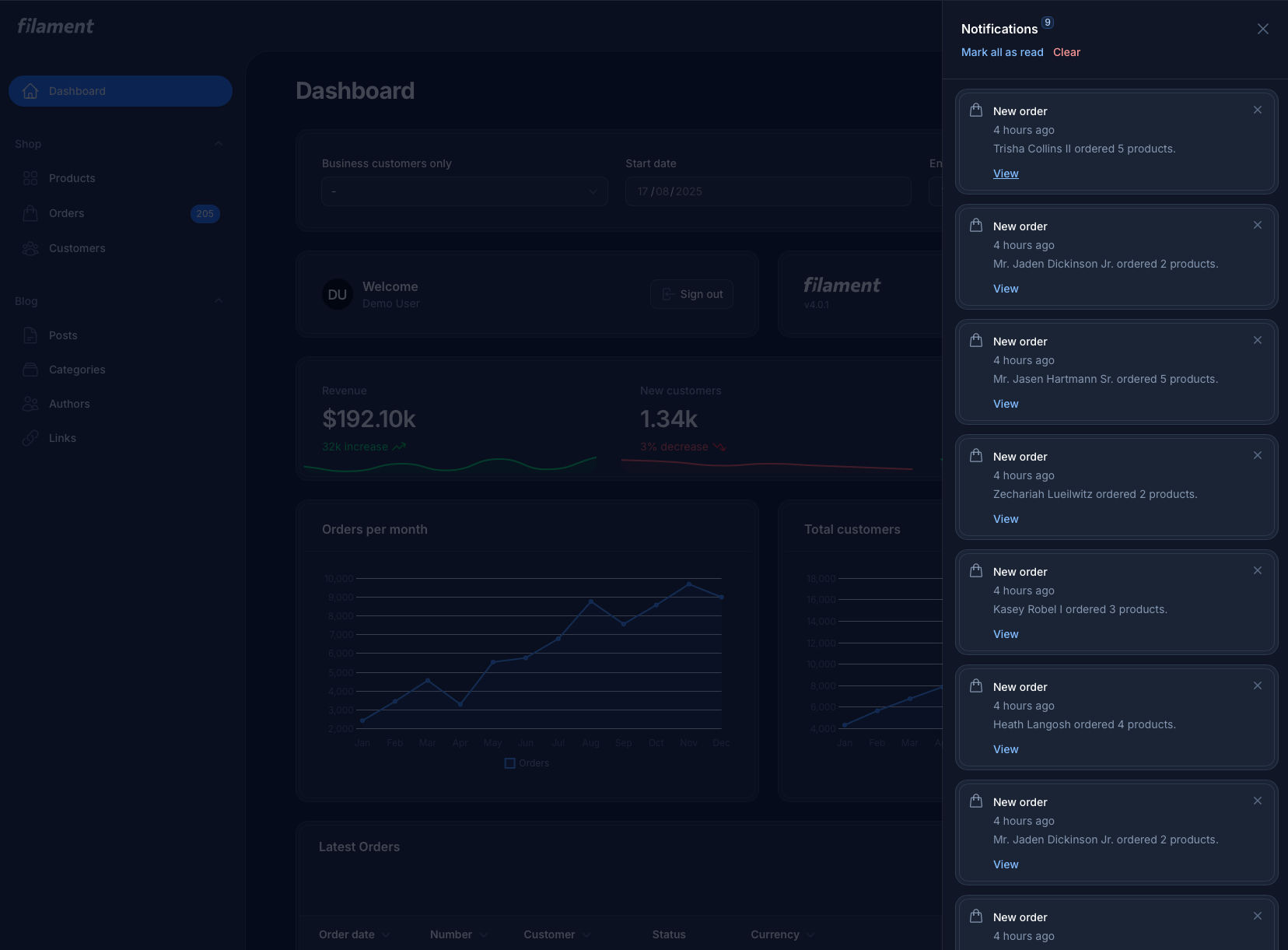
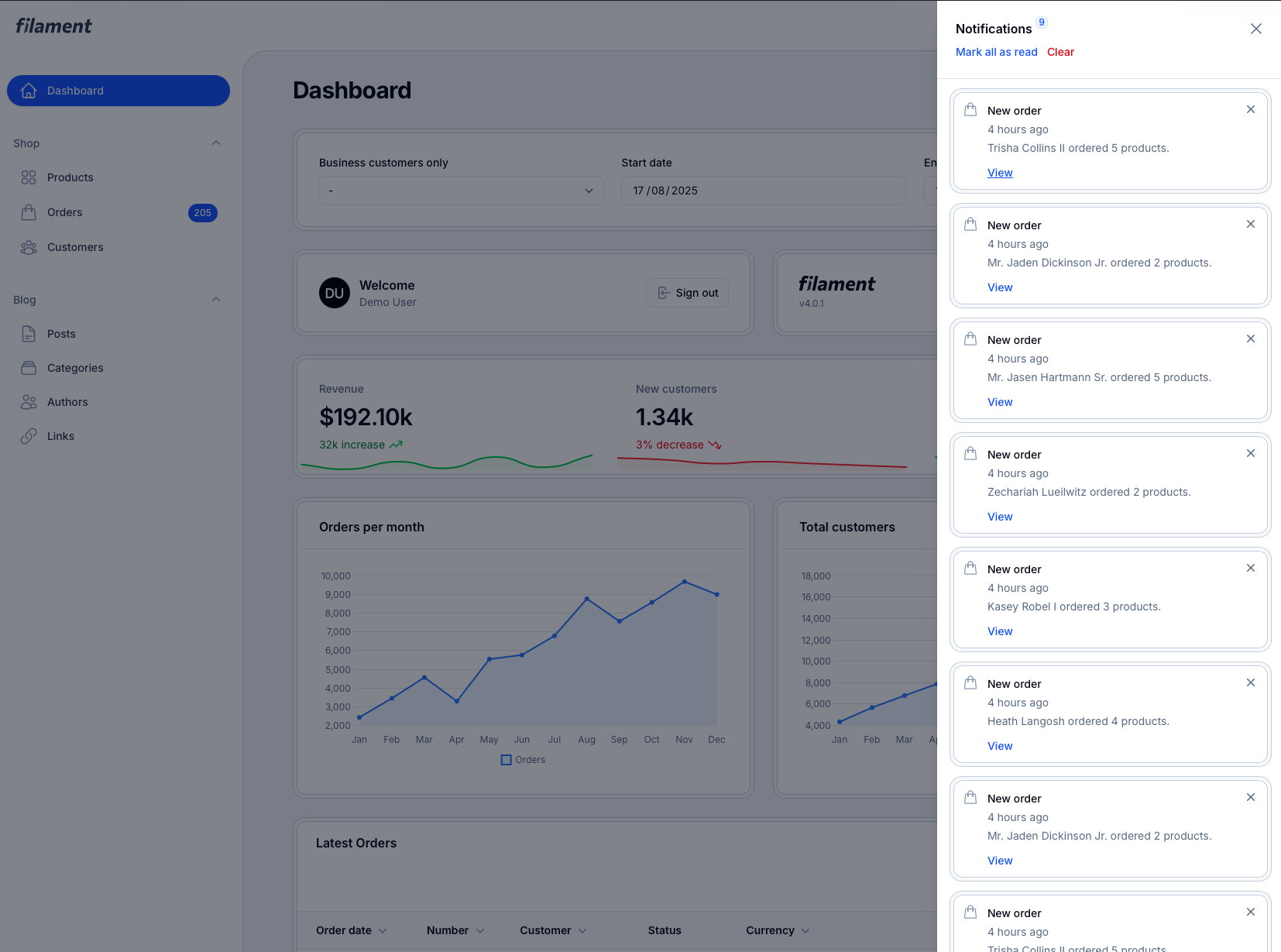
Seven Theme - A Sleek FilamentPHP Theme
A modern, responsive, and customizable theme for FilamentPHP, designed to elevate your admin panel with a sleek interface and seamless user experience. Perfect for developers who want a professional look with minimal setup.
✨ Features
- Dark/Light Mode – Toggle between elegant color schemes
- FilamentPHP v4 Ready – Fully compatible with the latest version
- Fully Responsive – Works flawlessly on all devices
- Tailwind CSS/Sass – Easy to customize and extend
- Plug & Play – Install and activate in minutes
Installation
1. Install via Composer
2. Add CSS to Vite
In your vite.config.js, include the theme's CSS:
Then rebuild assets:
3. Register the Plugin
In your panel provider:
🎨 Customizing the Primary Color
The FilamentSevenTheme plugin allows you to set a custom primary color for your Filament panel.
Using Filament’s Built-in Color Palettes
Filament provides predefined color palettes with proper shades (e.g. 500, 600, 700), which are recommended for consistent UI.
Using a Custom Hex Color
You can also pass a single hex value if you don’t want to use a palette:
Screenshots
|
|
|
|
|
|
|
|
License
The MIT License (MIT). Please see License File for more information.
All versions of filament-seven-theme with dependencies

filament/filament Version ^4.0
spatie/laravel-package-tools Version ^1.15.0