Download the PHP package andreia/filament-ui-switcher without Composer
On this page you can find all versions of the php package andreia/filament-ui-switcher. It is possible to download/install these versions without Composer. Possible dependencies are resolved automatically.
Download andreia/filament-ui-switcher
More information about andreia/filament-ui-switcher
Files in andreia/filament-ui-switcher
Package filament-ui-switcher
Short Description Add a modal with options to switch between different UI layouts and styles (colors, fonts, font sizes).
License MIT
Homepage https://github.com/andreia/filament-ui-switcher
FAQ
Example:

In general, it is recommended to use always a project to download your libraries. In an application normally there is more than one library needed.

- Some hosting areas are not accessible by a terminal or SSH. Then it is not possible to use Composer.
- To use Composer is sometimes complicated. Especially for beginners.
- Composer needs much resources. Sometimes they are not available on a simple webspace.
- If you are using private repositories you don't need to share your credentials. You can set up everything on our site and then you provide a simple download link to your team member.
- Simplify your Composer build process. Use our own command line tool to download the vendor folder as binary. This makes your build process faster and you don't need to expose your credentials for private repositories.
Informations about the package filament-ui-switcher
Filament UI Switcher Plugin


Switch between the available Filament layouts with a customizable UI settings slideover modal accessible from a ⚙️ icon in the topbar.
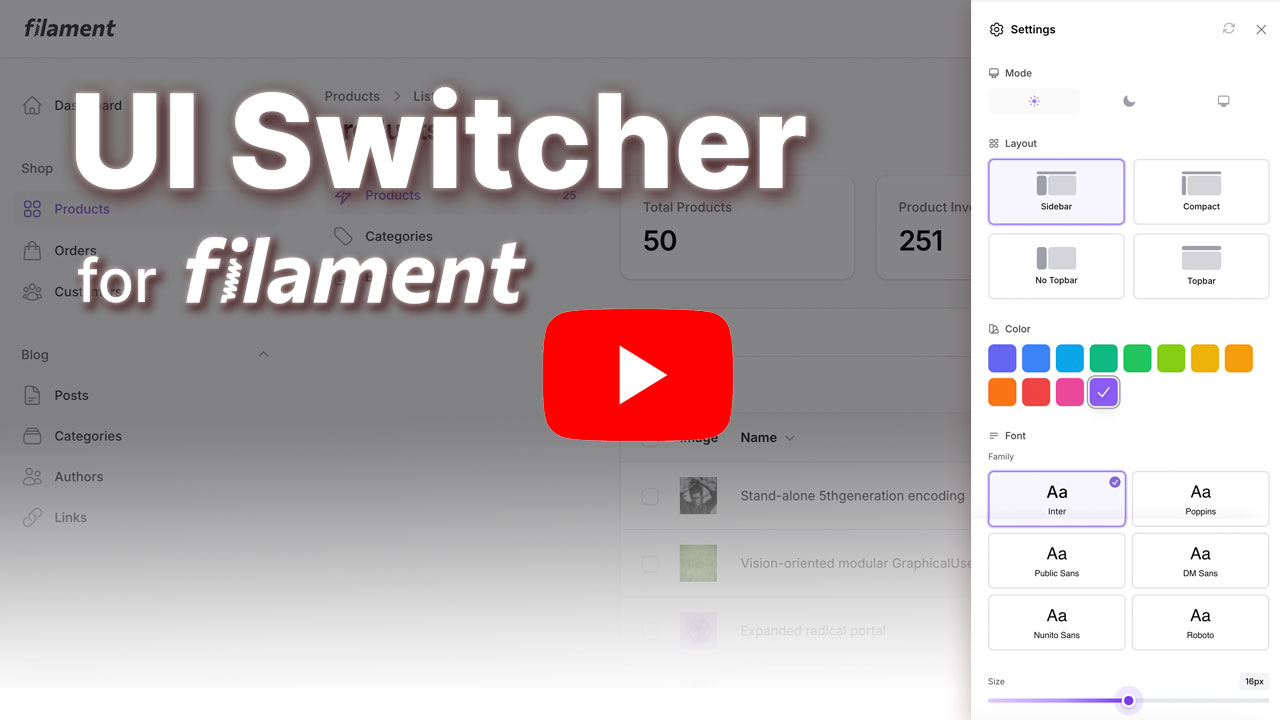
Features
Customization Options:
- Primary Color - Choose from the predefined colors or add your custom colors
- Font Family - Select from 6 popular Google Fonts (Inter, Poppins, Roboto, DM Sans, Nunito Sans, Public Sans)
- Font Size - Adjust base font size (12-20px)
- Layout - Switch between Sidebar, Compact Sidebar, and Topbar navigation
- Mode (optional) - Display Filament's mode switcher (dark, light, and system)
- Reset All - Quickly reset all customizations to default values with a single click
Storage Options:
- Session Storage (default) - Preferences stored in user session
- Database Storage - Persist preferences per user in database
Requirements
- PHP 8.2 or higher
- Laravel 11.x or 12.x
- Filament 4.1+ or 5.x
- Livewire 3.x or 4.x
Note: While the plugin technically works with Filament 4.0, the "No Topbar" layout option requires Filament 4.1+. Other layout options work on all Filament 4.x versions.
Installation
1. Install via Composer
The package will auto-register via Laravel's package discovery.
2. Publish Assets
This package uses Filament's asset management system. After installing, you need to publish the assets:
This will publish the CSS assets to public/css/andreia/filament-ui-switcher/ where they will be automatically loaded by Filament and cached by your browser for better performance.
Note: If you update the package, run
php artisan filament:assetsagain to get the latest assets.
3. Publish Config
You can customize the colors, fonts, and more with the config file:
This will create a config/ui-switcher.php file where you can customize:
Default Preferences:
Available Fonts: Add or remove Google Fonts from the font picker:
Custom Colors: Customize the color palette shown in the color picker:
Custom UI icon: Customize the UI icon modal trigger:
Font Size Range: Set the min and max values for the font size slider:
Available Layouts: Control which layout options are available to users:
3. Publish View (Optional)
If you want to customize the view:
4. Register the Plugin
Add the plugin to your Filament Panel Provider (e.g., app/Providers/Filament/AdminPanelProvider.php):
Customize Icon Position
By default, the settings icon appears before the user menu (USER_MENU_BEFORE) on topbar. You can customize where the icon appears using any Filament render hook:
Available render hooks for the icon:
PanelsRenderHook::USER_MENU_BEFORE(default) - Before the user menuPanelsRenderHook::USER_MENU_AFTER- After the user menuPanelsRenderHook::TOPBAR_START- Start of topbarPanelsRenderHook::TOPBAR_END- End of topbarPanelsRenderHook::GLOBAL_SEARCH_BEFORE- Before global searchPanelsRenderHook::GLOBAL_SEARCH_AFTER- After global search- Or any custom render hook you've defined
Enable Mode Switcher (Optional)
By default, the mode switcher is hidden. If you want to include Filament's native mode switcher (to switch between light, dark, and system) in the settings modal, enable it using the ->withModeSwitcher() method:
5. Add the UI switcher path in your theme file
Filament recommends developers create a custom theme to better support plugin's additional TailwindCSS classes. After you have created your custom theme, add the UI swicher vendor directory to your theme's theme.css file usually located in resources/css/filament/admin/theme.css:
and execute:
That's it! A ⚙️ settings icon will now appear in your topbar.
Appearance
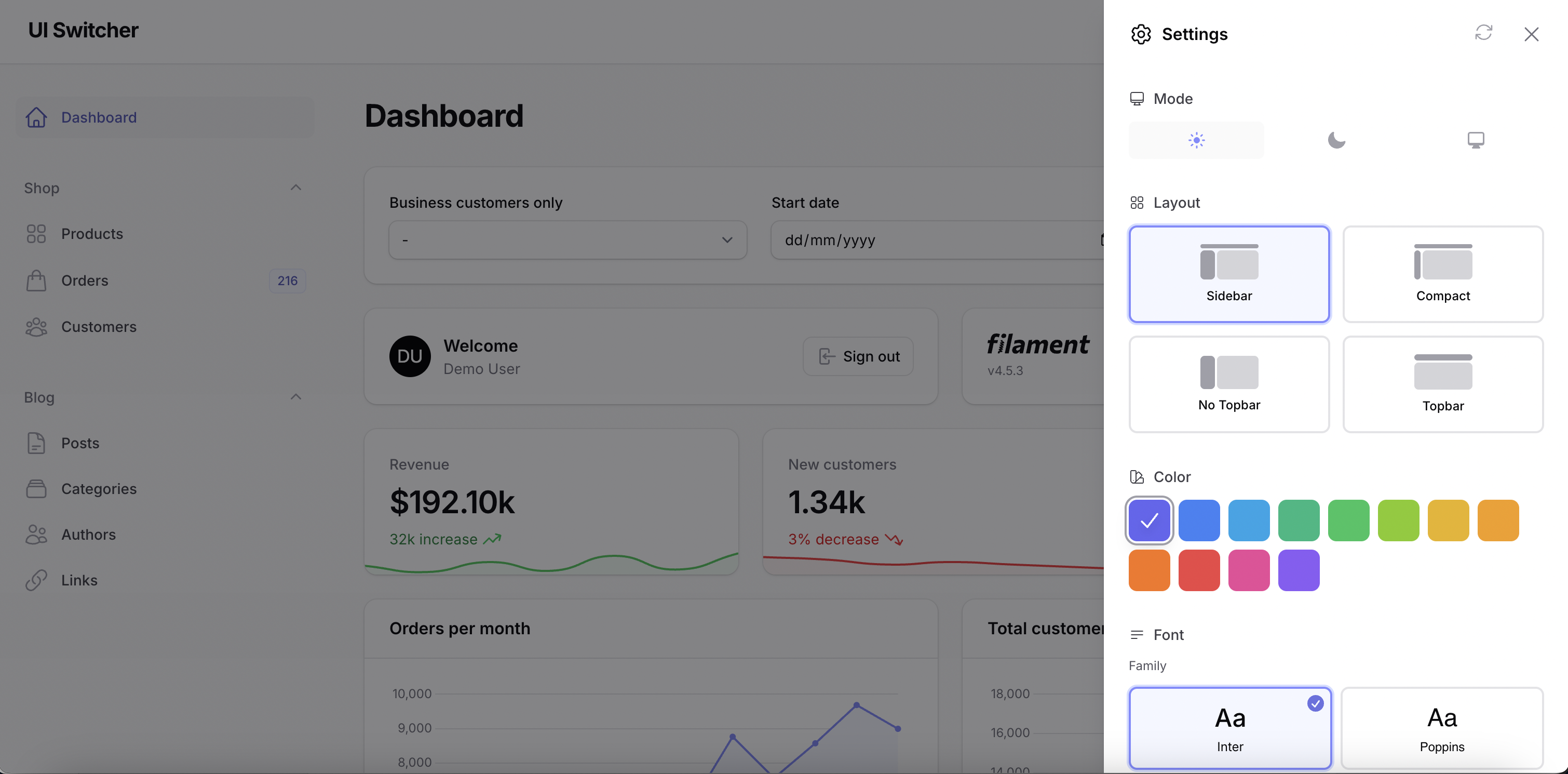
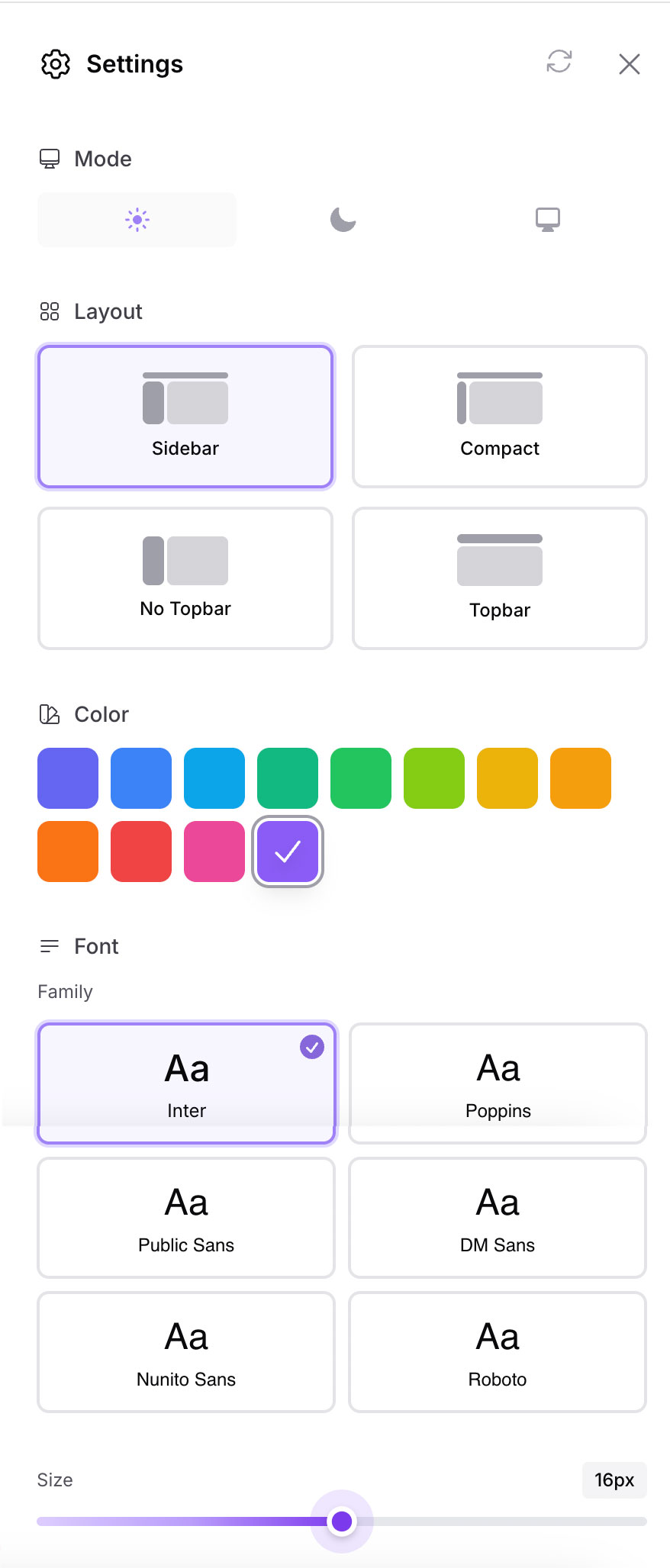
Usage
Resetting Preferences
The settings modal includes a reset button in the header that allows users to quickly restore all customizations to their default values. When clicked, it will reset:
- Primary color
- Font family
- Font size
- Layout
- Mode (dark/light/system)
All preferences will be restored to the values defined in your config/ui-switcher.php file under the defaults key.
Configuration
The config file (config/ui-switcher.php) allows you to choose storage driver:
Database Storage (Optional)
If you want to persist preferences per user across sessions and devices:
Step 1: Publish and Run Migration
This adds a ui_preferences JSON column to your users table.
Step 2: Add HasUiPreferences Trait to User Model
Update your User model adding the HasUiPreferences trait and a 'ui_preferences' => 'array' cast, like so:
Step 3: Update Config
Set the driver to database in config/ui-switcher.php:
Now preferences are saved per-user and persist across logins!
Programmatic Access
You can also access and modify preferences programmatically:
If using database storage with the HasUiPreferences trait:
Testing
Changelog
Please see CHANGELOG for more information on what has changed recently.
Contributing
Contributions are welcome! Please feel free to submit a Pull Request.
Security
If you discover any security related issues, please email [email protected] instead of using the issue tracker.
Credits
- Andréia Bohner
- All Contributors
License
The MIT License (MIT). Please see License File for more information.
Made with ❤️ for the Filament community
All versions of filament-ui-switcher with dependencies

filament/filament Version ^5.0|^4.1
illuminate/contracts Version ^13.0|^12.0|^11.0
livewire/livewire Version ^4.0|^3.0
spatie/laravel-package-tools Version ^1.92