Download the PHP package ahmedde/filament-extended-date without Composer
On this page you can find all versions of the php package ahmedde/filament-extended-date. It is possible to download/install these versions without Composer. Possible dependencies are resolved automatically.
Download ahmedde/filament-extended-date
More information about ahmedde/filament-extended-date
Files in ahmedde/filament-extended-date
Package filament-extended-date
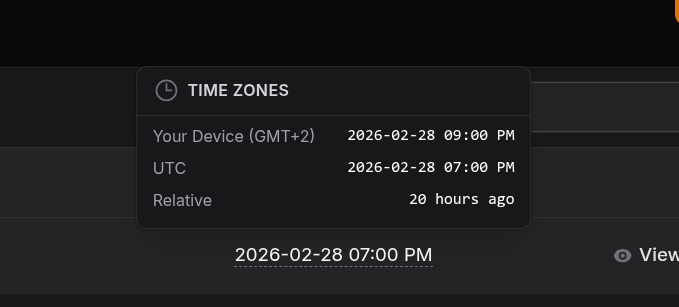
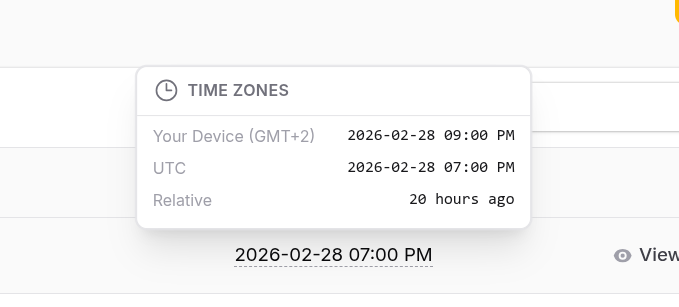
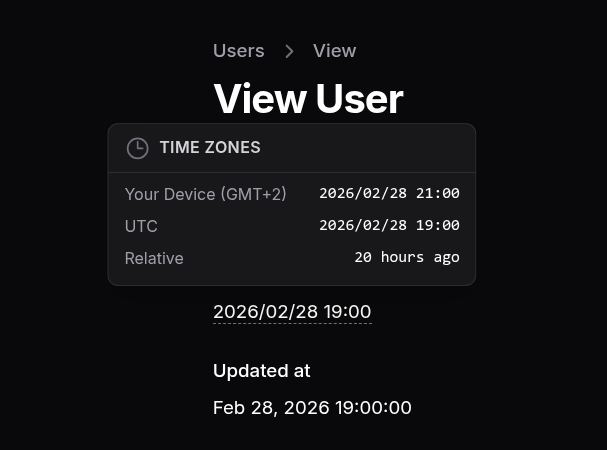
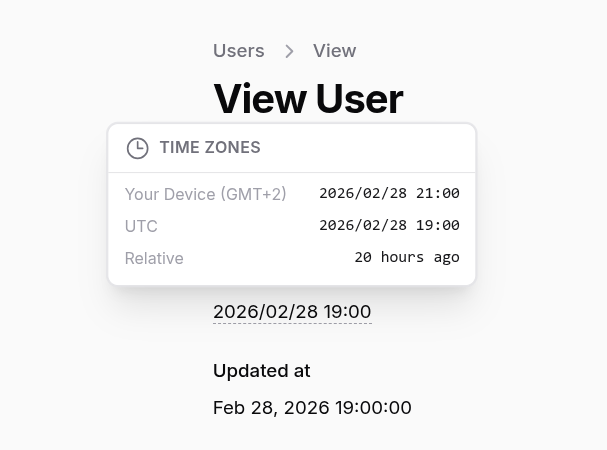
Short Description Extend your date fields to reveal the date in other time zones on hover as well as relative time.
License MIT
Homepage https://github.com/ahmedde/filament-extended-date
FAQ
Example:

In general, it is recommended to use always a project to download your libraries. In an application normally there is more than one library needed.

- Some hosting areas are not accessible by a terminal or SSH. Then it is not possible to use Composer.
- To use Composer is sometimes complicated. Especially for beginners.
- Composer needs much resources. Sometimes they are not available on a simple webspace.
- If you are using private repositories you don't need to share your credentials. You can set up everything on our site and then you provide a simple download link to your team member.
- Simplify your Composer build process. Use our own command line tool to download the vendor folder as binary. This makes your build process faster and you don't need to expose your credentials for private repositories.
Informations about the package filament-extended-date
Filament Extended Date




Extend your date fields to reveal the date in other time zones and relative time.
Installation
You can install the package via composer:
You can publish the config file with:
This is the contents of the published config/filament-extended-date.php config file:
Optionally, you can publish the views using
Add this line to your filament theme to publish the CSS assets (typically in
resources/css/filament/{THEME_NAME}/theme.css):
if you don't have a custom theme, please create one. See Filament Theme Docs for more information.
Finally, Publish the filament assets:
Usage
InfoLists
Tables
Using Custom Timezones and Formats
By default, the package will use the timezones and format specified in the config file. However, you can override this
on a
per-field basis by passing an array of timezones to the timezones() method, and the preferred format to dateFormat()
method. This will override the default values
specified in the config file for that specific field.
The
dateFormat()method accepts any valid Day.js format string. For more information on the supported formats, see https://day.js.org/docs/en/display/format
Screenshots
Tables
InfoLists
Development
This plugin compiles the needed JS assets and registers the bundle in the FilamentExtendedDateServiceProvider. If you
want to make
changes to the JS code, you need to rebuild the bin/build.js file using node.
See Registering Javascript Files for
more information.
Testing
Changelog
Please see CHANGELOG for more information on what has changed recently.
Credits
License
The MIT License (MIT). Please see License File for more information.
All versions of filament-extended-date with dependencies

filament/filament Version ^4.0 || ^5.0
spatie/laravel-package-tools Version ^1.16