Download the PHP package ysh/webman-yflow without Composer
On this page you can find all versions of the php package ysh/webman-yflow. It is possible to download/install these versions without Composer. Possible dependencies are resolved automatically.
FAQ
Example:

In general, it is recommended to use always a project to download your libraries. In an application normally there is more than one library needed.

- Some hosting areas are not accessible by a terminal or SSH. Then it is not possible to use Composer.
- To use Composer is sometimes complicated. Especially for beginners.
- Composer needs much resources. Sometimes they are not available on a simple webspace.
- If you are using private repositories you don't need to share your credentials. You can set up everything on our site and then you provide a simple download link to your team member.
- Simplify your Composer build process. Use our own command line tool to download the vendor folder as binary. This makes your build process faster and you don't need to expose your credentials for private repositories.
Informations about the package webman-yflow
PHP开源工作流引擎yflow的webman插件
安装使用
要求 php>=8.1
1.确保已经安装了webman
webman安装地址:
https://www.workerman.net/doc/webman/install.html
1.1默认使用交互式安装向导(二选一,windows下不能使用默认的cmd,选择不了,建议使用git bash)
1.2禁用交互式安装向导(二选一,windows下推荐使用)
2.安装工作流引擎(可以省略)
因为webman-yflow内部已经依赖了 yflow 引擎
3.安装webman-admin插件
重启webman,参考 https://www.workerman.net/doc/webman/install.html#2.%20%E8%BF%90%E8%A1%8C
访问 http://127.0.0.1:8787/app/admin/ 完成数据库相关配置
无法在composer.josn中依赖webman-admin插件,因为webman-yflow插件安装时,需要写菜单到数据库中,所以,必须保证webman-admin插件安装成功
4.安装webman-yflow插件
5.修改config\database.php下的数据库配置
以下为示例,请根据实际情况修改
6.执行插件菜单安装
重新访问: http://127.0.0.1:8787/app/admin
导入预制流程定义json文件
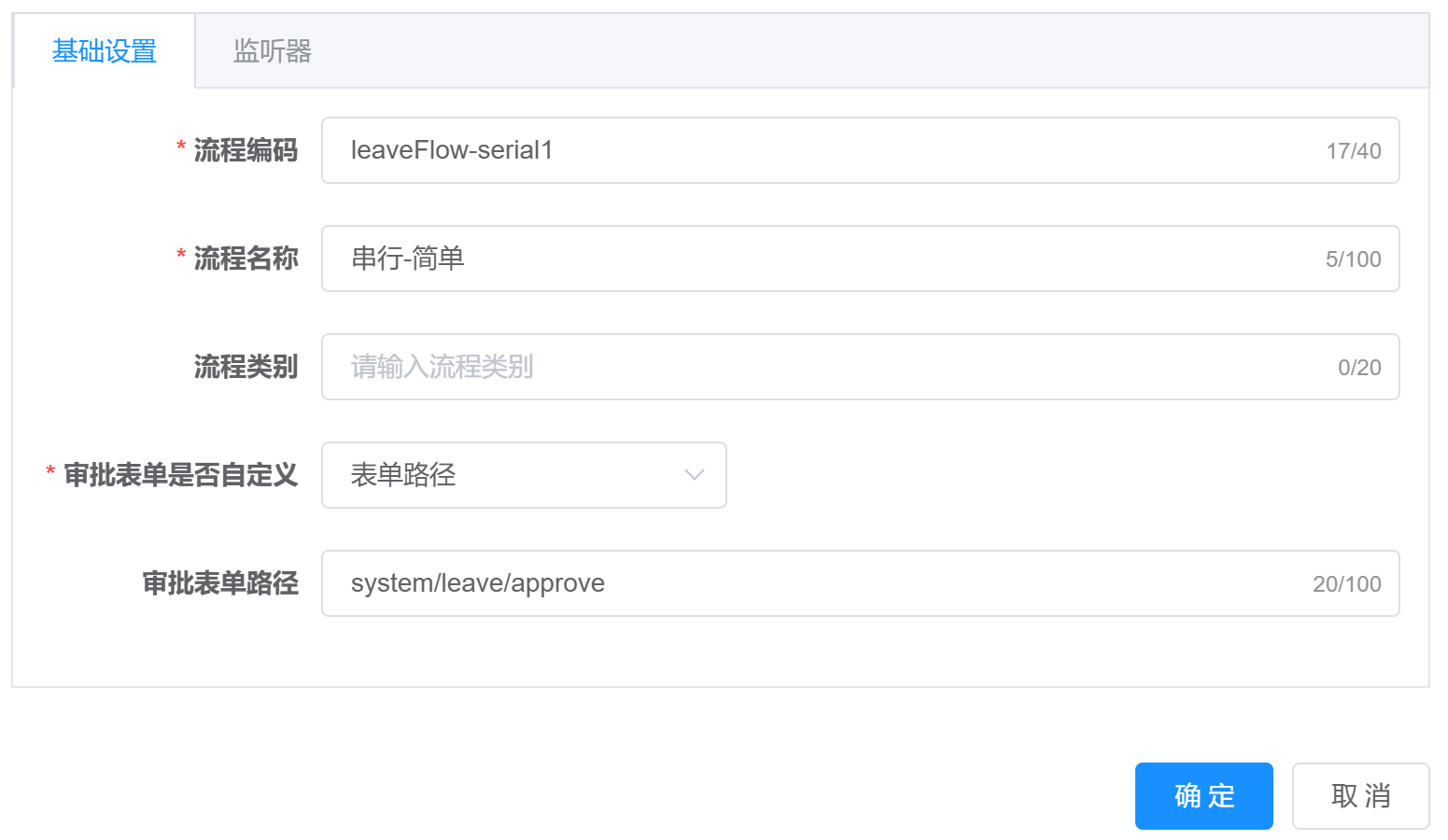
内置了一个简单的串行的流程定义json文件,位于 插件目录下/测试流程json/leaveFlow-serial1.json,可以在流程定左上角导入.
卸载插件
1.先卸载菜单
可能会卸载失败,直接删除数据库中的flow_开头的表及test_leave表即可.
2.再卸载插件
yflow 引擎开源地址:
https://github.com/Mr-ShiHuaYu/yflow
非常感谢 java版本的 warm-flow 项目,为 本项目带来的灵感.
java warm-flow 项目地址: https://gitee.com/dromara/warm-flow
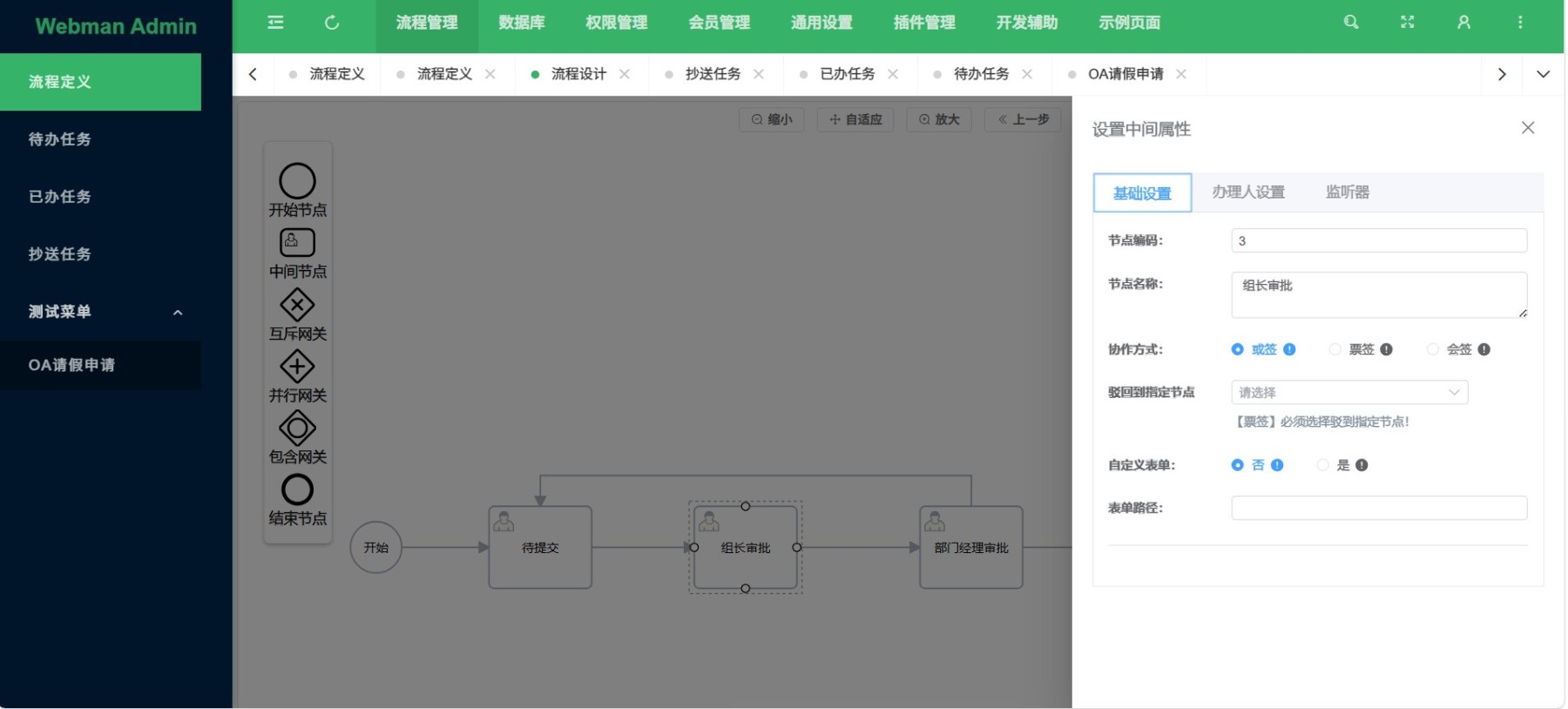
引擎概览