Download the PHP package tomatophp/filament-translations-gpt without Composer
On this page you can find all versions of the php package tomatophp/filament-translations-gpt. It is possible to download/install these versions without Composer. Possible dependencies are resolved automatically.
Download tomatophp/filament-translations-gpt
More information about tomatophp/filament-translations-gpt
Files in tomatophp/filament-translations-gpt
Package filament-translations-gpt
Short Description Translations Manager extension to use ChatGPT openAI to auto translate your __(), trans() fn
License MIT
FAQ
Example:

In general, it is recommended to use always a project to download your libraries. In an application normally there is more than one library needed.

- Some hosting areas are not accessible by a terminal or SSH. Then it is not possible to use Composer.
- To use Composer is sometimes complicated. Especially for beginners.
- Composer needs much resources. Sometimes they are not available on a simple webspace.
- If you are using private repositories you don't need to share your credentials. You can set up everything on our site and then you provide a simple download link to your team member.
- Simplify your Composer build process. Use our own command line tool to download the vendor folder as binary. This makes your build process faster and you don't need to expose your credentials for private repositories.
Informations about the package filament-translations-gpt
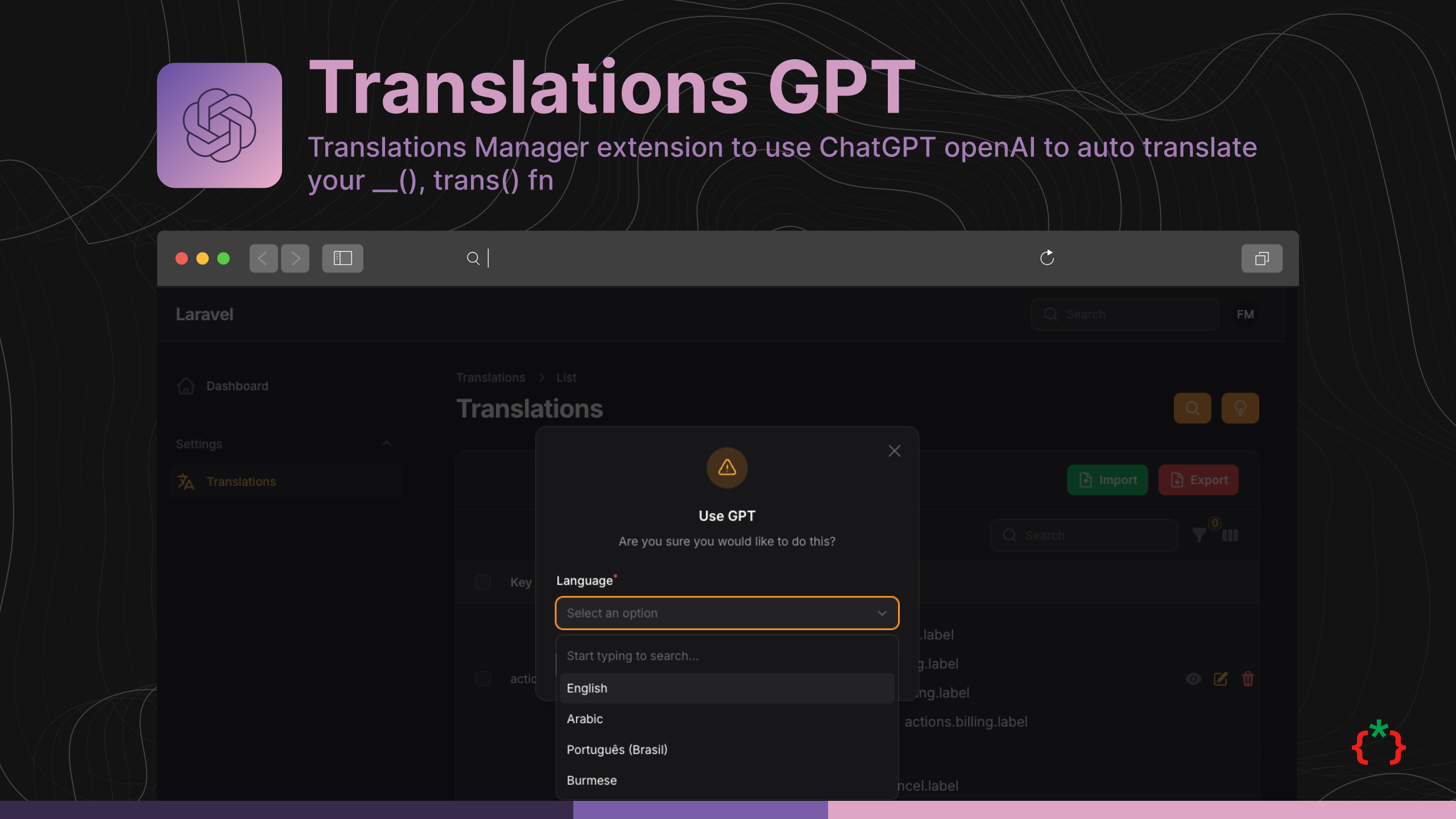
Filament Translations GPT


Translations Manager extension to use ChatGPT openAI to auto translate your __(), trans() fn
Version Compatibility
| Plugin | Filament | Laravel | PHP |
|---|---|---|---|
| 1.x | 3.x | 10.x / 11.x | 8.1+ |
4.x (v4 branch) |
4.x | 11.x / 12.x | 8.2+ |
| 5.x | 5.x | 12.x / 13.x | 8.2+ |
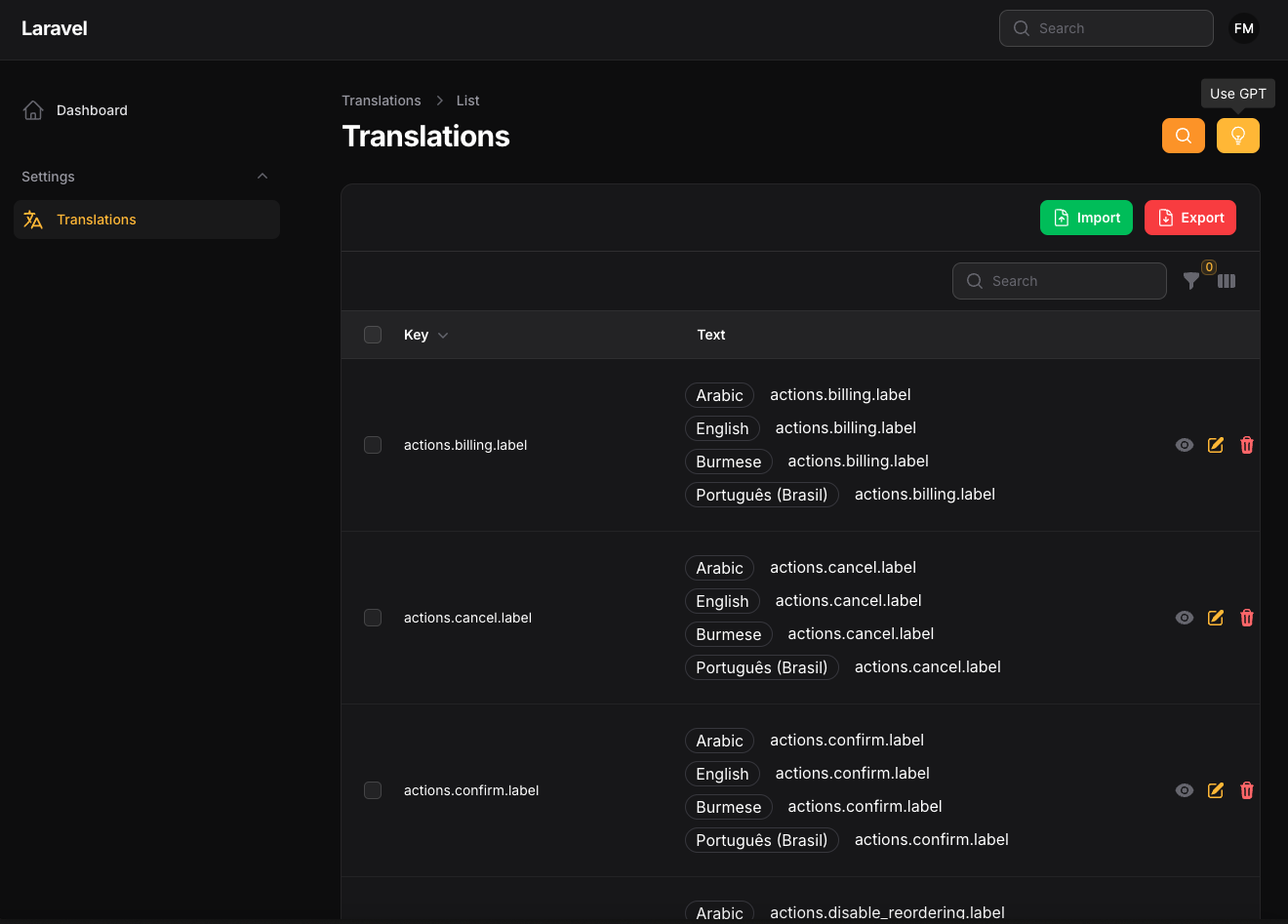
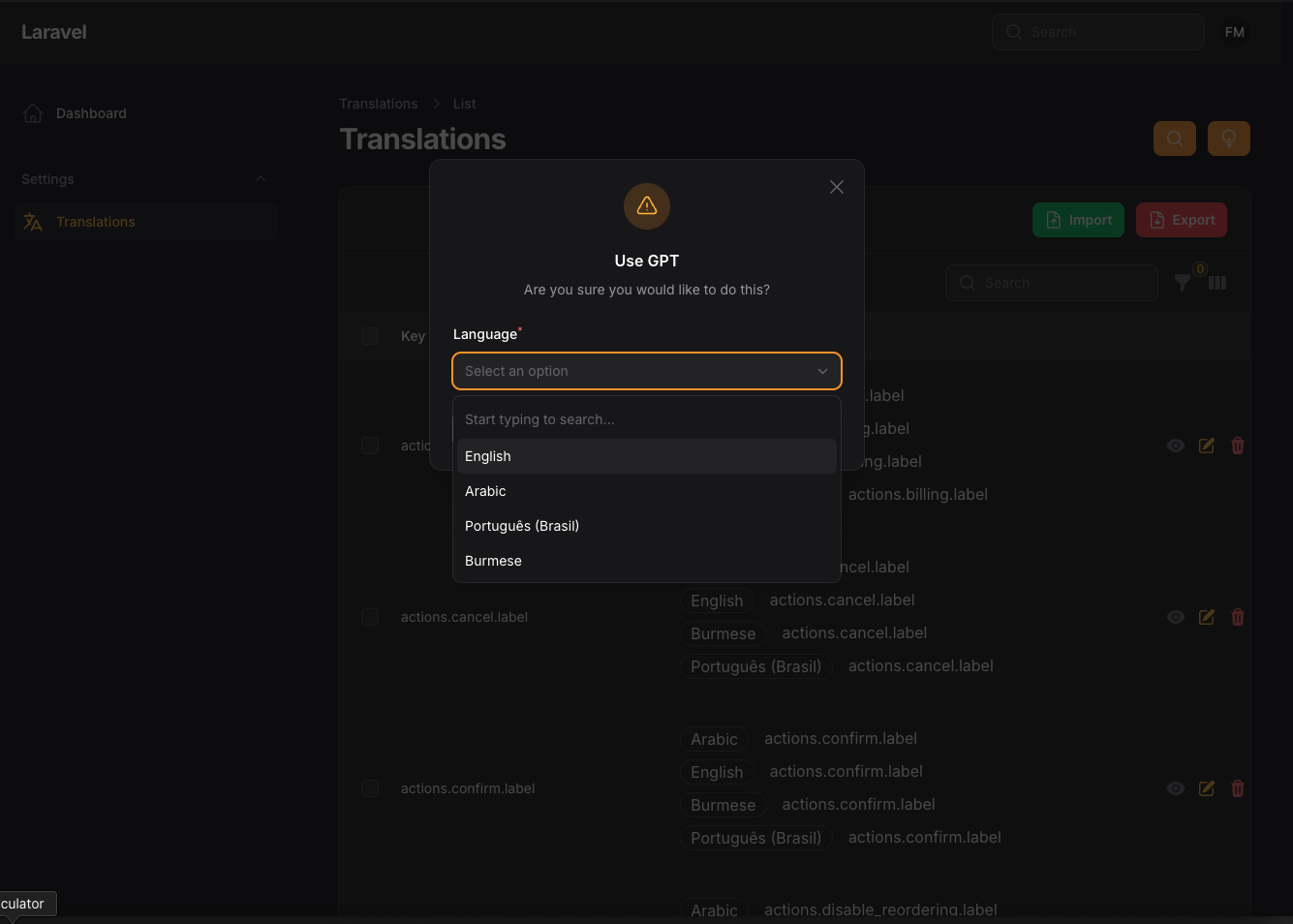
Screenshots
Installation
before install this package you need to have Translation Manager installed and configured
after install your package please run this command
finally register the plugin on /app/Providers/Filament/AdminPanelProvider.php
Usage
now you need to add the following to your .env file:
Any OpenAI compatible chat completions API works, for example Groq:
now you need to clear you cache
Click the GPT button on the translations page and pick a language. A queued job sends the English text of your translations to the API in chunks
(chunk_size in the config, 50 by default), saves the answers and notifies you when it is done. Run a queue worker (php artisan queue:work) for the job to run.
Words prefixed with : are kept as placeholders.
Without OPENAI_API_KEY nothing is sent: the job only notifies you that the key is missing. If the API answers with an error, you are notified and the job fails.
The action follows the translation policy of the Translation Manager: it needs the create ability.
Publish Assets
you can publish config file by use this command
you can publish languages file by use this command
Testing
if you like to run PEST testing just use this command
Code Style
if you like to fix the code style just use this command
PHPStan
if you like to check the code by PHPStan just use this command
Other Filament Packages
Checkout our Awesome TomatoPHP
All versions of filament-translations-gpt with dependencies

tomatophp/console-helpers Version ^1.1
filament/filament Version ^5.0
tomatophp/filament-translations Version ^5.0