Download the PHP package tinyboxio/egentify-for-woocommerce without Composer
On this page you can find all versions of the php package tinyboxio/egentify-for-woocommerce. It is possible to download/install these versions without Composer. Possible dependencies are resolved automatically.
Download tinyboxio/egentify-for-woocommerce
More information about tinyboxio/egentify-for-woocommerce
Files in tinyboxio/egentify-for-woocommerce
Package egentify-for-woocommerce
Short Description AI Chatbot & Helpdesk Agent for WooCommerce. Connects your store to Egentify for AI-powered chat, order tracking, email, and ticketing.
License GPL-2.0-or-later
Homepage https://wordpress.org/plugins/egentify-for-woocommerce/
FAQ
Example:

In general, it is recommended to use always a project to download your libraries. In an application normally there is more than one library needed.

- Some hosting areas are not accessible by a terminal or SSH. Then it is not possible to use Composer.
- To use Composer is sometimes complicated. Especially for beginners.
- Composer needs much resources. Sometimes they are not available on a simple webspace.
- If you are using private repositories you don't need to share your credentials. You can set up everything on our site and then you provide a simple download link to your team member.
- Simplify your Composer build process. Use our own command line tool to download the vendor folder as binary. This makes your build process faster and you don't need to expose your credentials for private repositories.
Informations about the package egentify-for-woocommerce
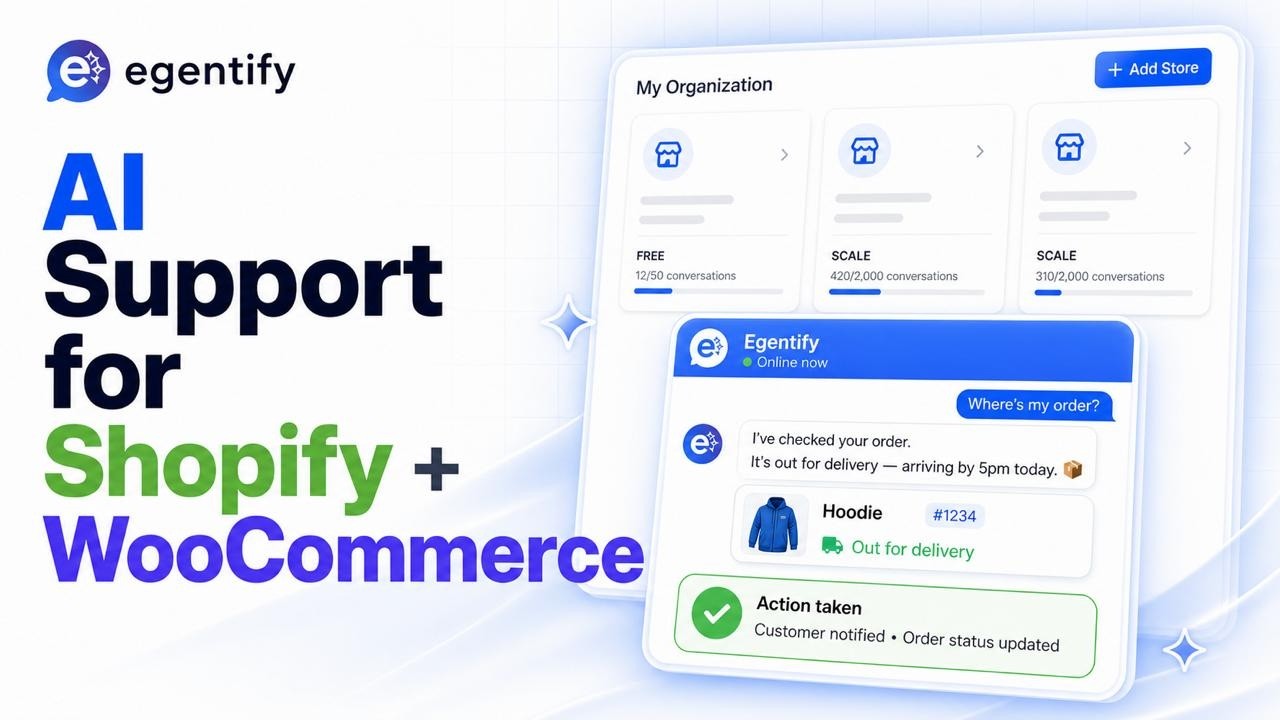
Egentify for WooCommerce
AI-powered customer support widget for WooCommerce. Connects your store to Egentify for chat, voice, and ticketing.
📦 Available on WordPress.org: AI Chatbot & Helpdesk Agent for WooCommerce
Install
The easiest way is to install directly from the WordPress.org plugin directory. To install the GitHub build manually:
- Download
egentify-for-woocommerce.zipfrom the latest release. - In WordPress admin, go to Plugins → Add New → Upload Plugin.
- Upload the zip, install, and activate.
- A new Egentify menu item appears in the WordPress sidebar.
Connect to Egentify
- Open Egentify in the WP admin.
- Click Connect to Egentify.
- Authorize the connection in the popup. The plugin generates WooCommerce API keys automatically and stores the signing secret.
- Once connected, the widget is live on your storefront.
That's it for most stores.
Configure the widget
Open Egentify in WP admin to customize:
- Widget appearance: primary color, launcher position (bottom-right / bottom-left), side and bottom offsets, chat window corner radius
- Welcome message: shown the first time a customer opens the chat. Use
{{agent_name}}to insert the assistant's name. - Starter buttons: quick-reply buttons shown on first open. Up to 4 buttons, 40 characters each.
- Auto-inject: render the widget in
wp_footerautomatically (on by default). Disable if you want to use the[egentify_chat_widget]shortcode instead.
Settings save to WordPress and apply on the next page load. Hard refresh to see changes immediately.
Manual shortcode
If you'd rather place the widget yourself instead of auto-inject, drop this into any page or theme template:
REST endpoints
The plugin exposes endpoints that the hosted Egentify backend calls when processing customer messages. You don't need to interact with these directly — they're documented here for reference.
Widget session
Issues a short-lived signed token for the current logged-in customer (or guest if logged out). Used by the widget to authenticate against the Egentify backend.
Product search
WooCommerce-aware product search. Outranks the default WP/Woo search on:
- SKU + title exact/prefix matches
- Category, tag, attribute term matches
- Normalized compound tokens (
delta-8,usb-c,2 oz) - Singular/plural variants (
pen/pens,gummy/gummies) - In-stock, on-sale, featured, popular boosts
Optional params: limit (default 8, max 20), category, in_stock=1, on_sale=1, min_price, max_price, debug=1.
Content search
Searches WordPress pages and posts (for FAQ / policy lookups). Same normalization as product search.
Optional params: limit (default 8, max 20), type (page / post), debug=1.
Advanced: manual configuration
The Connect flow handles most setups. If you self-host the Egentify backend or need to configure manually:
- Open Egentify in WP admin.
- Expand Advanced: Manual Configuration.
- Enter your Project ID and Signing Secret.
- Save.
The signing secret must match the value on your Egentify project. The plugin doesn't display the saved secret — leaving the field blank keeps the existing value.
Advanced: signing secret via constant
To avoid storing the signing secret in the database, define it in wp-config.php:
If the constant is set, the plugin uses it and ignores any value in the database.
Advanced: alternative Egentify host
For staging or self-hosted Egentify deployments, override the base URL with a filter:
Requirements
- WordPress 6.4+
- WooCommerce 8.0+
- PHP 7.4+
License
GPL-2.0-or-later
