Download the PHP package sschreier/sschreiercustomizingdisplaypromotionsincheckout without Composer
On this page you can find all versions of the php package sschreier/sschreiercustomizingdisplaypromotionsincheckout. It is possible to download/install these versions without Composer. Possible dependencies are resolved automatically.
Download sschreier/sschreiercustomizingdisplaypromotionsincheckout
More information about sschreier/sschreiercustomizingdisplaypromotionsincheckout
Files in sschreier/sschreiercustomizingdisplaypromotionsincheckout
Package sschreiercustomizingdisplaypromotionsincheckout
Short Description customizing the display of promotions in the checkout
License GPL-3.0-or-later
FAQ
Example:

In general, it is recommended to use always a project to download your libraries. In an application normally there is more than one library needed.

- Some hosting areas are not accessible by a terminal or SSH. Then it is not possible to use Composer.
- To use Composer is sometimes complicated. Especially for beginners.
- Composer needs much resources. Sometimes they are not available on a simple webspace.
- If you are using private repositories you don't need to share your credentials. You can set up everything on our site and then you provide a simple download link to your team member.
- Simplify your Composer build process. Use our own command line tool to download the vendor folder as binary. This makes your build process faster and you don't need to expose your credentials for private repositories.
Informations about the package sschreiercustomizingdisplaypromotionsincheckout
An extension to customize the display of promotions in the checkout for Shopware 6
With the extension, the display of promotions in the checkout can be customized.
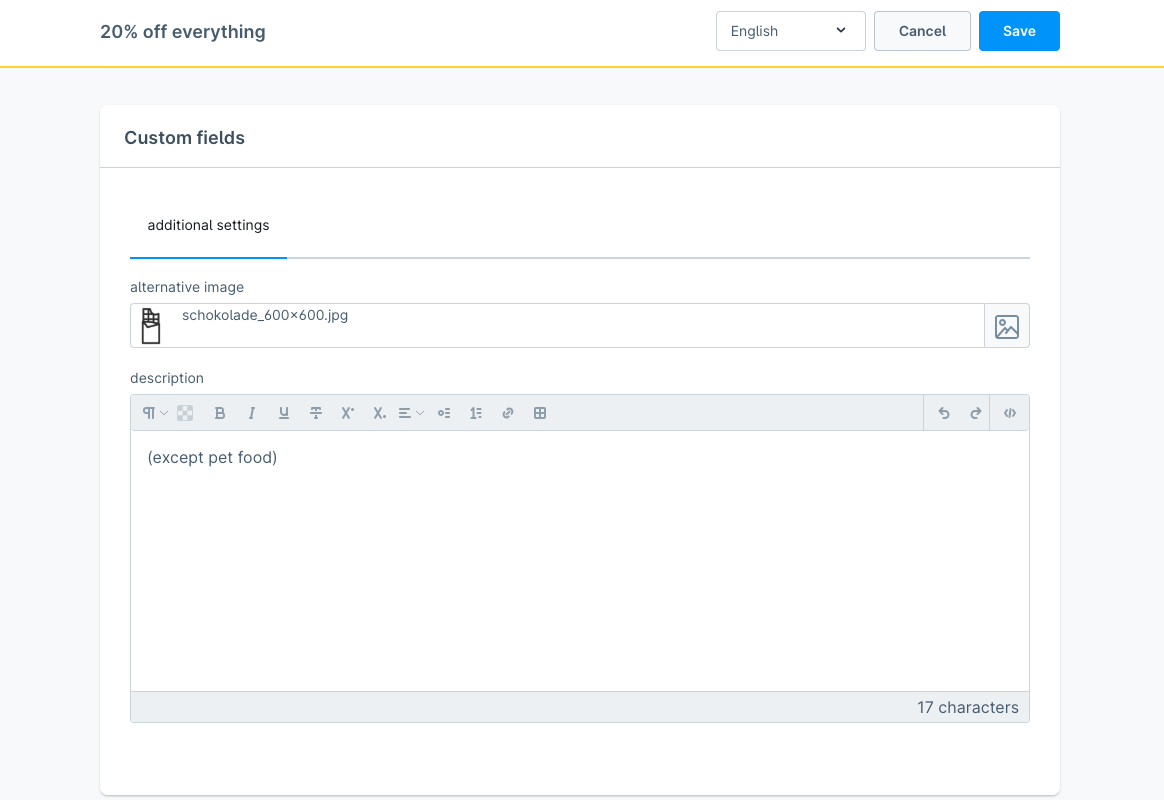
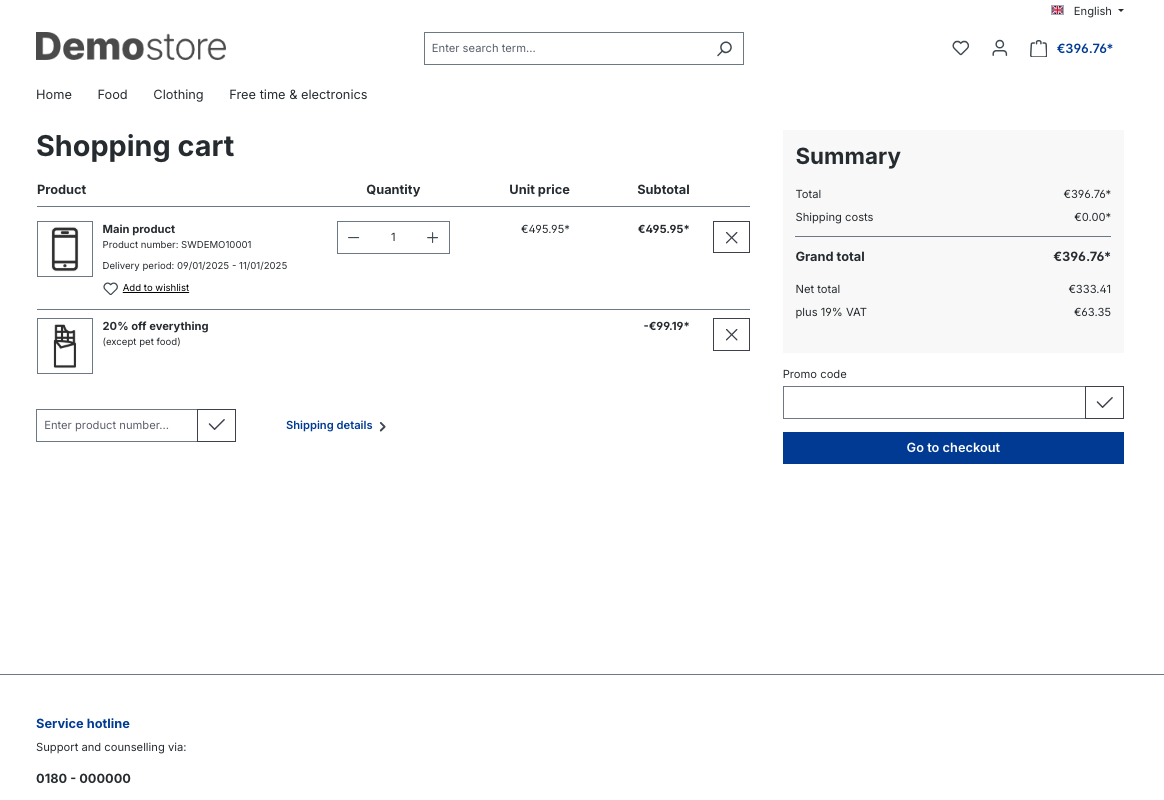
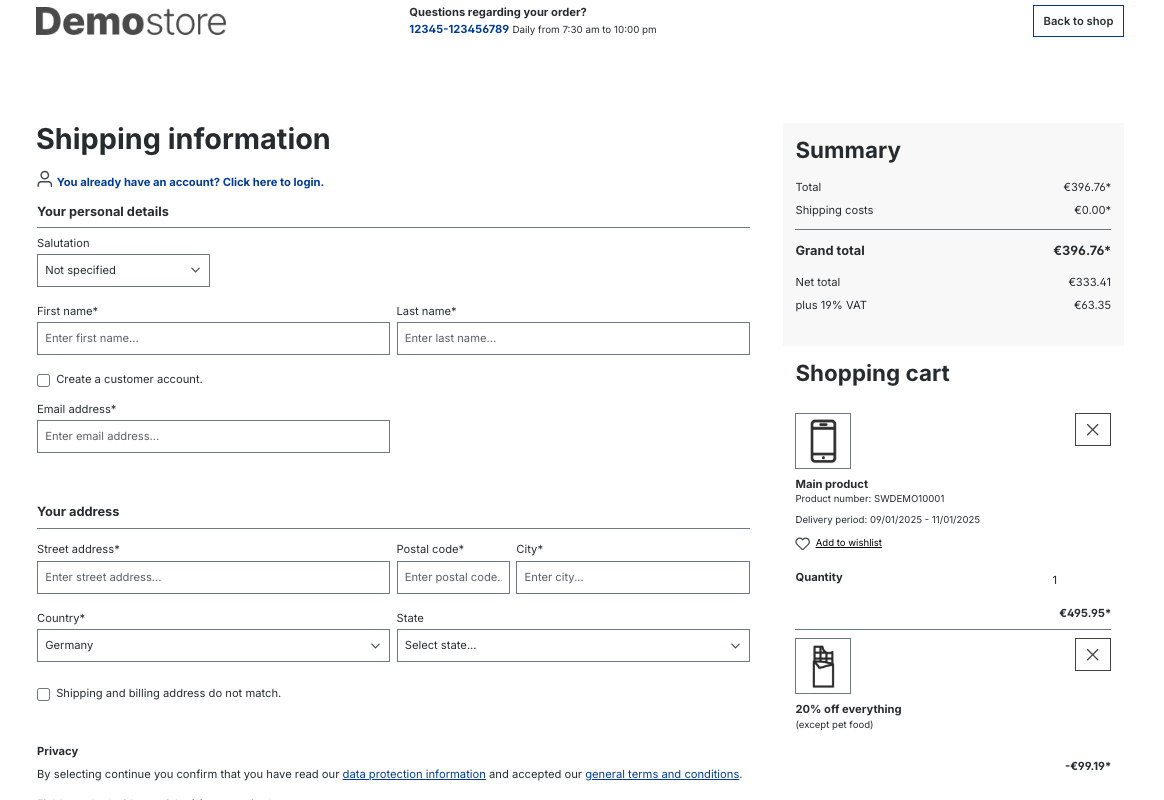
For example, it is possible to select an alternative image at the promotion to be displayed in the checkout instead of the marketing icon.
In addition, a description can be entered that is displayed below the name of the promotion and, for example, states the restrictions of the promotion again.
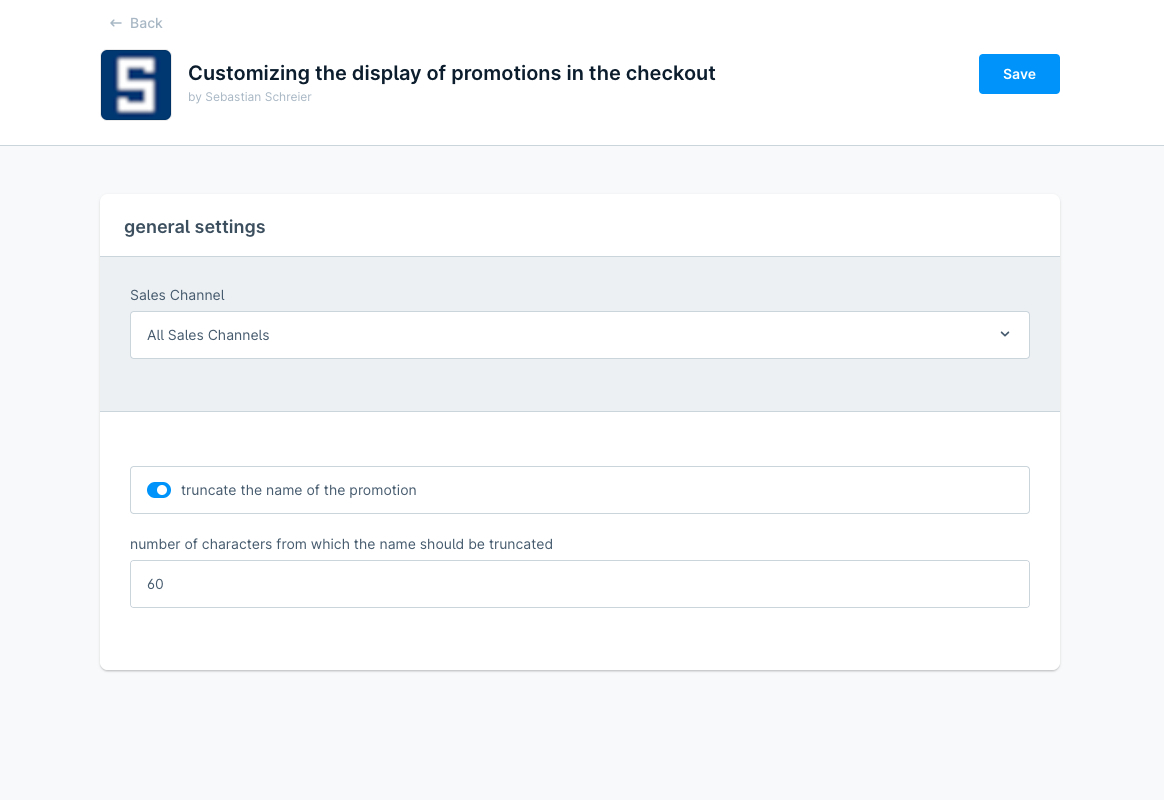
Furthermore, you can select within the configuration of the extension whether the name of the promotion should be truncated to 60 characters as in the Shopware 6 standard and if so, you can alternatively select a higher value for the truncating.
Possible configurations
- select if the name of the promotion should be truncated
- select the number of characters from which the name should be truncated
How to install the extension
via zip and console (recommended)
- Download the latest SschreierCustomizingDisplayPromotionsInCheckout-master.zip.
- Unzip the zip file and rename the folder to SschreierCustomizingDisplayPromotionsInCheckout.
- Move the folder to the project folder custom/plugins/ .
- Connect to the console via ssh:
via composer
-
Add the repository URL to the composer.json of the project
- Connect to the console via ssh and install the plugin via the command
via https://packagist.org
- Connect to the console via ssh and install the plugin via the command
via zip upload
- Download the latest SschreierCustomizingDisplayPromotionsInCheckout-master.zip.
- Unzip the zip file and rename the folder to SschreierCustomizingDisplayPromotionsInCheckout.
- Zip the folder to SschreierCustomizingDisplayPromotionsInCheckout.zip.
- Upload the zip in the Shopware Administration.
- Install & Activate the extension.
extension update (zip)
- Download the latest SschreierCustomizingDisplayPromotionsInCheckout-master.zip.
- Unzip the zip file and rename the folder to SschreierCustomizingDisplayPromotionsInCheckout.
- Zip the folder to SschreierCustomizingDisplayPromotionsInCheckout.zip.
- Upload the zip in the Shopware Administration.
- Update the extension.
Images
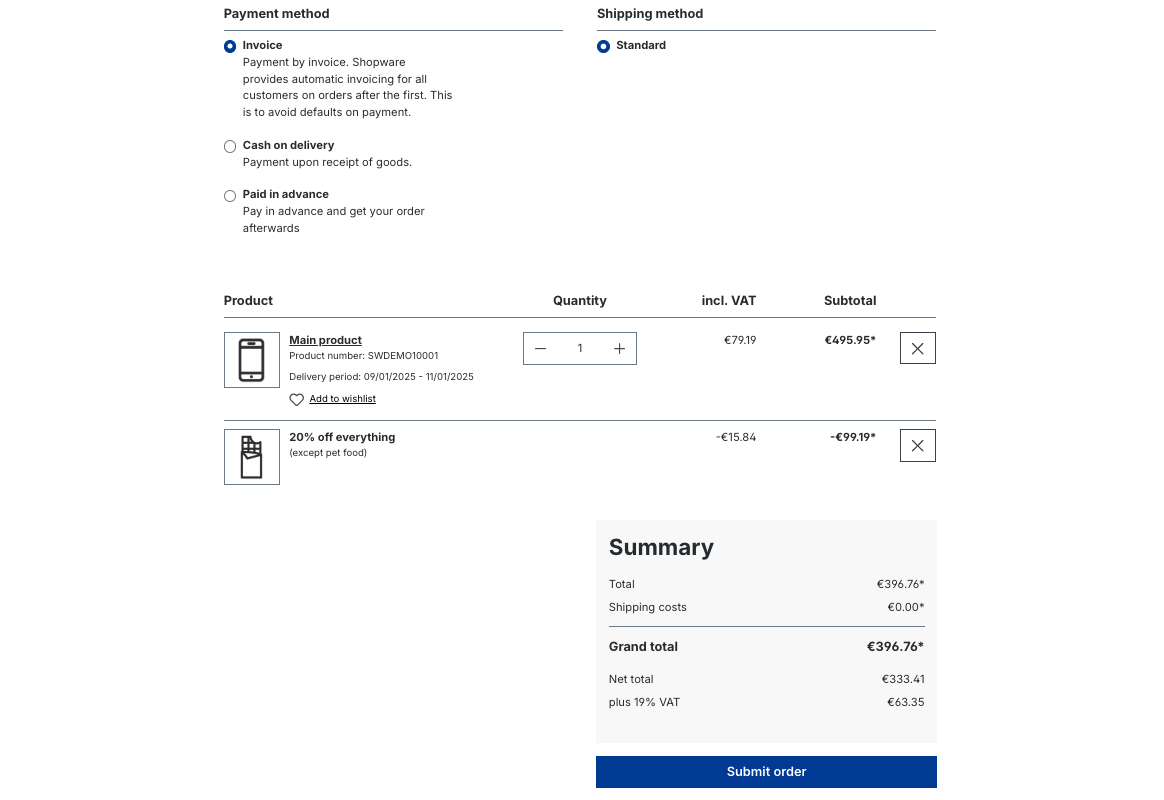
default
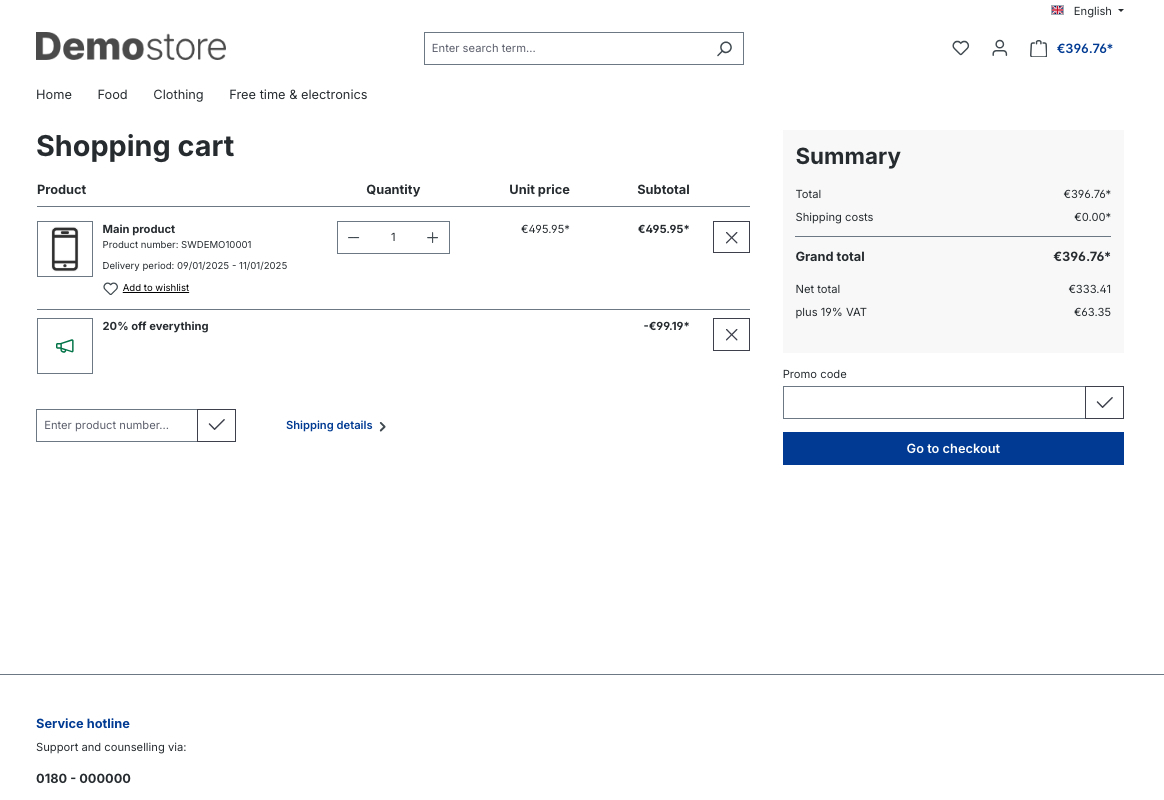
alternative image and description for a promotion in the shopping cart
alternative image and description for a promotion on the checkout register page
alternative image and description for a promotion on the confirm page
extension configuration
alternative image and description for a promotion within the custom fields of a promotion