Download the PHP package mehrshaddarzi/wp-cli-fixtures without Composer
On this page you can find all versions of the php package mehrshaddarzi/wp-cli-fixtures. It is possible to download/install these versions without Composer. Possible dependencies are resolved automatically.
Download mehrshaddarzi/wp-cli-fixtures
More information about mehrshaddarzi/wp-cli-fixtures
Files in mehrshaddarzi/wp-cli-fixtures
Package wp-cli-fixtures
Short Description Easily generate fake data for WordPress
License GPL-3.0+
Homepage https://github.com/nlemoine/wp-cli-fixtures
FAQ
Example:

In general, it is recommended to use always a project to download your libraries. In an application normally there is more than one library needed.

- Some hosting areas are not accessible by a terminal or SSH. Then it is not possible to use Composer.
- To use Composer is sometimes complicated. Especially for beginners.
- Composer needs much resources. Sometimes they are not available on a simple webspace.
- If you are using private repositories you don't need to share your credentials. You can set up everything on our site and then you provide a simple download link to your team member.
- Simplify your Composer build process. Use our own command line tool to download the vendor folder as binary. This makes your build process faster and you don't need to expose your credentials for private repositories.
Informations about the package wp-cli-fixtures
wp-cli-fixtures



Inspired by Faker, this package provides an easy way to create massive and custom fake data for your WordPress installation. This package is based on nelmio/alice and fzaninotto/Faker. Please refer to these packages docs for advanced usage.
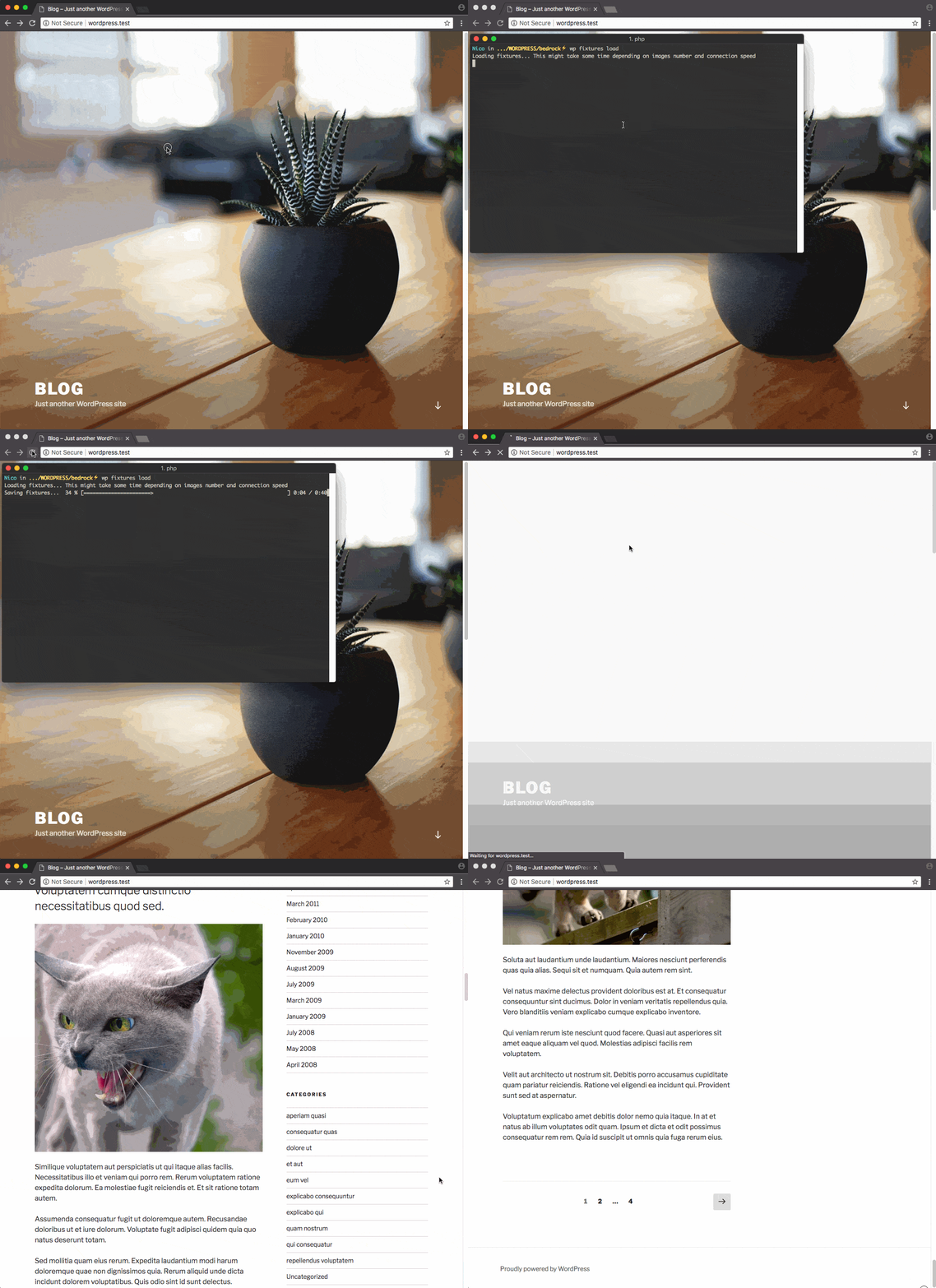
WARNING: This package is mostly intented to be used for development purposes. Use it at your own risk, don't run it on a production database or make sure to back it up first.
Quick links: Contribute
Install
Requires PHP ^7.3.
Usage
Create fixtures
At the root of your project, create a fixtures.yml file (you can download it here):
The example above will generate:
- 10 users
- 15 attachments
- 10 categories
- 40 tags
- 30 posts with a thumbnail, 3 categories and 5 tags
- 10 pages
- 15 custom post types named 'product'
- 50 comments associated with post and user
- 1 nav menu
- 6 nav menu items
IMPORTANT: Make sure referenced IDs are placed BEFORE they are used.
Example: Term or Attachment objects must be placed before Post if you're referencing them in your fixtures.
Load fixtures
You can also specify a custom file by using the --file argument:
Delete fixtures
You also can delete a single fixture type:
Valid types are post, attachment, comment, term, user.
Add fake data to existing content
wp-cli-fixtures allows you to add/update content to existing entities by passing the ID as a constructor argument.
Add/update data to post ID 1:
Add/update data to 10 random existing posts:
Entities
Post
Hellonico\Fixtures\Entity\Post can take any parameters available in wp_insert_post + meta and acf key.
Note: post_date_gmt and post_modified_gmt have been disabled, there are set from post_date and post_modified.
Attachment
Hellonico\Fixtures\Entity\Attachment can take any parameters available in wp_insert_attachment + meta, file and acf custom keys.
Note: parent must be passed with post_parent key.
Term
Hellonico\Fixtures\Entity\Term can take any parameters available in wp_insert_term + meta and acf custom keys.
Note: term and taxonomy must be respectively passed with name and taxonomy key.
User
Hellonico\Fixtures\Entity\User can take any parameters available in wp_insert_user + meta and acf custom keys.
Comment
Hellonico\Fixtures\Entity\Comment can take any parameters available in wp_insert_comment + meta custom key.
comment_date_gmt has been disabled, it is set from comment_date.
Nav menu
Hellonico\Fixtures\Entity\NavMenu is a term just like Hellonico\Fixtures\Entity\Term. It takes an addiotional locations parameter to set the menu location.
Nav menu item
Hellonico\Fixtures\Entity\NavMenuItem takes the same parameters as $menu_item_data in wp_update_nav_menu_item
Note 1: replace dashes with underscore in keys (e.g. menu-item-object becomes menu_item_object).
Note 2: menu-item-object can also accept an entity object, if so, menu-item-type and menu-item-object-id will be filled automatically with appropriate values
ACF Support
Each ACF supported entity (post, term, user) can have an acf key, which works just like meta.
Be careful with duplicate field keys, if you have multiple field with the same key, prefer using ACF field key (field_948d1qj5mn4d3).
Custom formatters
In addition to formatters provided by fzaninotto/Faker, you can use custom formatters below.
postId($args)
Returns a random existing post ID.
$args is optional and can take any arguments from get_posts
Example:
attachmentId($args)
Returns a random existing attachment ID.
$args is optional and can take any arguments from get_posts
Example:
termId($args)
Returns a random existing term ID.
$args is optional and can take any arguments from get_terms
Example:
userId($args)
Returns a random existing user ID.
$args is optional and can take any arguments from get_users
Example:
fileContent($file)
Returns the content of a file.
Example:
fileIn($src, $target, false)
Wrapper around file provider because some Faker providers conflicts with PHP native . Returns file path or file name in a directory ($src relative to fixtures.yml).
Default target is the WordPress uploads.
Example:
Tips
While playing with fixtures, the database command package can be useful to reset database faster than wp fixtures delete and start over.
Contribute
This package follows PSR2 coding standards and is tested with Behat. Execute composer run test to ensure your PR passes.
You will need to run
composer run prepare-testsbefore your first run.
