Download the PHP package lomkit/laravel-osdd without Composer
On this page you can find all versions of the php package lomkit/laravel-osdd. It is possible to download/install these versions without Composer. Possible dependencies are resolved automatically.
Download lomkit/laravel-osdd
More information about lomkit/laravel-osdd
Files in lomkit/laravel-osdd
Package laravel-osdd
Short Description Split a Laravel application into domain modules: one Composer package per domain, with the boundaries between them checked in CI.
License MIT
Homepage https://laravel-osdd.lomkit.com
FAQ
Example:

In general, it is recommended to use always a project to download your libraries. In an application normally there is more than one library needed.

- Some hosting areas are not accessible by a terminal or SSH. Then it is not possible to use Composer.
- To use Composer is sometimes complicated. Especially for beginners.
- Composer needs much resources. Sometimes they are not available on a simple webspace.
- If you are using private repositories you don't need to share your credentials. You can set up everything on our site and then you provide a simple download link to your team member.
- Simplify your Composer build process. Use our own command line tool to download the vendor folder as binary. This makes your build process faster and you don't need to expose your credentials for private repositories.
Informations about the package laravel-osdd



Documentation · Upgrade from 2.x
Laravel OSDD
One domain, one layer.
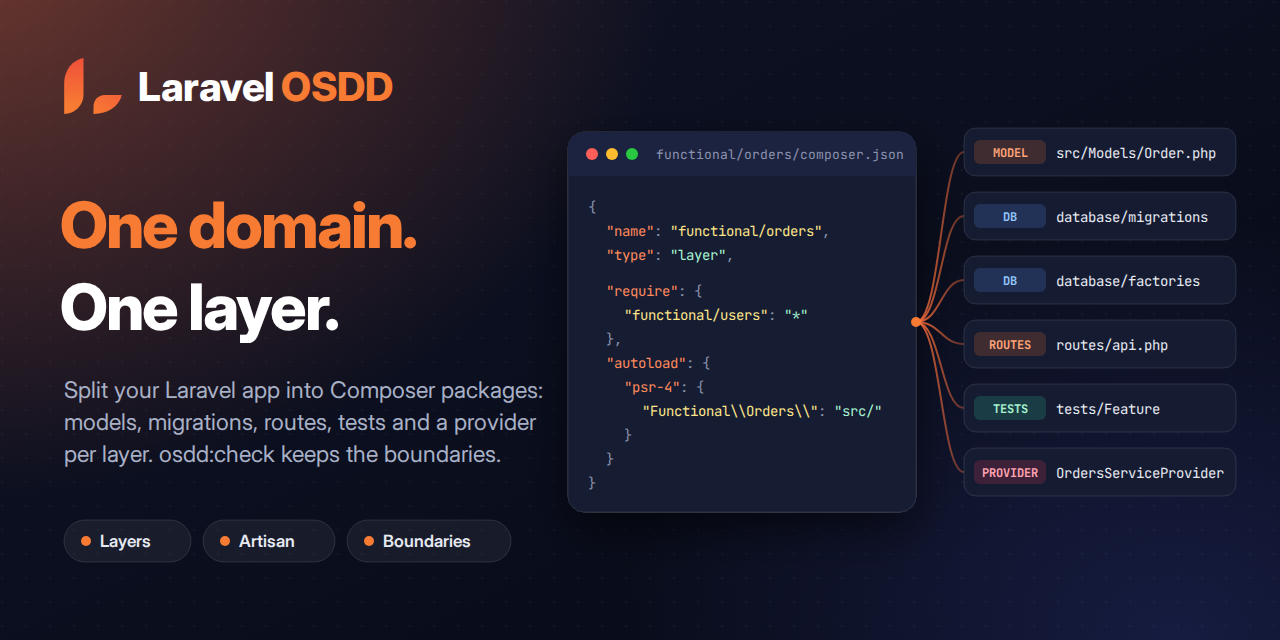
Laravel OSDD (Open Source Driven Development) splits your application into layers. Each layer is a Composer package of its own, with its models, migrations, seeders, tests, routes and service provider. Each layer declares the layers it depends on in its composer.json, which keeps the boundaries between domains visible as the application grows, and osdd:check makes sure the code respects them.
- Independent layers: every domain lives in its own package, installed through a local path repository.
- Artisan ready: every
make:*generator of Laravel (make:model,make:component,make:queue-table, …) has anosdd:*twin that writes the file inside the layer you pick. - Views, translations, components and commands per layer:
withViews(),withTranslations()andwithComponents()register them under the layer name (view('orders::index'),<x-orders::alert />), andosdd:view,osdd:componentandosdd:commandwire what they generate into the layer provider. - Layer inventory:
osdd:listshows every layer with its contents and health (--jsonfor scripts and agents). A broken layercomposer.jsonis listed with its error instead of stopping the command. - Layer boundaries:
osdd:checkfails when a layer uses a layer it does not require in itscomposer.json, or when layers require each other;osdd:graphdraws the layer graph. - Cached in production:
php artisan optimizecaches the discovered layers inbootstrap/cache/osdd.php(osdd:cache), so a request never scans the layer folders. - One test suite per layer:
osdd:phpunitsyncsphpunit.xmlwith the test suite of each layer. - Layer listeners, discovered: as Laravel does for
app/Listeners, the listeners in each layer'ssrc/Listenersare registered for the events theirhandle()method takes, andphp artisan event:cache(oroptimize) caches them. Setosdd.events.discovertofalseto register them by hand. - Removing a layer:
osdd:removerefuses a layer that another layer requires, shows what it will change, then removes the layer from the rootcomposer.jsonandphpunit.xmland deletes its directory. - Seeders and config per layer:
LayersSeederruns the seeders every layer registers (throughosdd:seed,migrate --seedorRefreshDatabase;osdd:seed --layerruns the seeders of some layers only), and a layer can override the config of another package. - Laravel Boost: the package ships a Boost skill, so your agent writes files inside layers, not in
app/.
Documentation
The full guide lives on the documentation site: installation, layers, every command and the API reference. Coming from 2.x? Read the upgrade guide.
AI assistants can read the same documentation as Markdown through llms.txt.
Requirements
PHP 8.3+ and Laravel 13.
From app/ to layers
1. Install the package on a fresh Laravel application.
osdd:start creates the functional/users layer (the User model, its migration, factory and seeder) and the technical/osdd configuration layer, which also holds the cache and queue tables and makes the layer seeders the default seeder of db:seed and migrate --seed. After you confirm, it removes app/ and the root config/, and empties database/ except the SQLite database. Pass --force to run it from a script.
2. Create a layer for each domain.
The command asks where to create the layer (functional or technical), its name and the files to generate, then registers the layer in your root composer.json. In a script, name the layer and pick the generators:
3. Generate code inside the layer.
The controller lands in functional/orders/src/Http/Controllers, not in app/. --layer=orders works too while no other layer is named orders. Without a terminal, --layer is required.
4. Keep the boundaries.
All layers share one Composer autoloader, so PHP lets functional/orders use a class of functional/billing even when functional/orders does not require it. osdd:check closes that gap: it reads the PHP files of every layer and fails when a layer uses a layer it does not require, or when the requirements form a cycle.
Run it in CI with php artisan osdd:check --format=github to get the violations as annotations on the pull request, and draw the layers with php artisan osdd:graph (Mermaid, DOT or JSON).
Commands
| Command | Description |
|---|---|
osdd:start |
Prepare a fresh Laravel project for layers |
osdd:layer |
Create a new layer |
osdd:list |
List the layers with their providers, dependencies, file counts and health (--json) |
osdd:check |
Check that each layer only uses the layers it requires, and that no requirements form a cycle (--transitive, --format=json or github) |
osdd:graph |
Print the layer graph from the require entries (--format=mermaid, dot or json) |
osdd:seed |
Run the seeders registered by every layer (Lomkit\Osdd\Seeders\LayersSeeder), or by the layers given with --layer |
osdd:phpunit |
Sync phpunit.xml with the test suite and the source directory of each layer |
osdd:remove |
Remove a layer that no other layer requires: its root require entry, its path repository when no other package uses it, its phpunit.xml entries and its directory (--keep-files, --force) |
osdd:cache / osdd:clear |
Cache the discovered layers in bootstrap/cache/osdd.php, or remove that cache. php artisan optimize and optimize:clear run them |
osdd:* |
Twins of the make:* generators (osdd:model, osdd:component, osdd:queue-table, …), writing inside a layer and wiring the layer provider |
php artisan about --only=osdd lists the discovered layers, the migration paths and the number of registered seeders.
See the command reference for every option.
Contributing
Contributions are welcome: open an issue or a pull request.
License
Laravel OSDD is open-source software licensed under the MIT license.
