Download the PHP package koderpedia/labayar without Composer
On this page you can find all versions of the php package koderpedia/labayar. It is possible to download/install these versions without Composer. Possible dependencies are resolved automatically.
Download koderpedia/labayar
More information about koderpedia/labayar
Files in koderpedia/labayar
Package labayar
Short Description CRM addon for your laravel ecommerce
License MIT
FAQ
Example:

In general, it is recommended to use always a project to download your libraries. In an application normally there is more than one library needed.

- Some hosting areas are not accessible by a terminal or SSH. Then it is not possible to use Composer.
- To use Composer is sometimes complicated. Especially for beginners.
- Composer needs much resources. Sometimes they are not available on a simple webspace.
- If you are using private repositories you don't need to share your credentials. You can set up everything on our site and then you provide a simple download link to your team member.
- Simplify your Composer build process. Use our own command line tool to download the vendor folder as binary. This makes your build process faster and you don't need to expose your credentials for private repositories.
Informations about the package labayar
Labayar
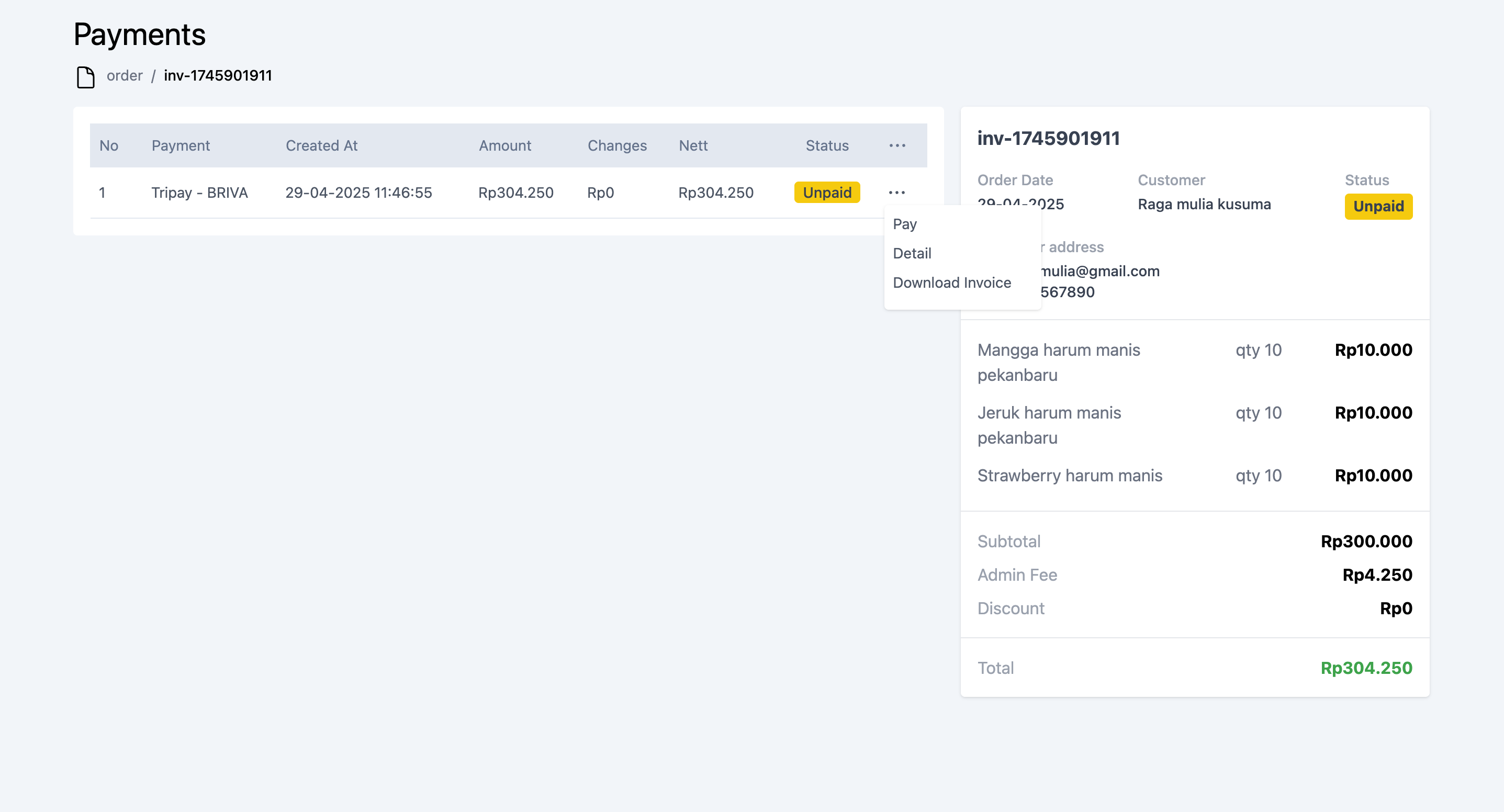
Labayar is a CRM library to handling many case in CRM app, such as make a payment, check order status, and other. With labayar you have no worry with payment logic, since labayar solve all your payment problem. Labayar is usefull if your build POS and Ecommerce application.
Main Feature
- Pay transaction over the counter (chasier)
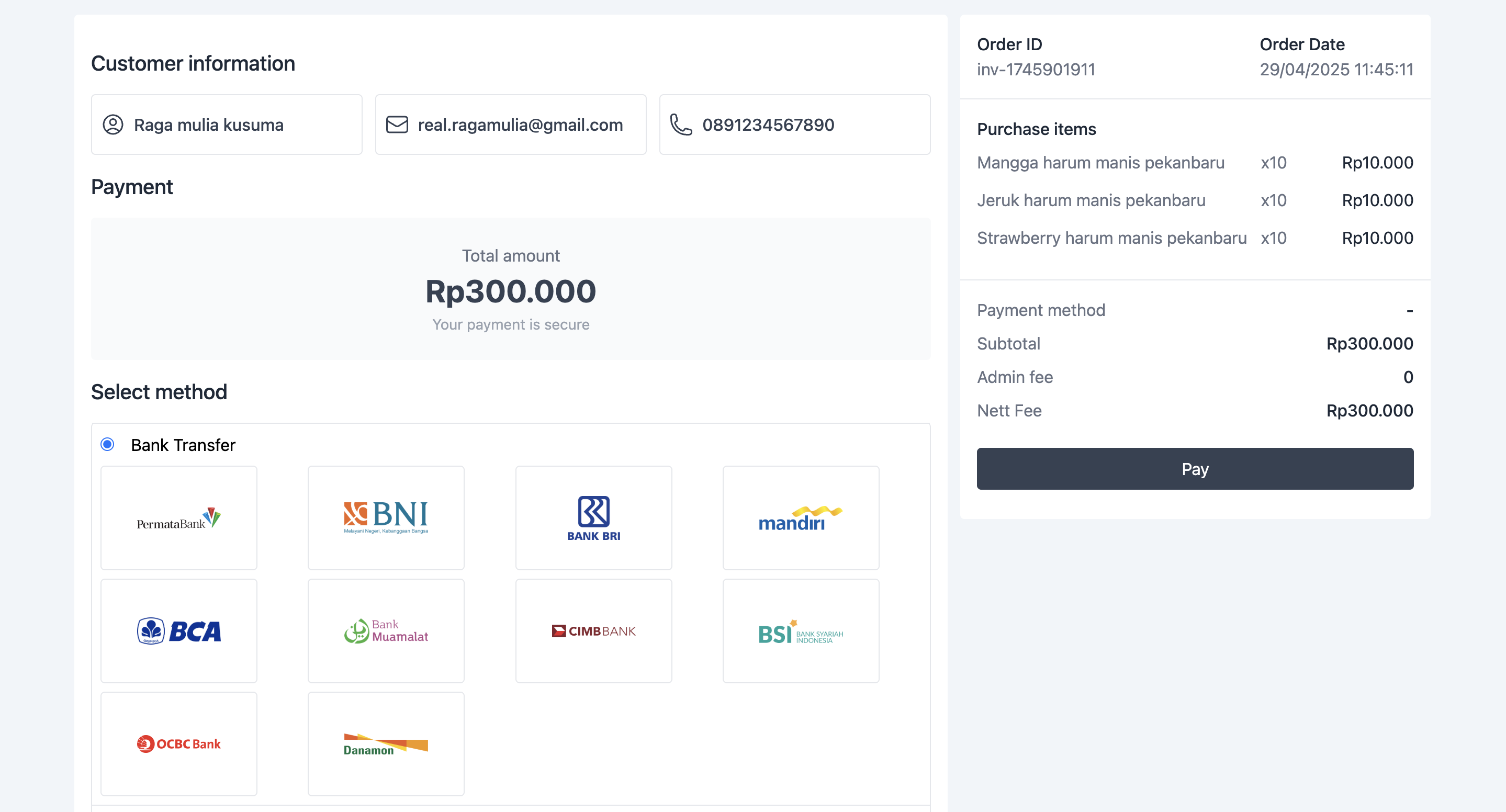
- Pay transaction with payment gateway
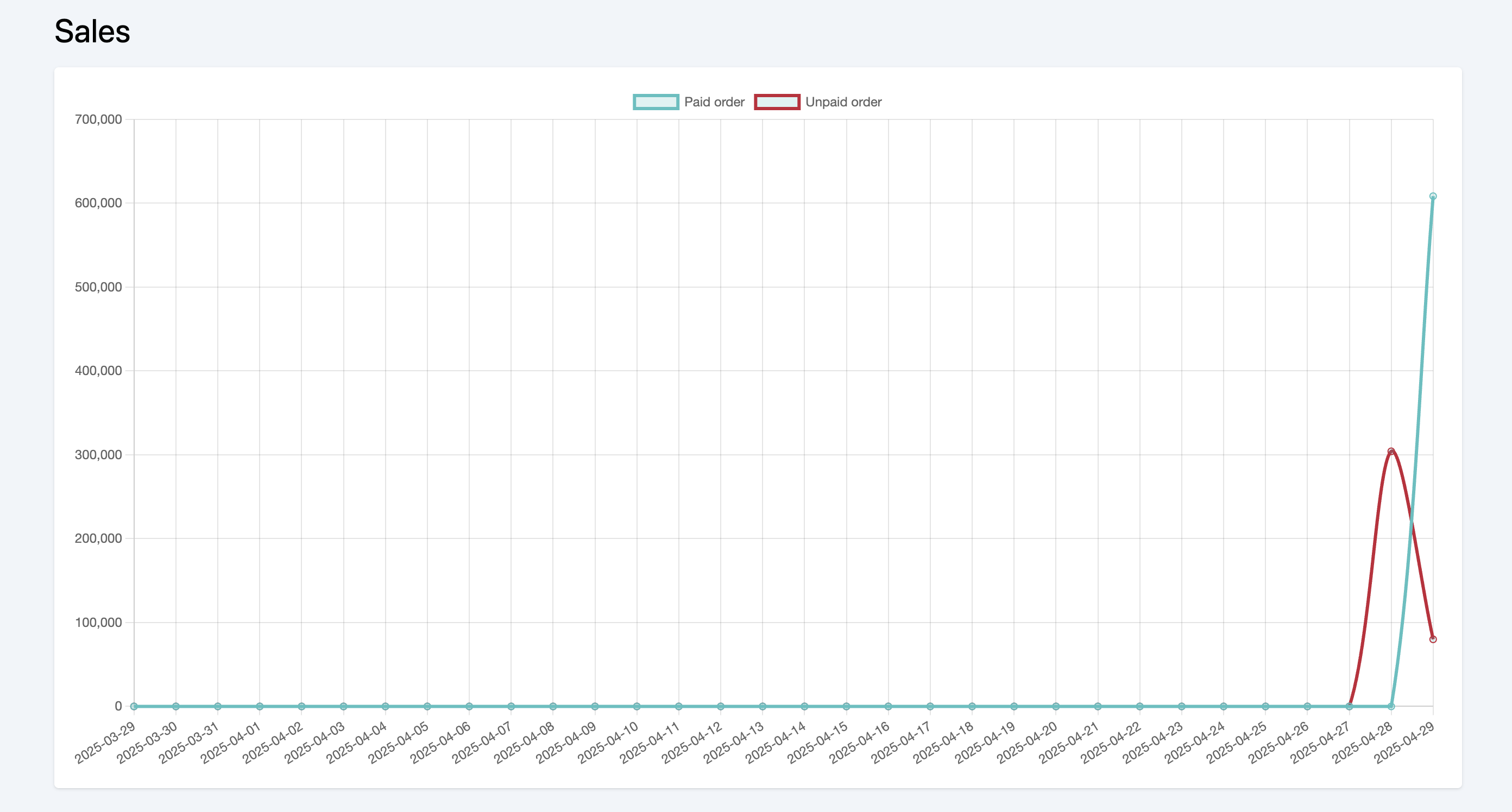
- Sales graph monthly / yearly
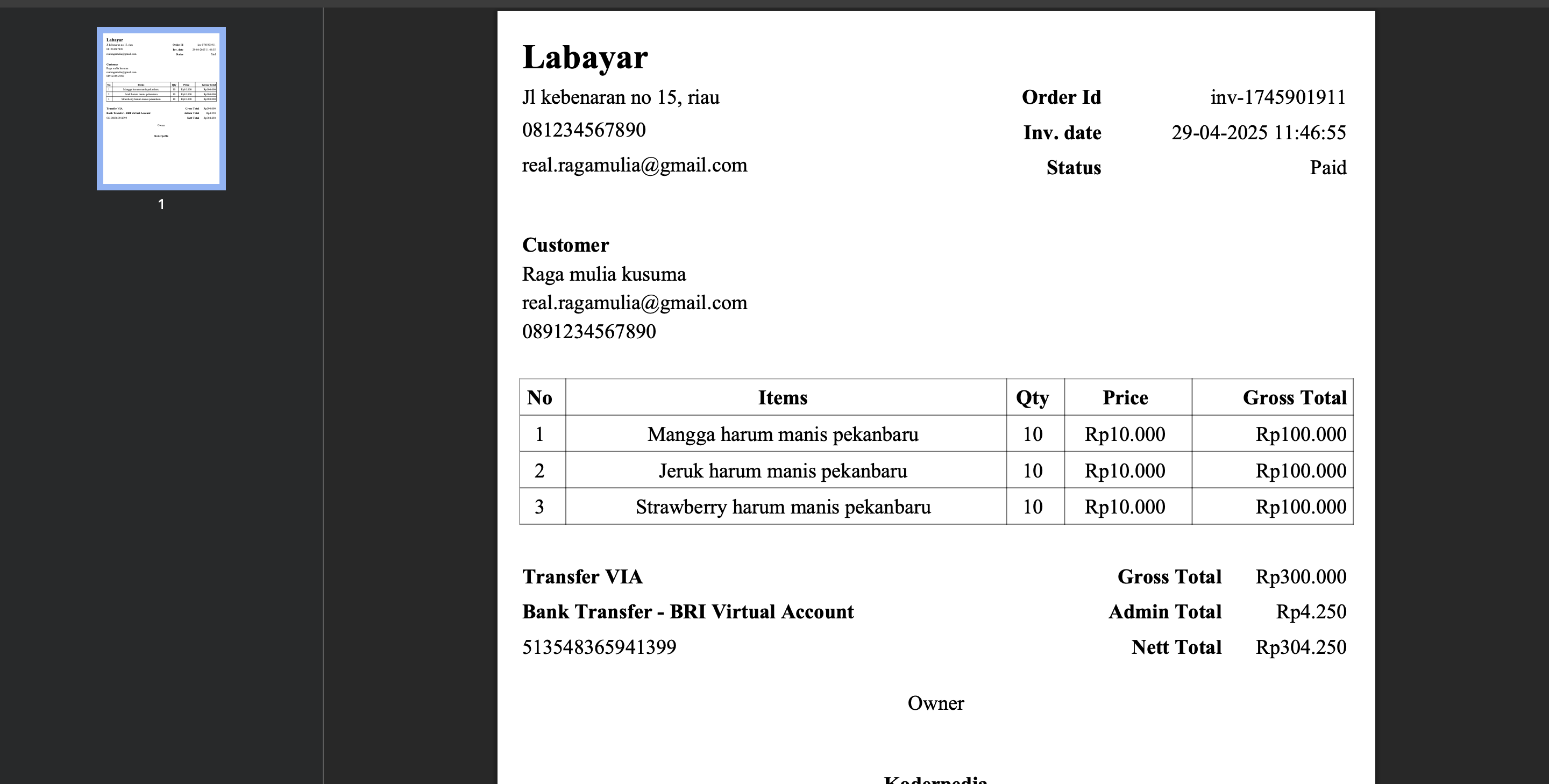
- Download invoice as PDF
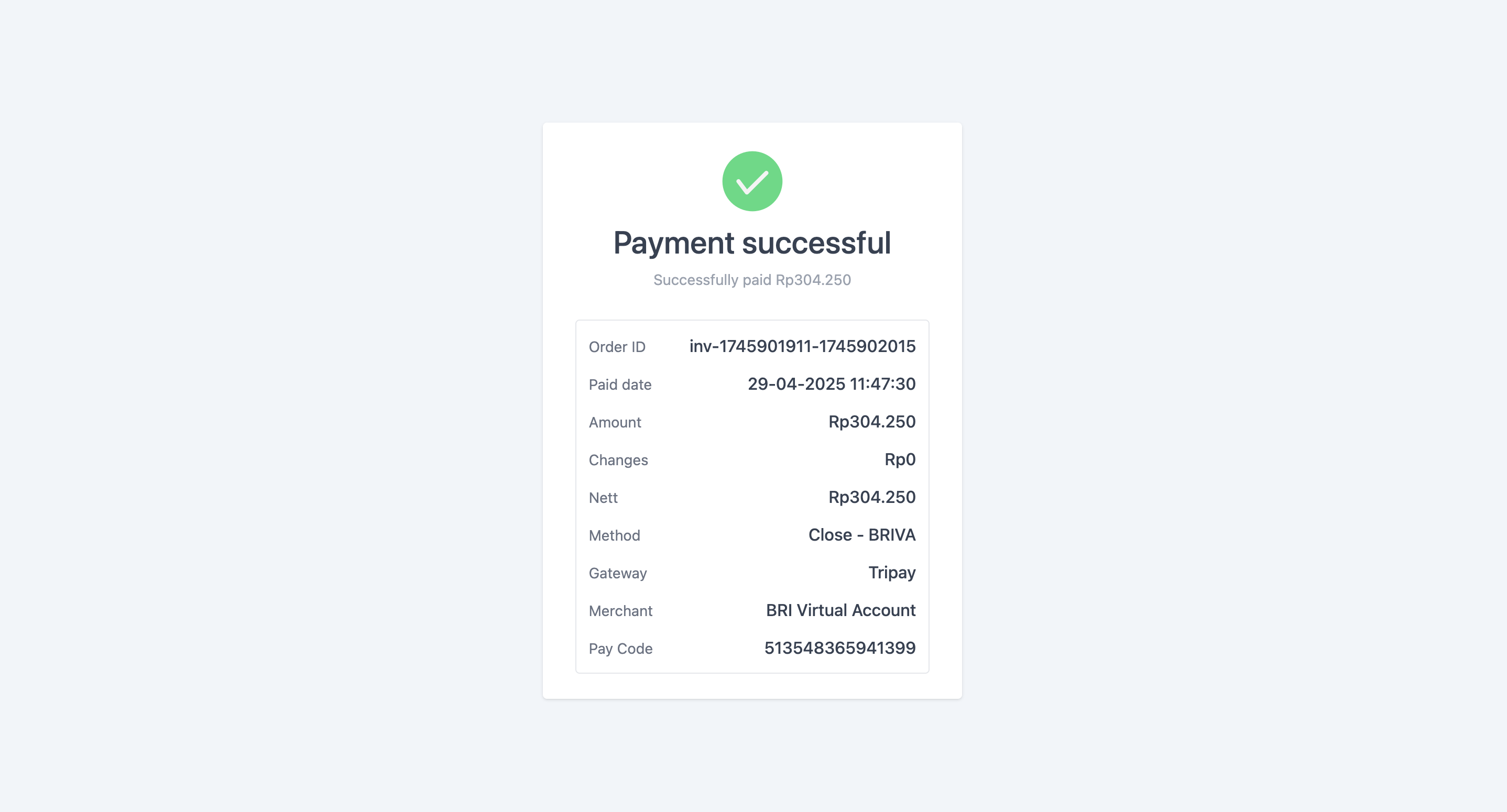
- Check payment status with modern UI
Screenshot
Requirements
- PHP 8
- Laravel 8 or above (labayar only support in laravel for now)
- Composer
- MySql
Full Documentaion
Quick Start
Installations
- Create laravel project you can check from laravel official page.
- Open laravel in your favorite text editor, prefer use vscode.
- Ensure composer is installed in your machine.
-
Open terminal/cmd, and ensure terminal path is same with your laravel project, and and run this command
-
Publish all asset in vendor, run this in your terminal/cmd
-
set your .env database and ensure mysql event is actived learn more
- Setup your store information. Open .env file and add this below
| Key | Description |
|---|---|
| LABAYAR_STORE_NAME | Store name |
| LABAYAR_STORE_OWNER | Store owner |
| LABAYAR_STORE_ADDRESS | Store address |
| LABAYAR_STORE_PHONE | Store phone |
| LABAYAR_STORE_EMAIL | Store email |
- run project
Basic usage
Create transaction with payment gateway
| Currently labayar providing tripay payment gateway for handling transaction. We will always update more payment gateway soon. Before use tripay payment gateway, add this key to your .env | Key | Description |
|---|---|---|
| TRIPAY_IS_PRODUCTION | Use tripay production mode | |
| TRIPAY_MERCHANT_CODE | Tripay merchant code | |
| TRIPAY_API_KEY | Tripay API key | |
| TRIPAY_PRIVATE_KEY | Tripay private key | |
| TRIPAY_RETURN_URL | Tripay return url after payment success |
Add this to your controller
Note: All $payload value is similar with manual transaction value. But you dont need send payAmount key
After that, you can add this controller method to your routes/web.php
Open your browser and go to page {{your_base_url}}/snap. and enjoy :D
Creating manual transaction
You can create invoice to your order, add this to your controller. fill all value variable $payload with yours
Pay transaction with core API
Pay transaction that you create before. add this to your controller
Note: Get paymentId payload from create transaction response
Pay transaction with built in page
if you too busy to build common payment page, dont worry, labayar can handle that. redirect your laravel project to this url below.
if your default laravel url is http://localhost:8000
After that click an order you want to pay.
Useful URL
| Below is useful url will help to save your development time | Endpoint | Description |
|---|---|---|
| /api/labayar/orders | Show all your orders | |
| /api/labayar/payments/{invoiceId} | Show all your payment in each order | |
| /api/labayar/payments/graph | Show sales graph |
API Reference
All versions of labayar with dependencies

laravel/framework Version >=8
illuminate/support Version >=8
nesbot/carbon Version >=2.62.1
dompdf/dompdf Version ^3.1