Download the PHP package koassi/filament-rail without Composer
On this page you can find all versions of the php package koassi/filament-rail. It is possible to download/install these versions without Composer. Possible dependencies are resolved automatically.
Download koassi/filament-rail
More information about koassi/filament-rail
Files in koassi/filament-rail
Package filament-rail
Short Description A Filament v5 panel theme: full-height accent sidebar, breadcrumbs in the topbar, compact tables, light and dark.
License MIT
Homepage https://github.com/KoassiAkakpo/filament-rail
FAQ
Example:

In general, it is recommended to use always a project to download your libraries. In an application normally there is more than one library needed.

- Some hosting areas are not accessible by a terminal or SSH. Then it is not possible to use Composer.
- To use Composer is sometimes complicated. Especially for beginners.
- Composer needs much resources. Sometimes they are not available on a simple webspace.
- If you are using private repositories you don't need to share your credentials. You can set up everything on our site and then you provide a simple download link to your team member.
- Simplify your Composer build process. Use our own command line tool to download the vendor folder as binary. This makes your build process faster and you don't need to expose your credentials for private repositories.
Informations about the package filament-rail
Filament Rail




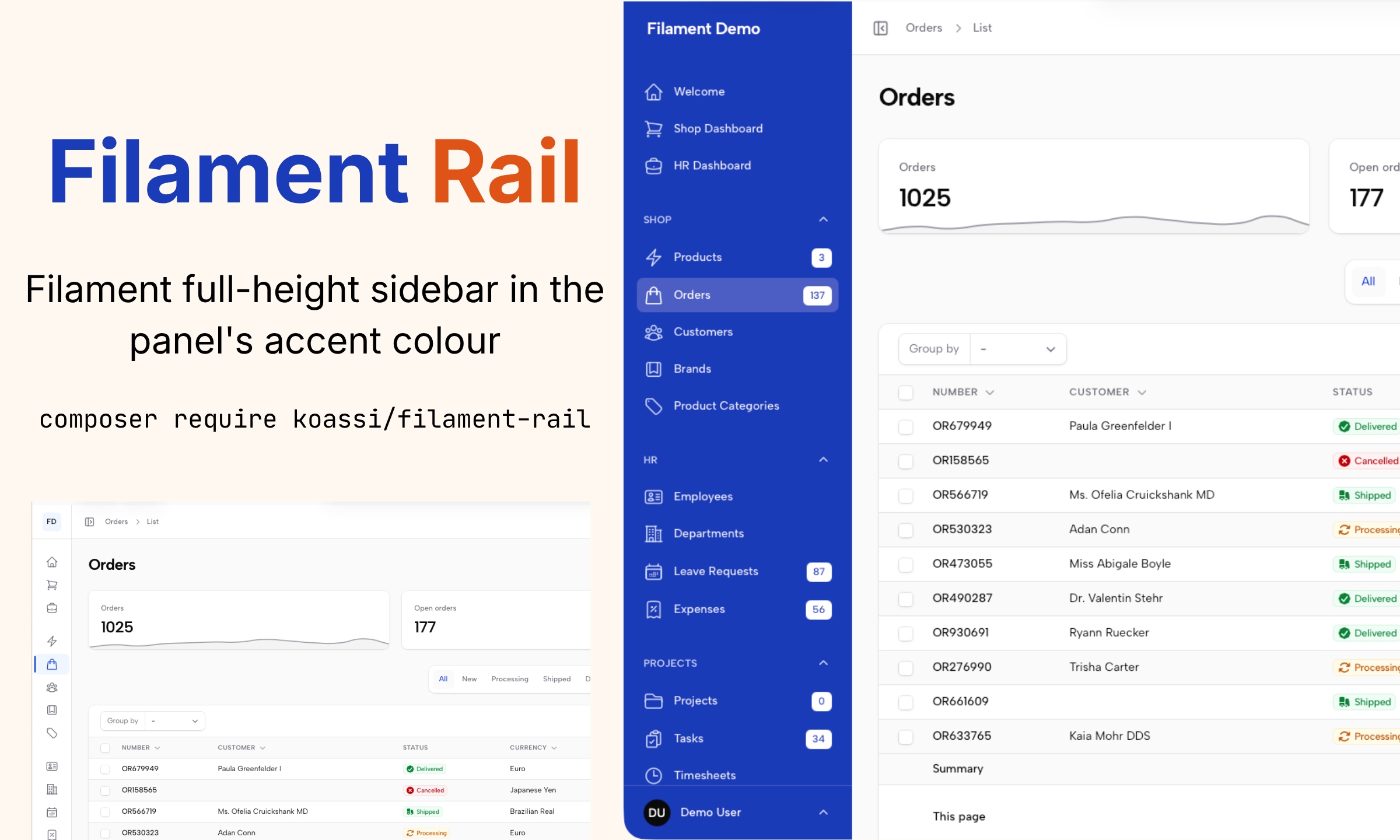
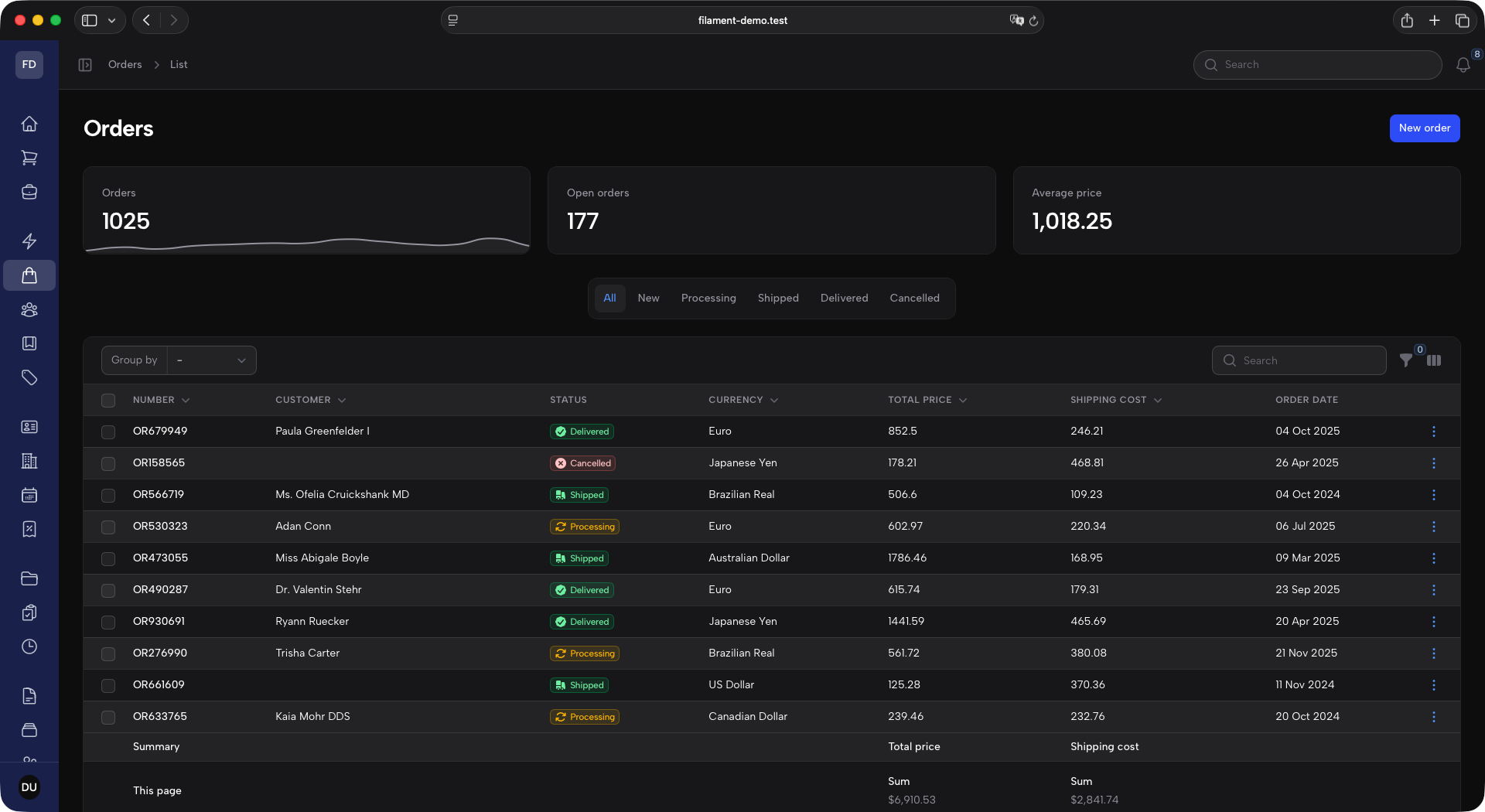
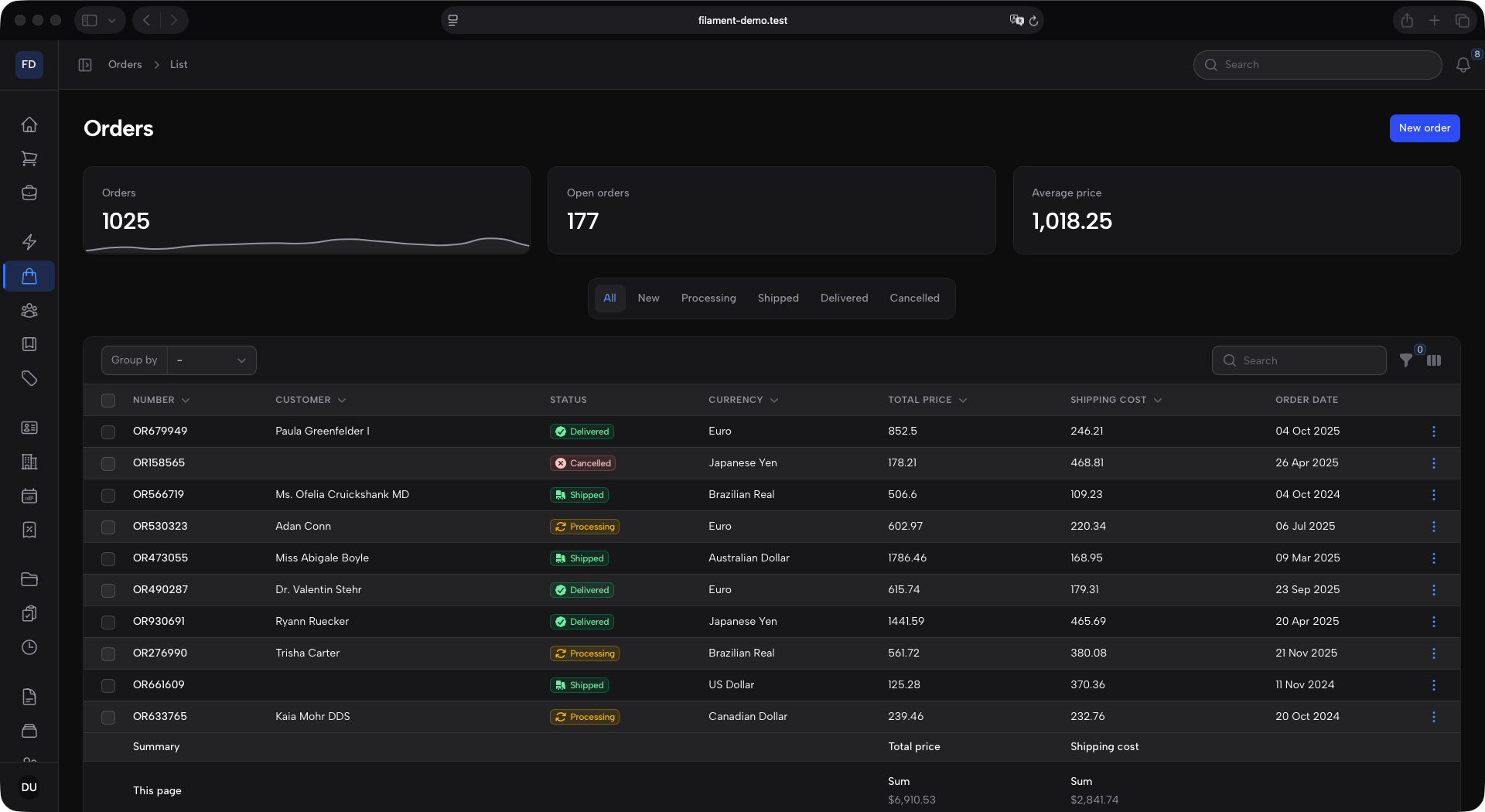
A layout theme for Filament v5 panels, built around a full-height sidebar rail.
- Full-height sidebar in the panel's accent color, holding the logo, the navigation and the user menu.
- Topbar starting where the sidebar ends, with the collapse toggle and breadcrumbs on the left, global search and notifications on the right.
- Compact tables with uppercase column titles.
- Light and dark mode, and an accent color that can be any of Filament's 26 palettes without breaking text contrast.
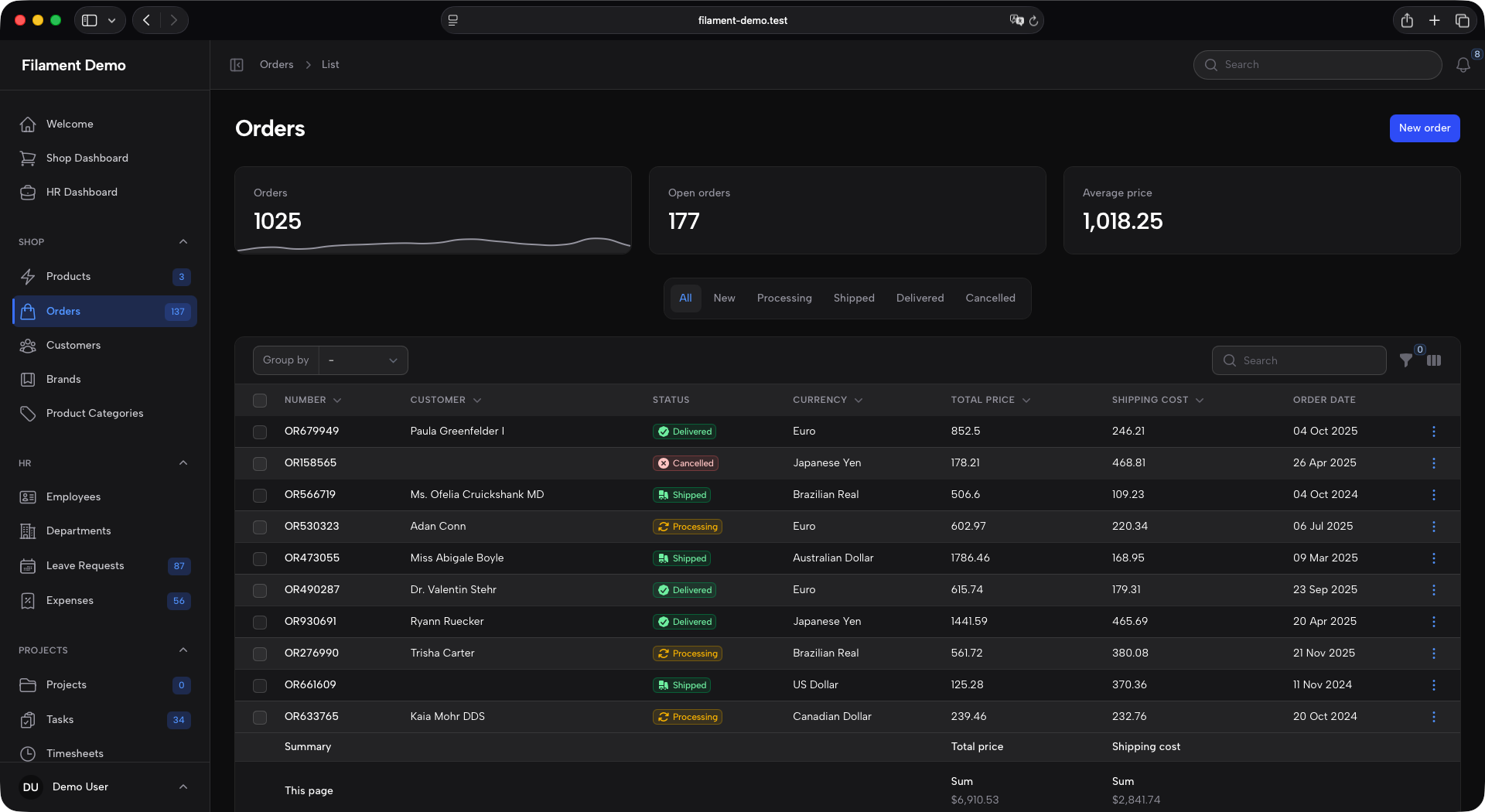
- A neutral sidebar variant: same layout, but the sidebar takes the surface color and the accent moves onto the active navigation item.
Screenshots
| Light | Dark | |
|---|---|---|
| Expanded | 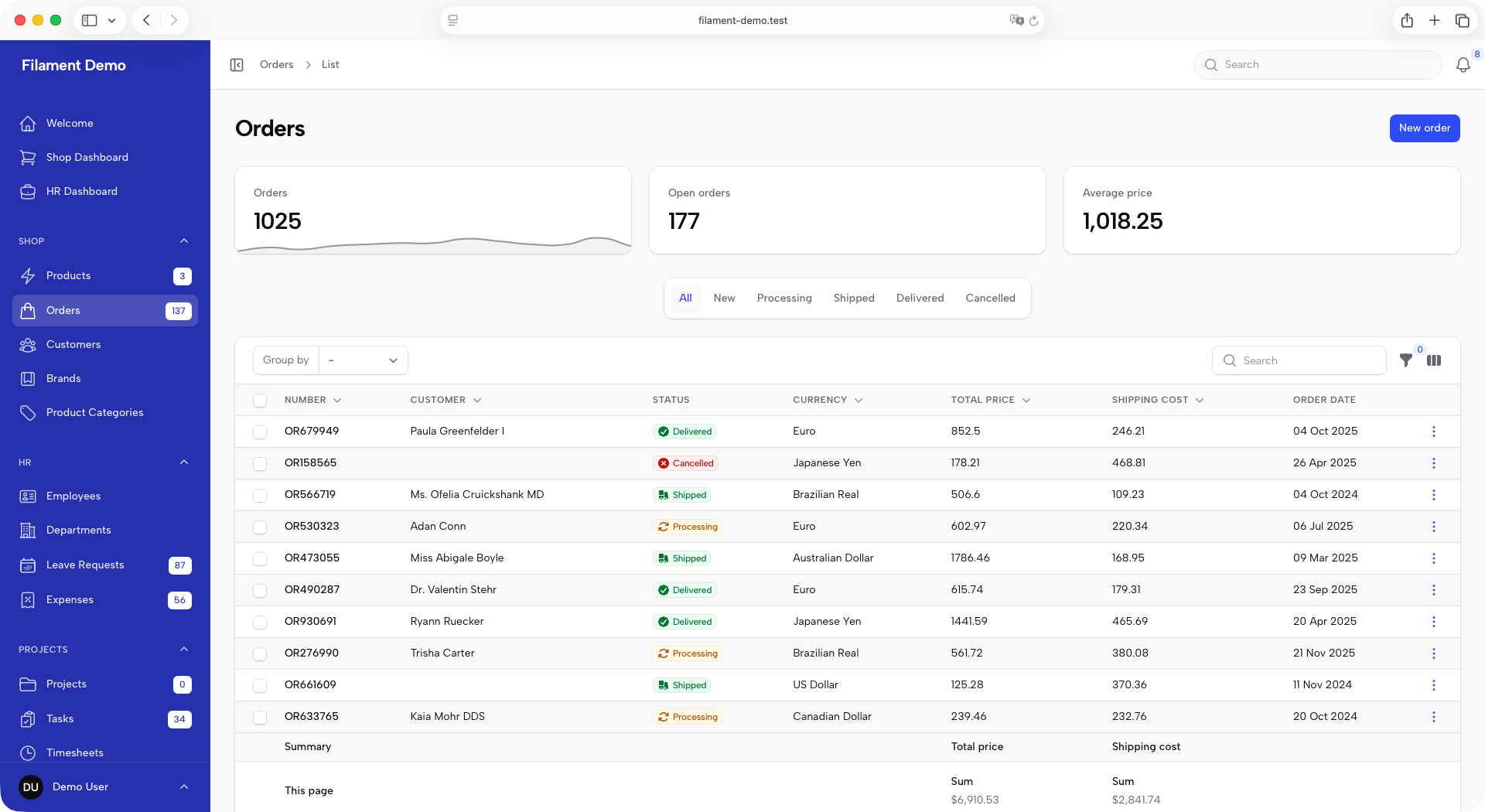 |
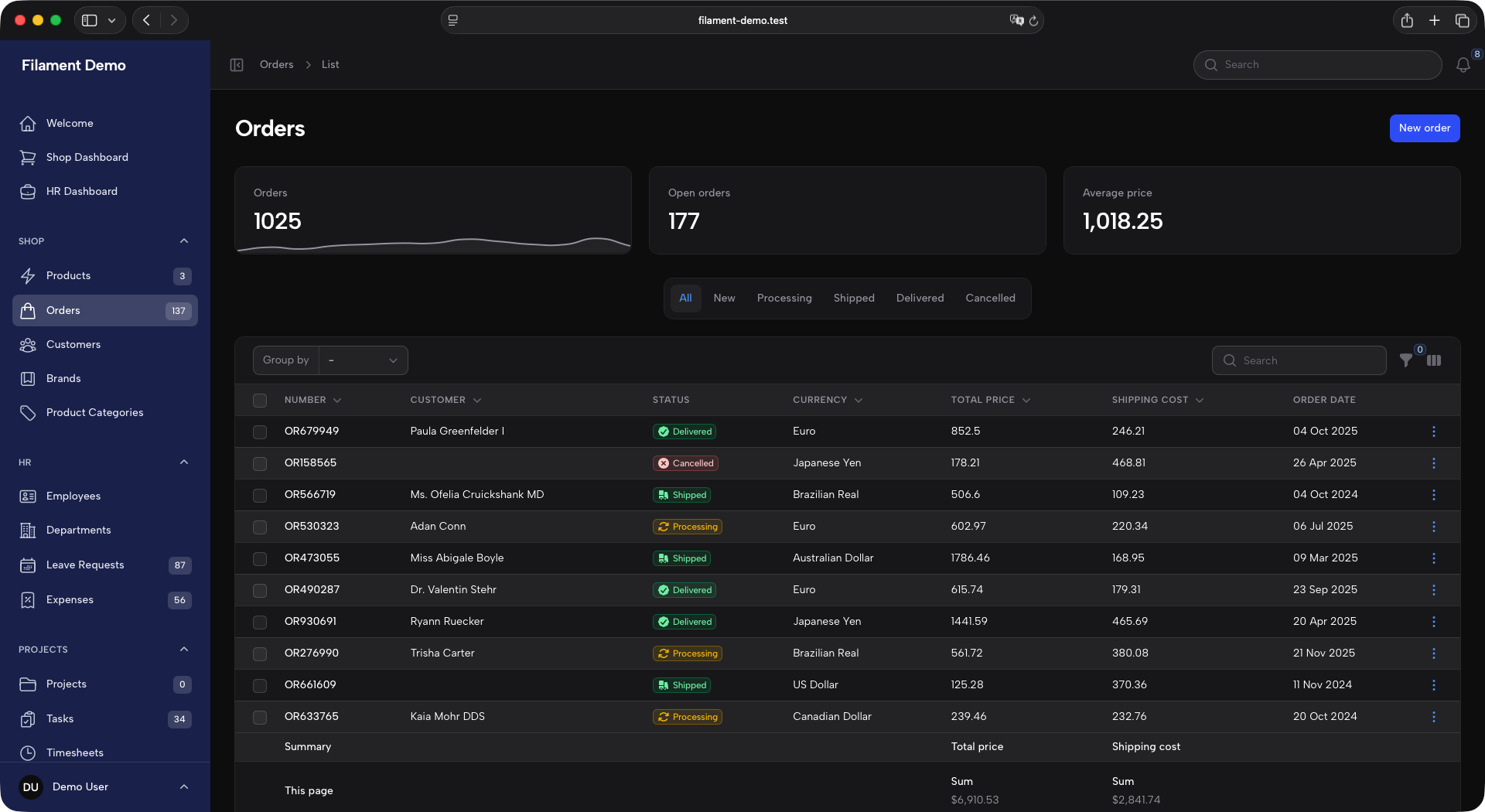 |
| Collapsed | 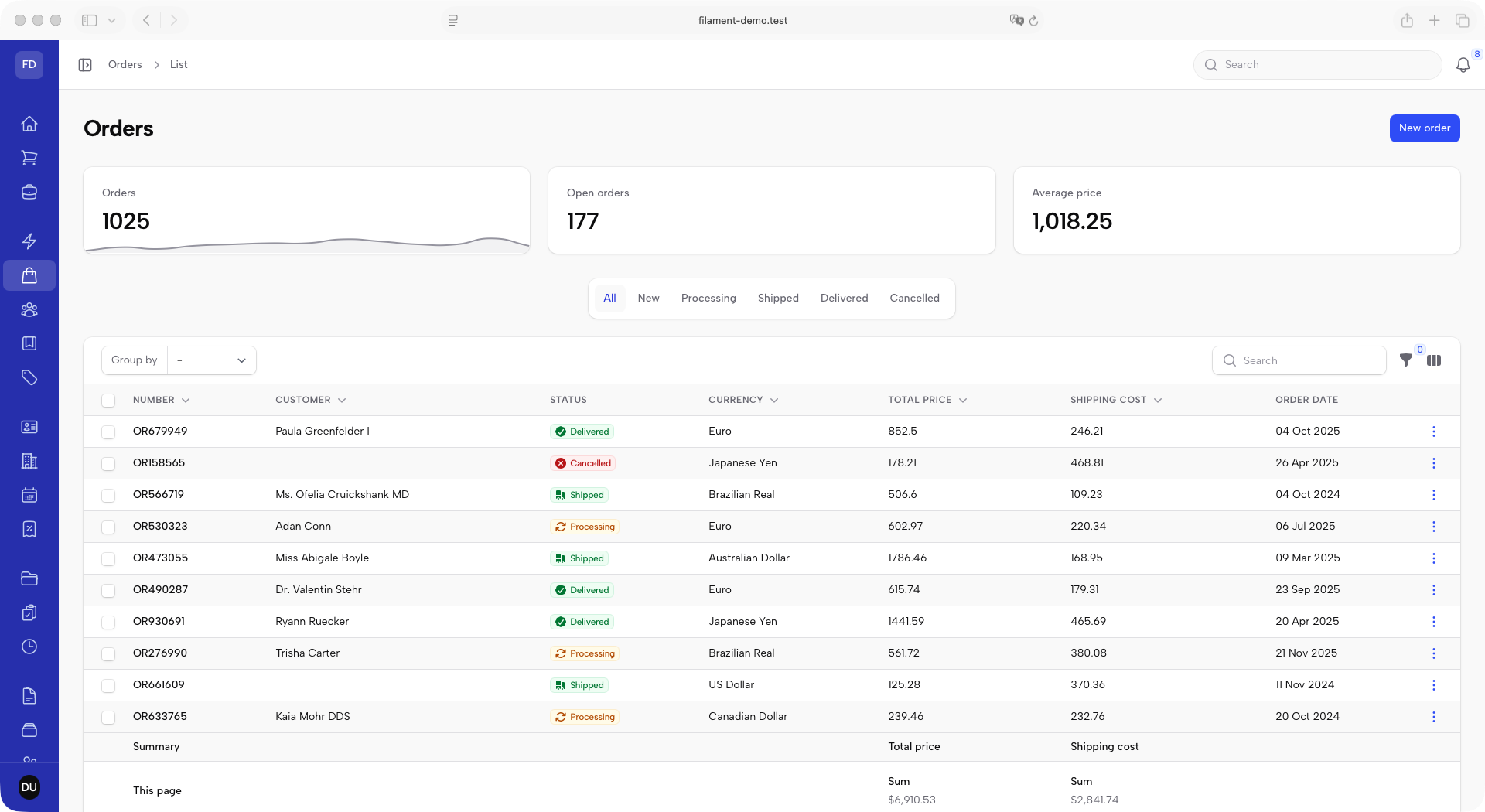 |
 |
Requirements
| PHP | ^8.3 |
filament/filament |
^5.0 |
blade-ui-kit/blade-icons |
^1.6 |
The stylesheet uses @apply and Tailwind v4 syntax, so it is compiled by the host application's Tailwind rather than shipped pre-built.
Installation
Publish the stylesheet entry point:
This writes resources/css/filament/admin/theme.css. If your panel is not named admin, move the file to match Filament's convention: resources/css/filament/{panel-id}/theme.css.
vendor:publishskips an existing file and still exits successfully. If the panel already has a stylesheet, nothing was written — add the import by hand instead.
Register the entry point as a Vite input:
Point the panel at it and register the plugin:
Then build: npm run build.
Configuration
collapsedBrandLogo() accepts an image URL, an Htmlable (an inline SVG, say) or a closure returning either. It is boxed to 2.25rem square, so give it square artwork.
Beyond those four setters, anything the panel sets after ->plugins([...]) overrides the theme — that is the escape hatch for every option the plugin sets on your behalf.
The plugin also configures the panel (collapsible sidebar, global search and notifications in the topbar, user menu in the sidebar) and registers a few global defaults for tables and schemas (compact pagination, striped, deferLoading, session persistence, d M Y date formats). Both lists, and how to override them, are in IMPLEMENTATION_NOTE.md.
Customization
The published entry point is a couple of imports; your own rules and token overrides go below them and win, because the theme adds no !important and no @layer:
The sidebar palette is driven by --sidebar-* custom properties, all derived from --sidebar-bg — re-pointing that one token repaints the whole sidebar. The full token table is in contrast floor before lowering any of the text mixes.
Neutral sidebar variant
Same layout, but the sidebar takes the app's own surface color — white in light mode, gray-900 in dark — and the accent moves onto the active navigation item and the badges.
| Light | Dark | |
|---|---|---|
| Expanded | 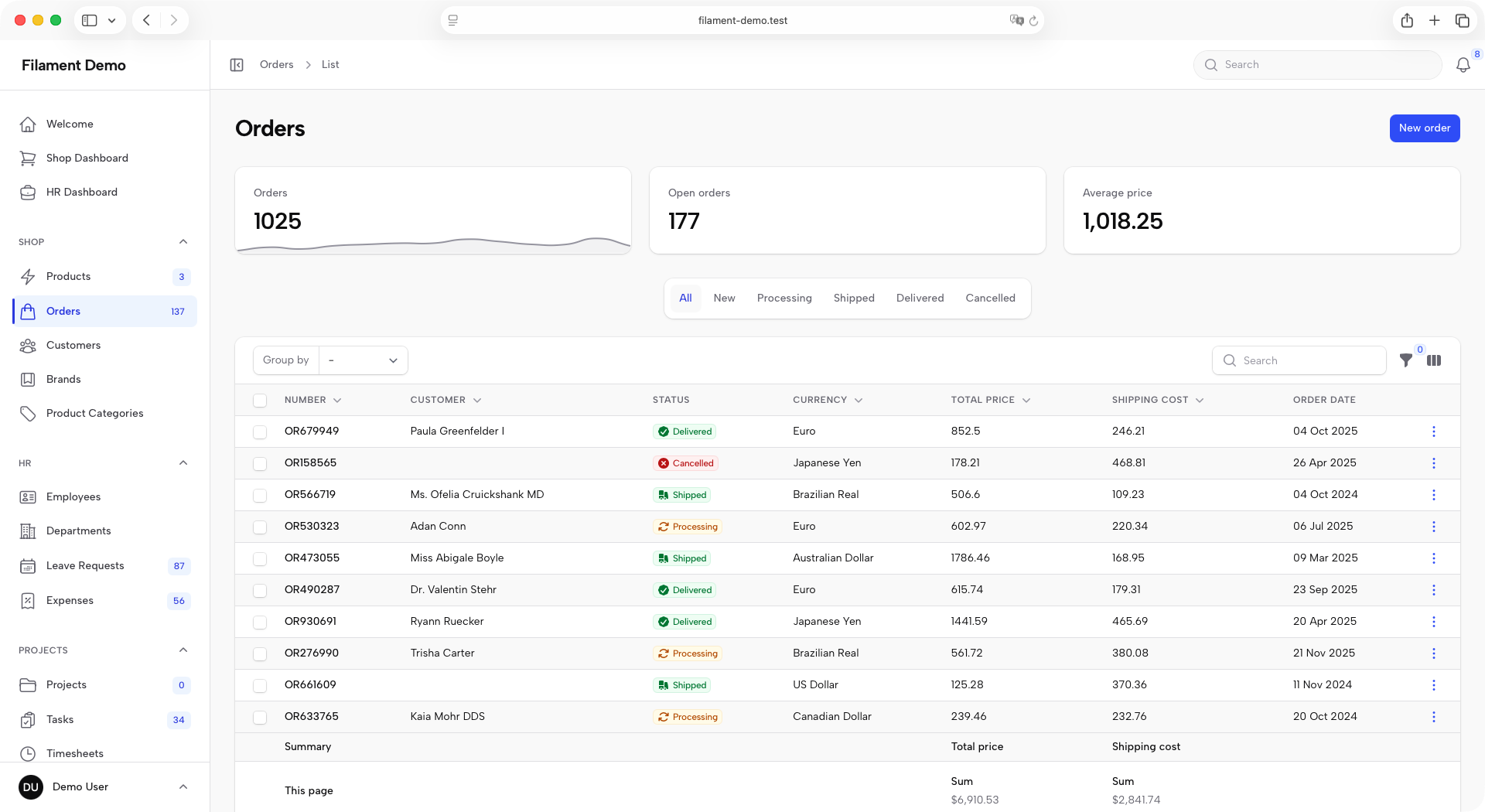 |
 |
| Collapsed | 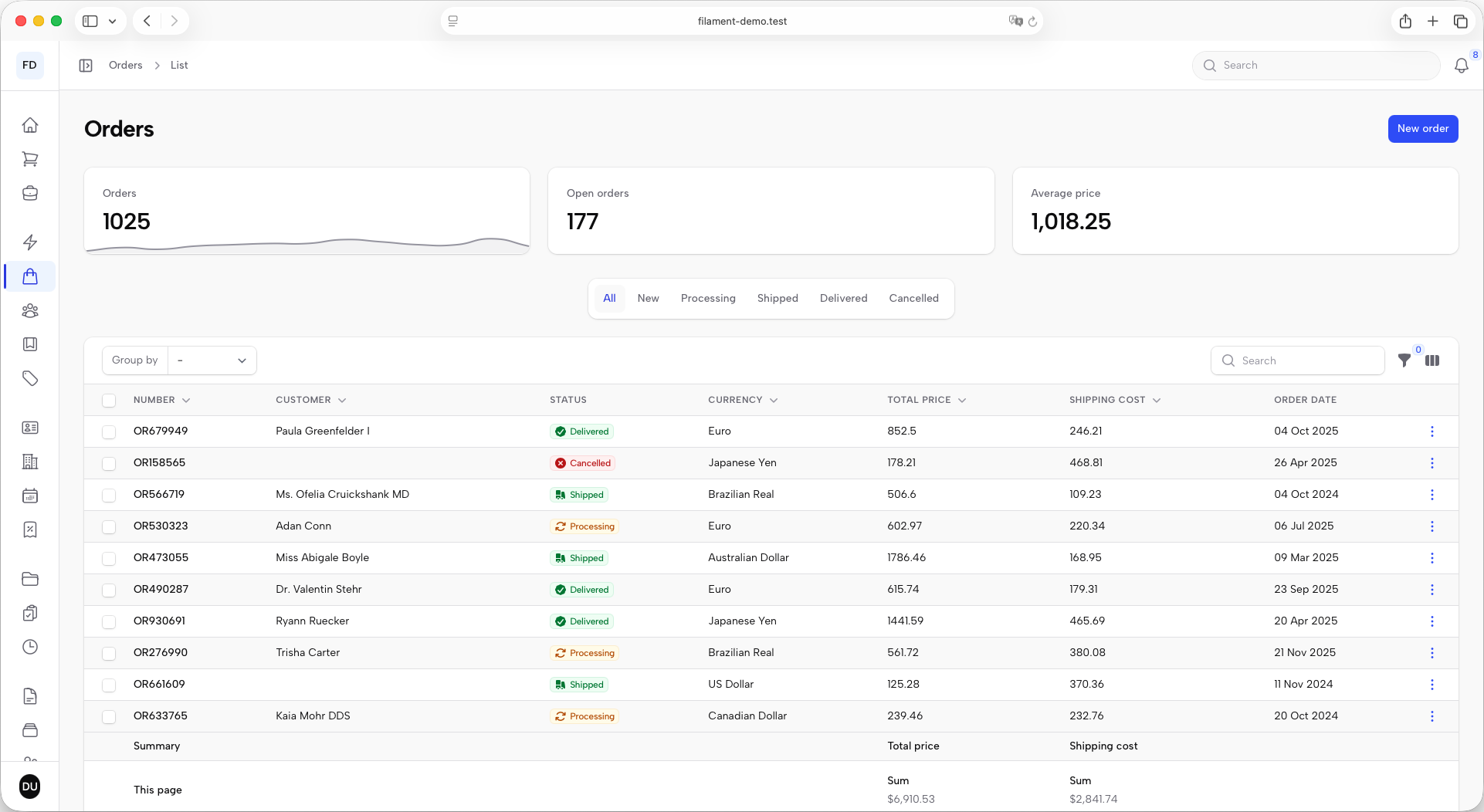 |
 |
Publish its entry point instead of the base one:
The two tags write the same file, so publish one or the other, never both. If you already have an entry point, just add the variant import after the base one — order is the whole mechanism:
The variant is chosen at build time, not from PHP. Its token table is in IMPLEMENTATION_NOTE.md.
Testing
Further reading
IMPLEMENTATION_NOTE.md documents the design tokens, the contrast measurements, the layout decisions behind the stylesheet, and the known limitations.
License
MIT.
