Download the PHP package jongi-theautodidact/ntoshisoft-framework without Composer
On this page you can find all versions of the php package jongi-theautodidact/ntoshisoft-framework. It is possible to download/install these versions without Composer. Possible dependencies are resolved automatically.
Download jongi-theautodidact/ntoshisoft-framework
More information about jongi-theautodidact/ntoshisoft-framework
Files in jongi-theautodidact/ntoshisoft-framework
Package ntoshisoft-framework
Short Description NtoshiSoft Framework - Lightweight PHP MVC framework for rapid business application development. Built for small to medium-sized business applications, featuring a CLI tool, modular architecture, and user-centric identity model.
License GPL-3.0-or-later
Homepage https://github.com/Jongi-TheAutodidact/ntoshisoft-framework
FAQ
Example:

In general, it is recommended to use always a project to download your libraries. In an application normally there is more than one library needed.

- Some hosting areas are not accessible by a terminal or SSH. Then it is not possible to use Composer.
- To use Composer is sometimes complicated. Especially for beginners.
- Composer needs much resources. Sometimes they are not available on a simple webspace.
- If you are using private repositories you don't need to share your credentials. You can set up everything on our site and then you provide a simple download link to your team member.
- Simplify your Composer build process. Use our own command line tool to download the vendor folder as binary. This makes your build process faster and you don't need to expose your credentials for private repositories.
Informations about the package ntoshisoft-framework
 # NtoshiSoft Framework
**Lightweight PHP MVC Framework for Rapid Business Application Development**
[](https://php.net)
[](https://www.gnu.org/licenses/gpl-3.0)
[](https://github.com/Jongi-TheAutodidact/ntoshisoft-framework/releases)
[](https://github.com/Jongi-TheAutodidact/ntoshisoft-framework/stargazers)
*Built for small to medium-sized businesses, startups, and solo developers who want to ship functional applications fast — without the overhead of enterprise frameworks.*
[Getting Started](#getting-started) • [CLI Tool](#cli-tool) • [Documentation](#documentation) • [Contributing](#contributing)
# NtoshiSoft Framework
**Lightweight PHP MVC Framework for Rapid Business Application Development**
[](https://php.net)
[](https://www.gnu.org/licenses/gpl-3.0)
[](https://github.com/Jongi-TheAutodidact/ntoshisoft-framework/releases)
[](https://github.com/Jongi-TheAutodidact/ntoshisoft-framework/stargazers)
*Built for small to medium-sized businesses, startups, and solo developers who want to ship functional applications fast — without the overhead of enterprise frameworks.*
[Getting Started](#getting-started) • [CLI Tool](#cli-tool) • [Documentation](#documentation) • [Contributing](#contributing)
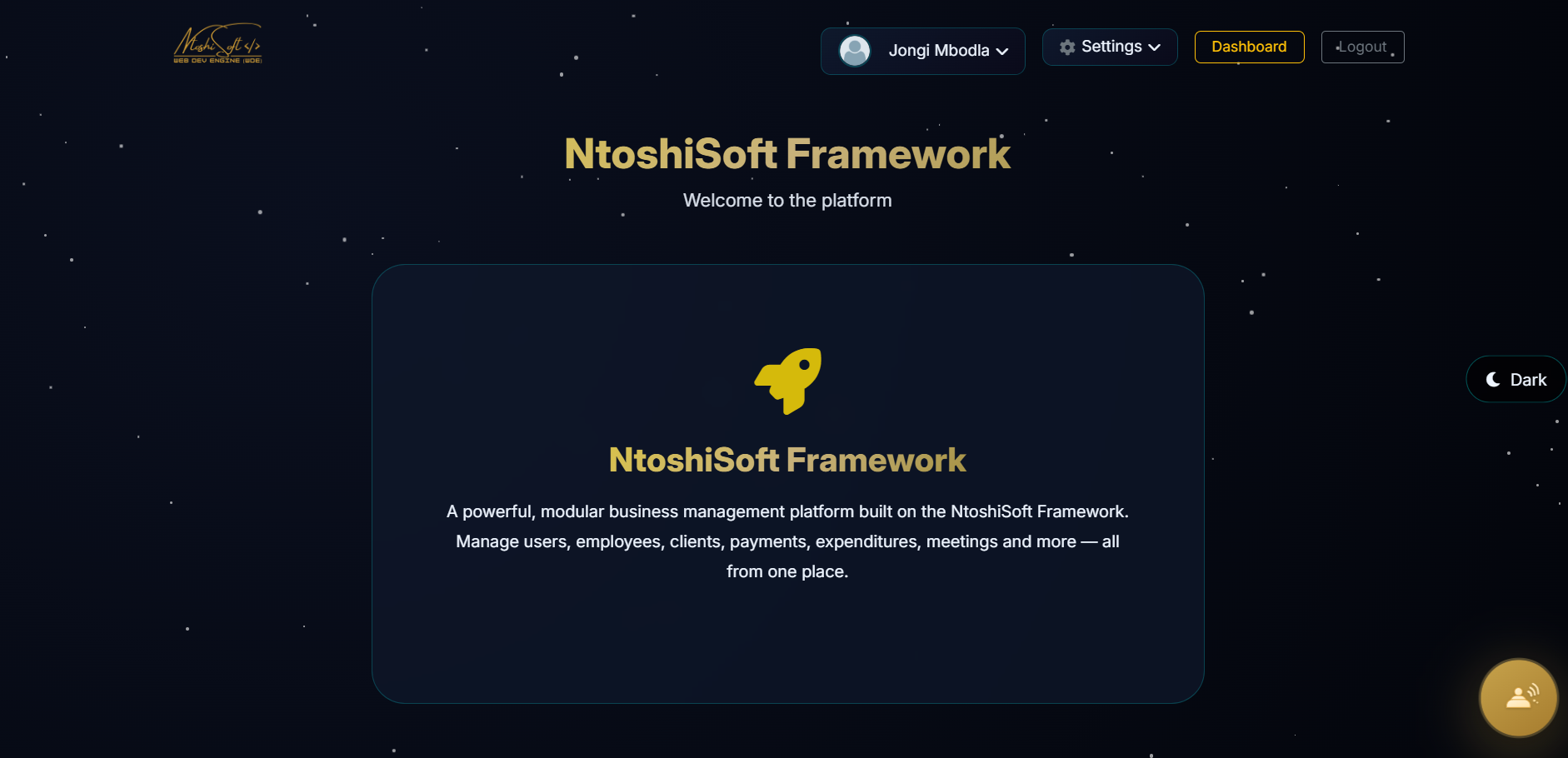 |
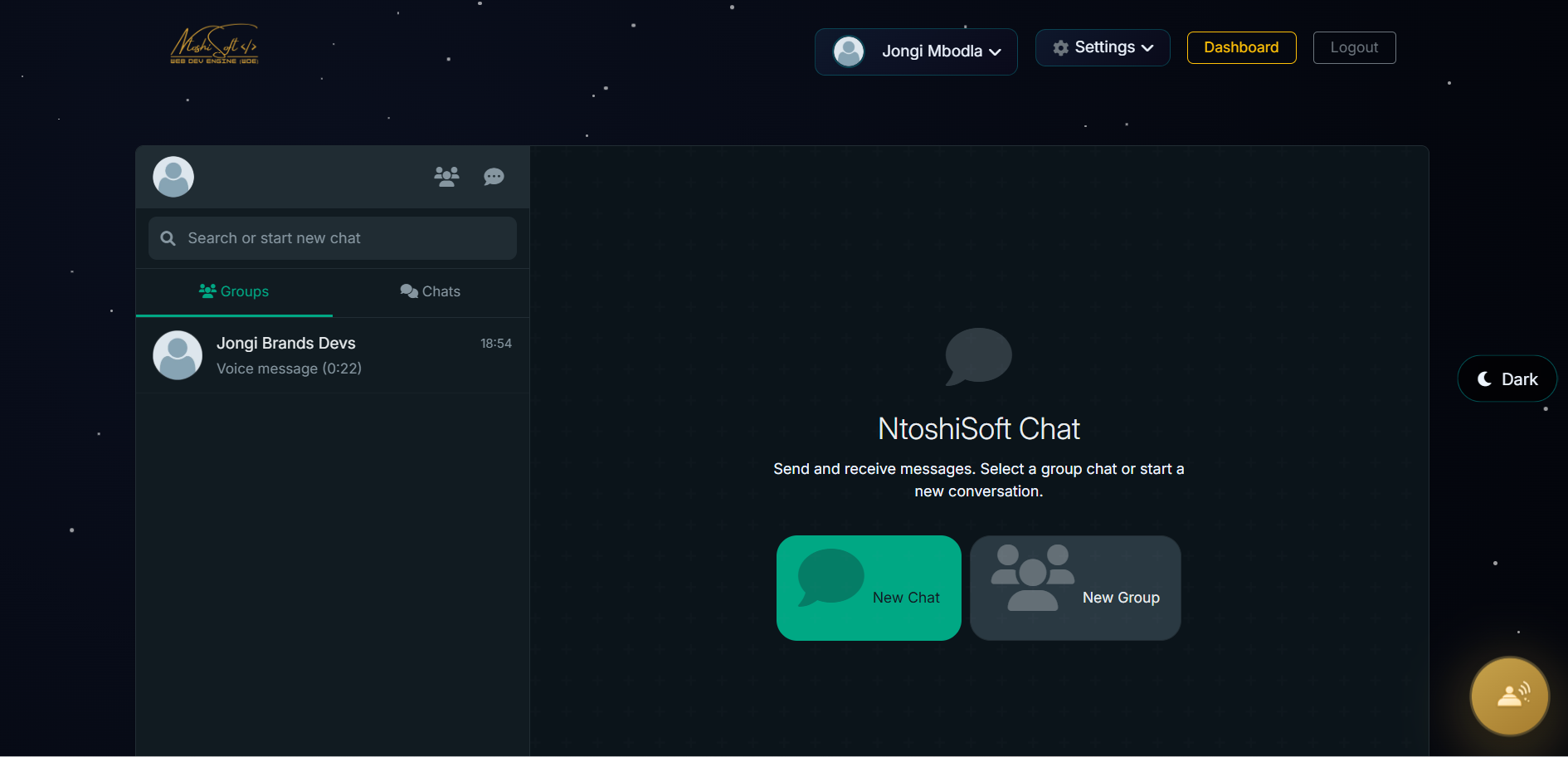 |
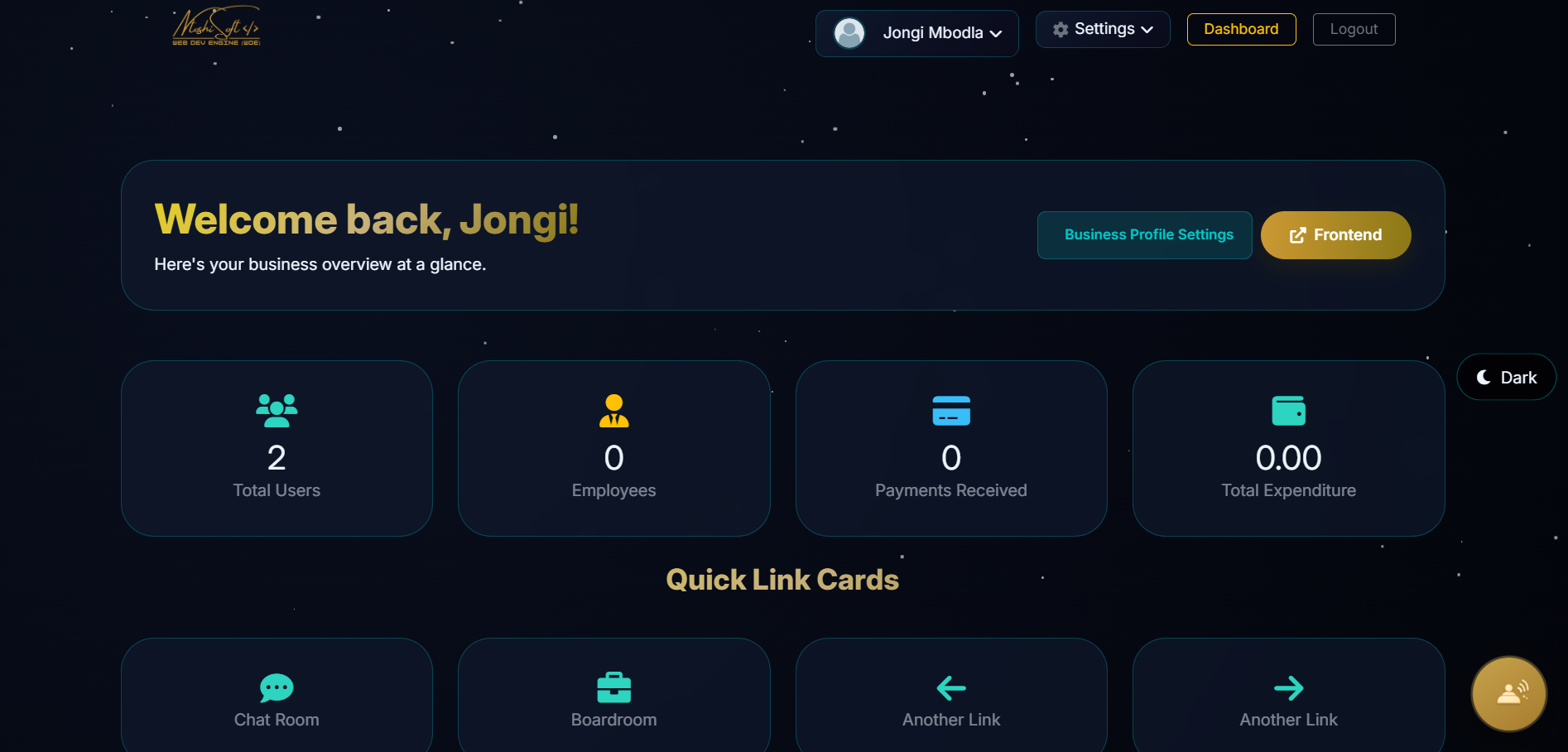 |
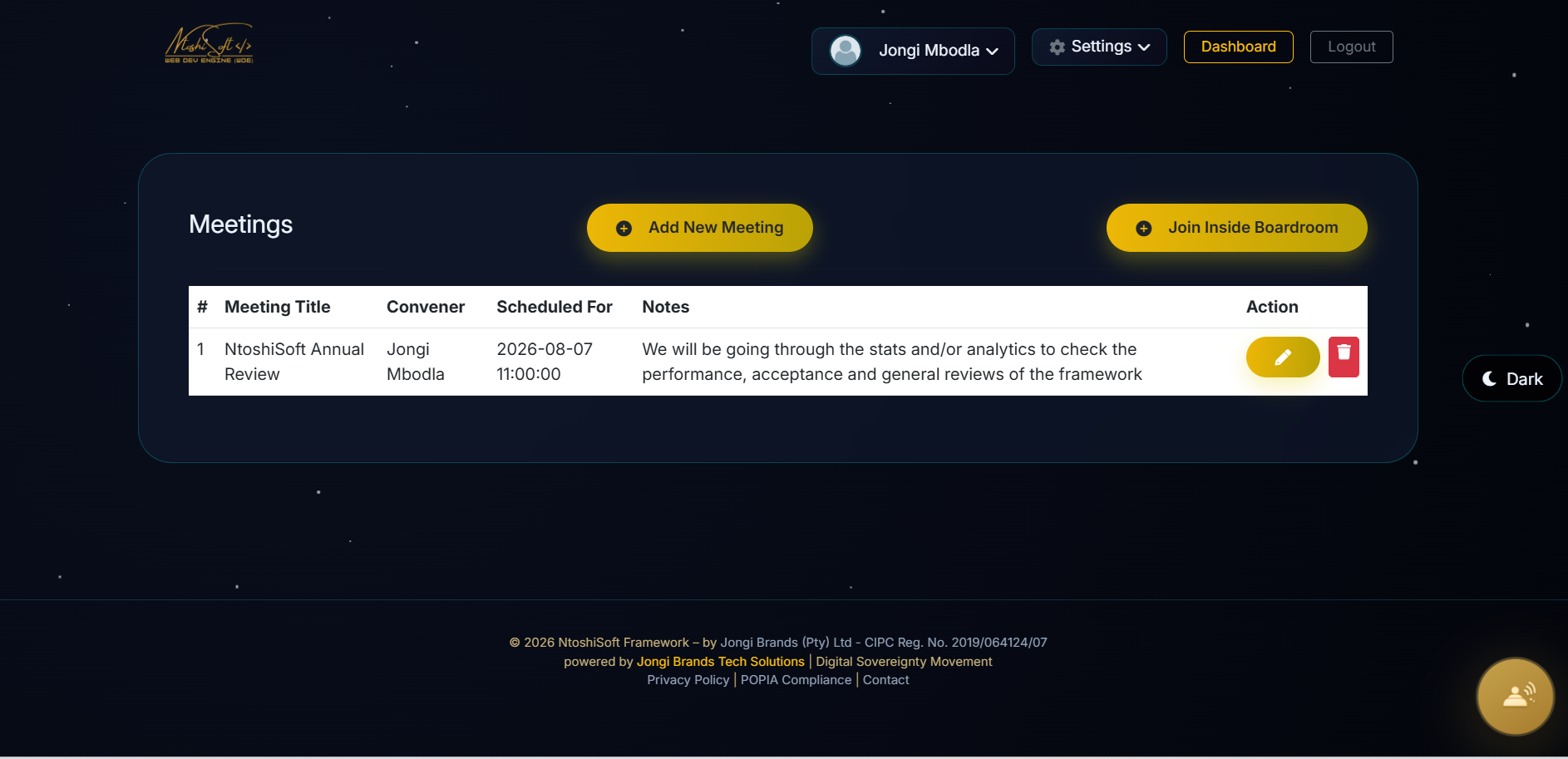 |
Features
- Lightweight MVC — Clean separation of concerns with Models, Views, and Controllers
- User-Centric Identity — Everyone registers as a
usersfirst; role-specific profiles (Employee, Client, etc.) link back viauser_id - CLI Generator (
jongi) — Scaffold controllers, models, migrations from the terminal - Migration System — Version-controlled database schema changes
- Built-in Auth — Session management, CSRF protection, password hashing, role-based access
- Mailer Integration — SMTP email via PHPMailer (password resets, notifications)
- Payment Gateway — Extensible payment processing (PayFast ready)
- Image Handler — Upload, resize, and manage images
- Validator — Form input validation with error feedback
- Logger — File-based logging with rotating logs
- Environment Config —
.envfile management viaEnvLoader/EnvWriter - Installation Wizard — 6-step web-based setup for first-time deployment
Requirements
| Requirement | Minimum |
|---|---|
| PHP | 8.0 or higher |
| PDO Extension | pdo_mysql |
| GD Library | Image processing |
| cURL | HTTP requests |
| Fileinfo | MIME type detection |
| mbstring | Multi-byte string handling |
| JSON | Data serialization |
| MySQL | 5.7+ or MariaDB 10.3+ |
| Composer | Dependency management |
| Web Server | Apache (mod_rewrite) or Nginx |
Getting Started
Option 1: Install via Composer (Recommended)
Option 2: Clone from GitHub
Or download the ZIP, extract, and run composer install.
Post-Installation: Running the Setup Wizard
After installation, the framework guides you through a 6-step web-based wizard to configure your application.
1. Live Server Prerequisite
Important: On a live server, before running the install wizard, you must rename
.htaccess-bkpto.htaccessin the project root. Without this, the browser will display a blank page because Apache URL rewriting will not be active.
This step is not required on localhost (XAMPP) since the app is accessed directly via the public/ directory.
2. Copy the Environment File
3. Open the Installer in Your Browser
Navigate to the appropriate URL for your environment:
| Environment | URL |
|---|---|
| Localhost (XAMPP) | http://localhost/{project-directory}/public |
| Live Server | https://your-domain.com |
Note: The app is served via Apache (XAMPP or production). Do not use
php jongi serveorphp jongi spinit— the framework is designed to run through a proper web server.
You'll be redirected to the Installation Wizard (install.php).
4. Complete the 6-Step Wizard
The wizard will walk you through:
| Step | What You'll Configure |
|---|---|
| 1. Welcome & Requirements | Server checks (PHP version, extensions, permissions) |
| 2. Database | MySQL host, database name, credentials |
| 3. Tables | Creates users and settings tables |
| 4. Admin Account | Your super-admin login credentials |
| 5. Site Settings | App name, logo upload |
| 6. Mail & Finalize | SMTP settings (optional — skip to do later) |
Once complete, the .env file is written automatically and you're redirected to your application.
5. Log In
Navigate to your app URL and log in using the admin credentials you created during setup.
What's Included Out of the Box
The installation wizard creates only two default tables:
| Table | Purpose |
|---|---|
users |
Admin and user accounts |
settings |
Application configuration (site name, colors, etc.) |
These are the minimum tables needed for the framework to function (authentication and basic settings).
Important: After logging in, you'll see the full dashboard with navigation links to features like Chatroom, Payments, Employees, etc. These are generic modules — clicking them without their database tables will throw errors. To fully explore the framework, migrate all shipped example migrations using the cli command:
This creates the remaining tables for the bundled generic modules. You can add, remove, or modify any of these later to suit your project.
Ships With — But Not Auto-Migrated
The framework also includes example migrations, models, controllers, and CRUD views in the codebase. These are provided as reference implementations — ready-made examples you can study, adapt, or use as a starting point for your own project.
- Browse
app/migrations/,app/models/,app/controllers/, andapp/views/to see what's available.- Pick only the ones relevant to your project.
- Create your own migrations, models, and controllers as your project dictates.
This keeps your database lean and your application tailored to your specific needs.
Web Server Configuration
Apache (with mod_rewrite)
The framework ships with a .htaccess file inside public/ that handles URL rewriting. No additional configuration needed if .htaccess is enabled.
For a cleaner setup (optional), move the rewrite rules to the root:
Nginx
CLI Tool (jongi)
The framework includes a command-line scaffolding tool to accelerate development.
Available Commands
Scaffolding
| Command | Description |
|---|---|
php jongi make:controller <name> |
Generate a new controller |
php jongi make:model <name> |
Generate a new model |
php jongi make:migration <name> |
Generate a new migration file |
php jongi list:migrations |
List all migration files |
Scaffolding Examples
Directory Structure
Key Framework Files
| File | Purpose |
|---|---|
public/index.php |
Application entry point — bootstraps routing |
app/core/init.php |
Loads Composer autoloader (delegates to vendor/autoload.php) |
app/core/config.php |
Defines constants from .env (DB, app, mail, security settings) |
app/core/functions.php |
Global helper functions |
app/core/Database.php |
PDO database wrapper (queries, transactions, error handling) |
app/core/Model.php |
Base trait for all models (CRUD, query building, pagination) |
app/core/Controller.php |
Base trait — view rendering, data passing |
app/core/Router.php |
URL dispatcher — matches routes to controllers |
app/core/Middleware.php |
Base middleware class |
app/config/routes.php |
Define your application routes here |
Configuration
The .env file is created automatically during the installation wizard. Key variables:
Note: On a live server,
ROOTwill be set tohttps://your-domain.com(without/public). On localhost (XAMPP), it will behttp://localhost/{project-directory}/public.Security: The
.envfile is excluded from Git via.gitignore. Never commit it to version control.
Built With
- PHPMailer — Email sending
- Dompdf — PDF generation
- Bootstrap 5 — Frontend UI (included in assets)
- Bootstrap Icons — Icon library
License
This project is licensed under the GNU General Public License v3.0 — see the LICENSE for details.
NtoshiSoft Framework — Making business applications accessible to everyone.
