Download the PHP package enzolutions/spress-tinto-theme without Composer
On this page you can find all versions of the php package enzolutions/spress-tinto-theme. It is possible to download/install these versions without Composer. Possible dependencies are resolved automatically.
Download enzolutions/spress-tinto-theme
More information about enzolutions/spress-tinto-theme
Files in enzolutions/spress-tinto-theme
FAQ
Example:

In general, it is recommended to use always a project to download your libraries. In an application normally there is more than one library needed.

- Some hosting areas are not accessible by a terminal or SSH. Then it is not possible to use Composer.
- To use Composer is sometimes complicated. Especially for beginners.
- Composer needs much resources. Sometimes they are not available on a simple webspace.
- If you are using private repositories you don't need to share your credentials. You can set up everything on our site and then you provide a simple download link to your team member.
- Simplify your Composer build process. Use our own command line tool to download the vendor folder as binary. This makes your build process faster and you don't need to expose your credentials for private repositories.
Informations about the package spress-tinto-theme
- Spress
- License
- Featured:
- How to install?
- How to use?
- Menus
- Comments
- How to update your current theme to Tinto Theme?
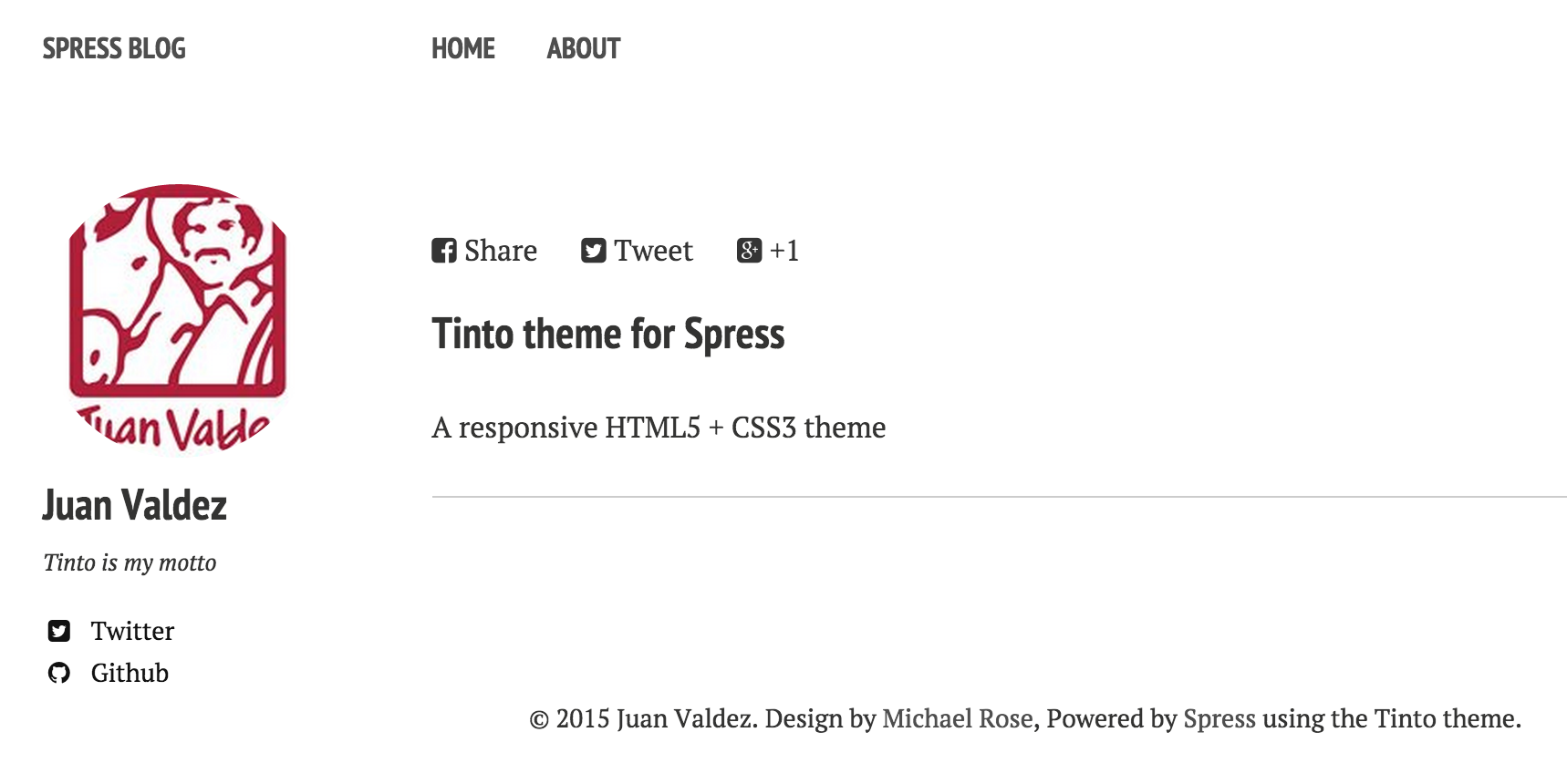
Tinto theme for Spress
Tinto is a ported theme to Spress 2.0 design by Minimal Mistakes.
License
Free for personal and commercial use under the MIT license
Featured:
- Responsive templates. Looking good on mobile, tablet, and desktop.
- Gracefully degrading in older browsers. Compatible with Internet Explorer 8+ and all modern browsers.
- Minimal embellishments -- content first.
- Optional large feature images for posts and pages.
- Simple and clear permalink structure.
- Custom 404 page to get you started.
- Support for Disqus Comments
How to install?
This theme is not included with Spress.
Download the latest release from releases page https://github.com/enzolutions/spress-tinto-theme/releases i.e
How to use?
Menus
Spresso support top and bottom menus. To configure, you can edit
top_menu and bottom_menu options from the config.yml:
Comments
Comments are powered by Disqus and it need your disqus shortname. To get it, you need create a account at this service. It's free.
Disable comments
By default, Disqus comments are enabled. If you want a post without comments, set
the comments variable to false at the Front-matter of the post:
How to update your current theme to Tinto Theme?
If you are already using Spress and you want to update to this theme follow these simple steps
- Create a new site (explained above)
- Copy your _post folder your new spress site
- Copy your assets folder to you new spress site
- Merge your config.yml file with config.yml file of your new spress site
- Enjoy
