Download the PHP package bertalanv-beep/advanced-nova-media-library without Composer
On this page you can find all versions of the php package bertalanv-beep/advanced-nova-media-library. It is possible to download/install these versions without Composer. Possible dependencies are resolved automatically.
Download bertalanv-beep/advanced-nova-media-library
More information about bertalanv-beep/advanced-nova-media-library
Files in bertalanv-beep/advanced-nova-media-library
Package advanced-nova-media-library
Short Description Laravel Nova tools for managing the Spatie media library.
License MIT
FAQ
Example:

In general, it is recommended to use always a project to download your libraries. In an application normally there is more than one library needed.

- Some hosting areas are not accessible by a terminal or SSH. Then it is not possible to use Composer.
- To use Composer is sometimes complicated. Especially for beginners.
- Composer needs much resources. Sometimes they are not available on a simple webspace.
- If you are using private repositories you don't need to share your credentials. You can set up everything on our site and then you provide a simple download link to your team member.
- Simplify your Composer build process. Use our own command line tool to download the vendor folder as binary. This makes your build process faster and you don't need to expose your credentials for private repositories.
Informations about the package advanced-nova-media-library
Laravel Advanced Nova Media Library
This repository was forked from ebess/advanced-nova-media-library and modified to support multiple custom properties for media.
Manage images of spatie's media library package. Upload multiple images and order them by drag and drop.
Table of Contents
- Examples
- Install
- Model media configuration
- Generic file management
- Single image upload
- Multiple image upload
- Selecting existing media
- Names of uploaded images
- Image cropping
- Custom properties
- Custom headers
- Media Field (Video)
- Change log
Examples

Install
Model media configuration
Let's assume you configured your model to use the media library like following:
Generic file management
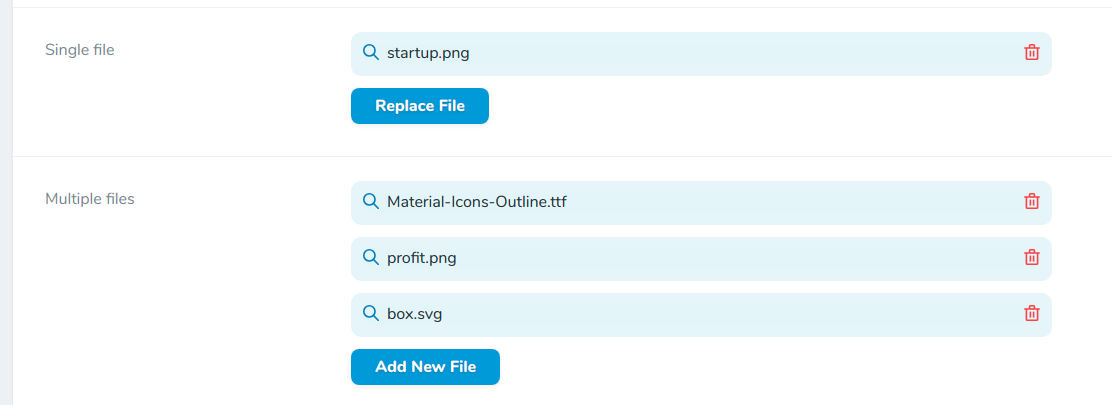
In order to be able to upload and handle generic files just go ahead and use the Files field.
Single image upload
Multiple image upload
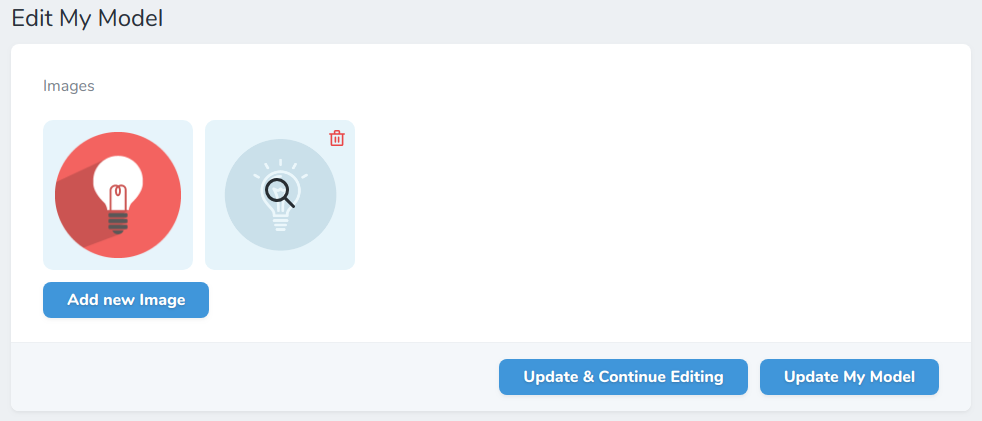
If you enable the multiple upload ability, you can order the images via drag & drop.
Selecting existing media
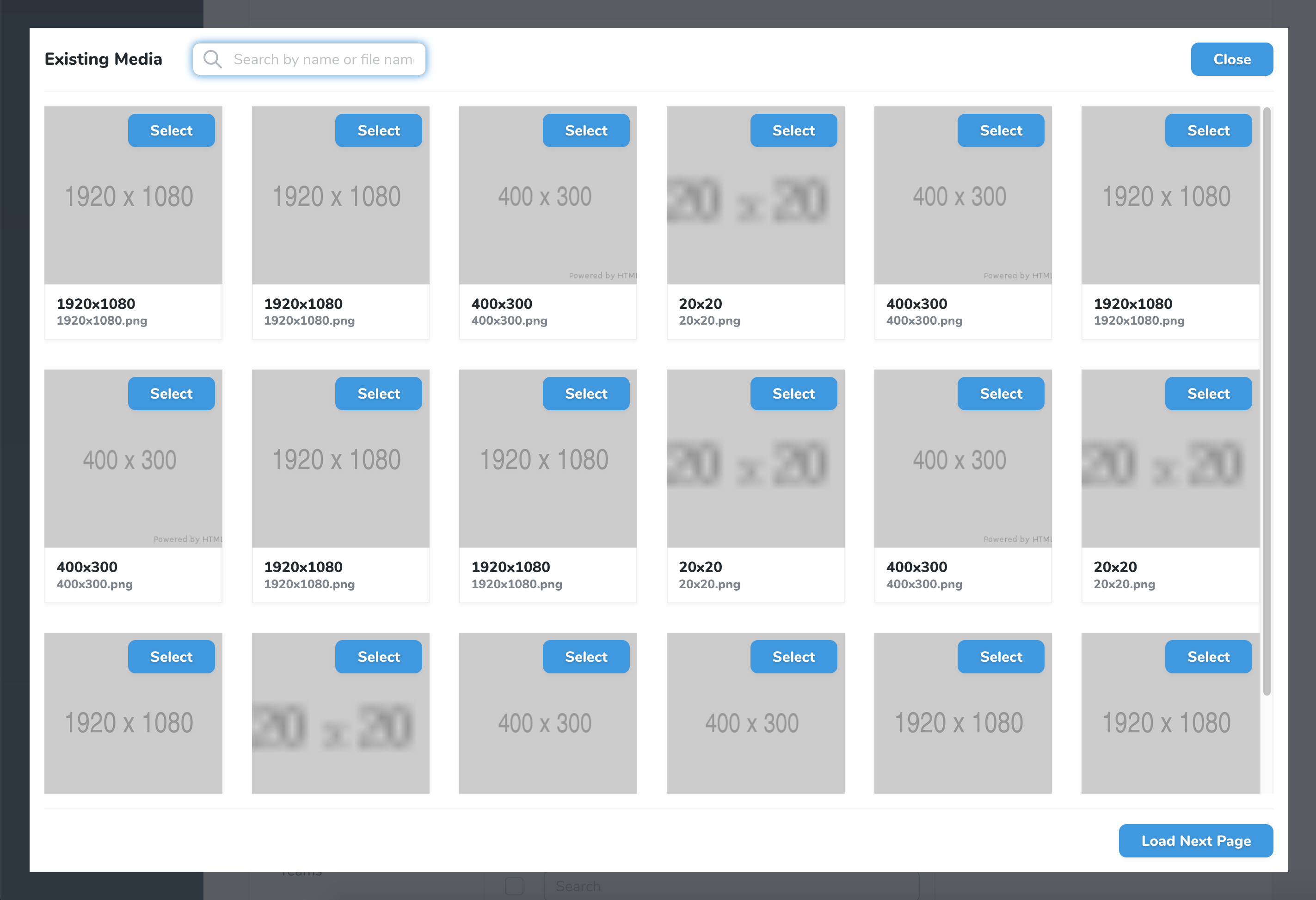
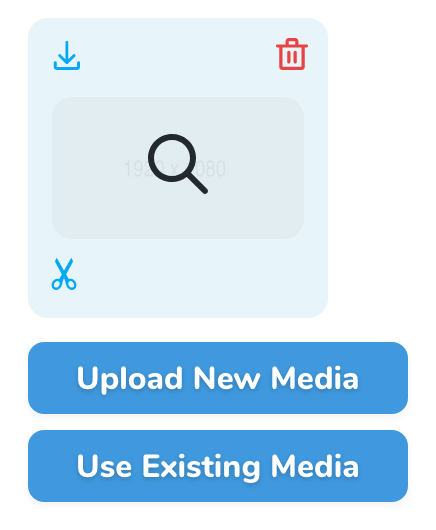
If you upload the same media files to multiple models and you do not want to select it from the file system all over again, use this feature. Selecting an already existing media will copy it.
Attention: This feature will expose an endpoint to every user of your application to search existing media. If your media upload / custom properties on the media models are confidential, do not enable this feature!
-
Publish the config files if you did not yet
-
Enable this feature in config file config/nova-media-library
- Enable the selection of existing media field
Note: This feature does not support temporary URLs.
Names of uploaded images
The default filename of the new uploaded file is the original filename. You can change this with the help of the function setFileName, which takes a callback function as the only param. This callback function has three params: $originalFilename (the original filename like Fotolia 4711.jpg), $extension (file extension like jpg), $model (the current model). Here are just 2 examples of what you can do:
By default, the "name" field on the Media object is set to the original filename without the extension. To change this, you can use the setName function. Like setFileName above, it takes a callback function as the only param. This callback function has two params: $originalFilename and $model.
Responsive images
If you want to use responsive image functionality from the Spatie MediaLibrary, you can use the withResponsiveImages() function on the model.
Image cropping
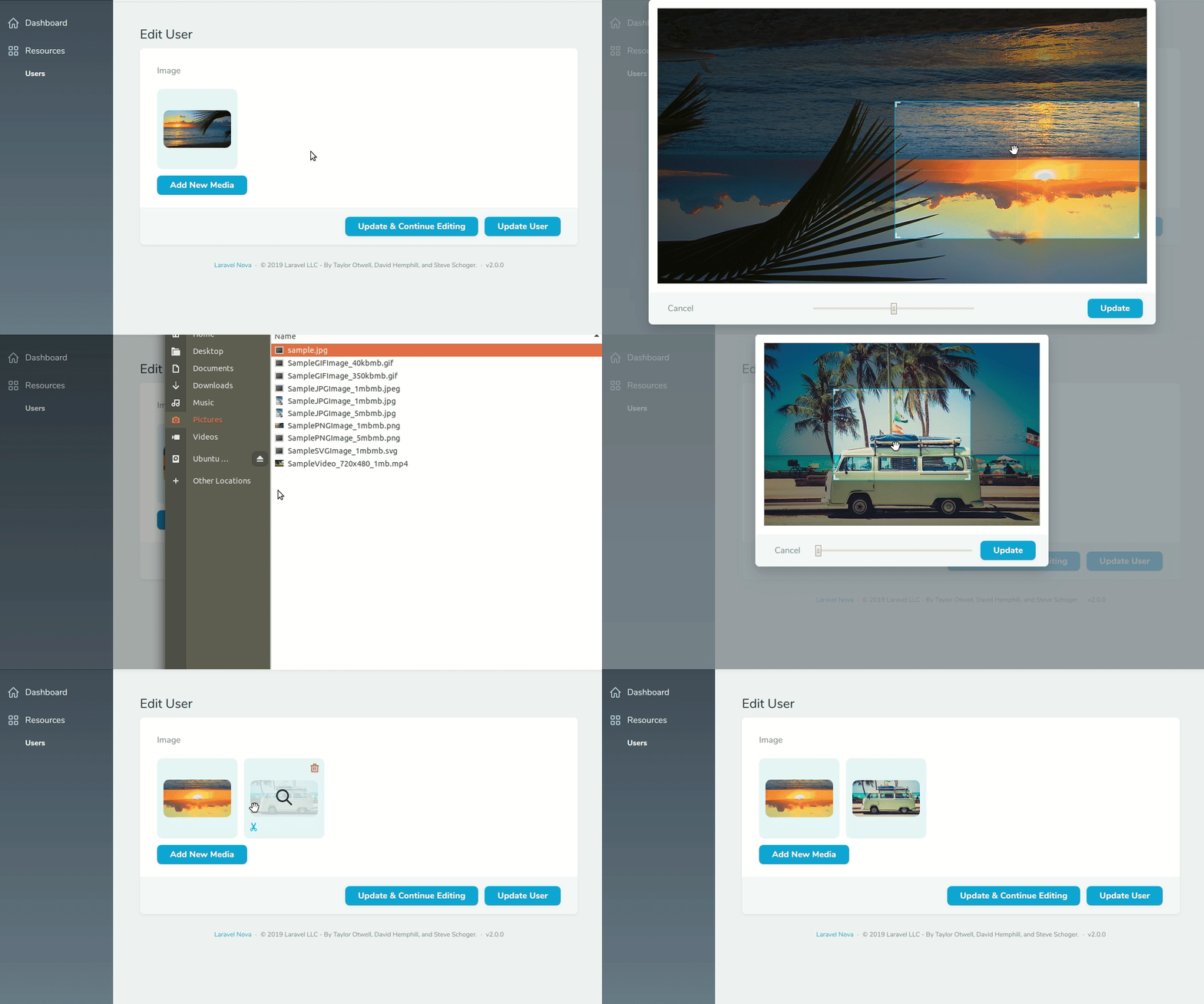
By default you are able to crop / rotate images by clicking the scissors in the left bottom corner on the edit view.
The vue-js-clipper is used for this purpose. The cropping feature is
limited to mime type of image/jpg, image/jpeg and image/png.
Important: By cropping an existing image the original media model is deleted and replaced by the cropped image. All custom properties are copied form the old to the new model.
To disable this feature use the croppable method:
You can set all configurations like ratio e.g. as following:
Available cropping configuration, see https://github.com/timtnleeProject/vuejs-clipper#clipper-basic.
It is possible to enforce cropping on upload, for example to ensure the image has the set aspect ratio:
Disabling cropping by default
By default, the cropping feature is enabled. To disable it by default for all images set default-croppable in config/nova-media-library.php to false:
Custom properties
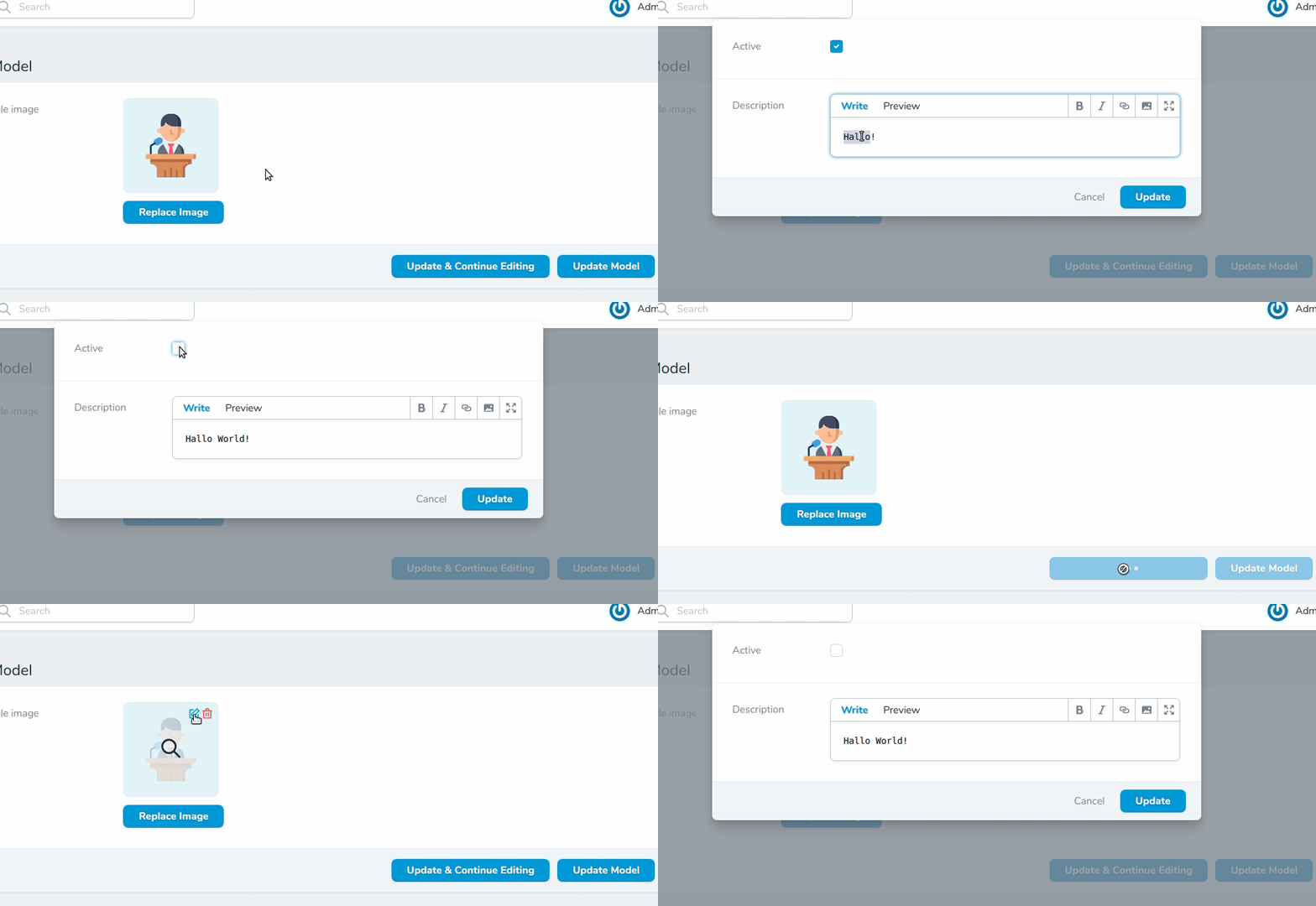
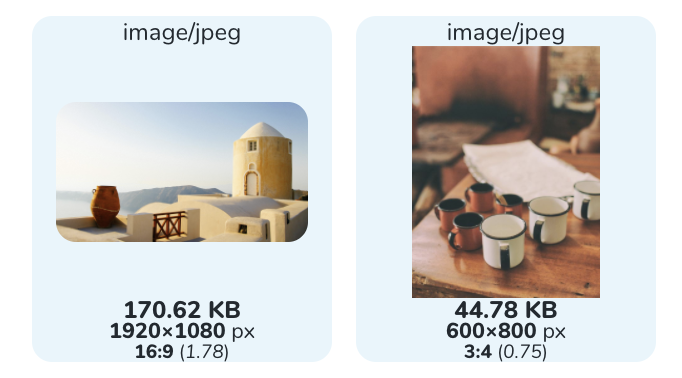
Show image statistics (size, dimensions, type)
Custom headers
Media Field (Video)
In order to handle videos with thumbnails you need to use the Media field instead of Images. This way you are able to upload videos as well.
Temporary Urls
If you are using Amazon S3 to store your media, you will need to use the temporary function on your field to generate
a temporary signed URL. This function expects a valid Carbon instance that will specify when the URL should expire.
Note: This feature does not work with the existing media feature.
Credits
Alternatives
Change log
v4.0.2 - 2022-04-26
- Fix ratio for cropping in Nova 4. Config from
Images::( ... )->croppingConfigs()are now passed along to thestencil-propsproperty of the cropper. See cropper docs for more details on available props.
v4.0.1 - 2022-04-20
- Fix details component
- Fix layout inconsistencies
v4.0.0 - 2022-04-18
- Upgrade to support Laravel Nova 4
- Breaks compatibility with Laravel Nova 1,2 and 3. For those nova versions use
v3.* - Replaced vuejs-clipper with vue-advanced-cropper for vue3 support
Full change log in PR #317
How to contribute
- You need to have Nova installed of course in your Laravel app
- Work directly in the package in the
vendordirectory (webpack needs Nova to be installed) - Then from the
vendor/xxx/advanced-nova-media-libraryfolder:- Use a least
nvm use 14 yarn installyarn run watch- Work hard 🤘
yarn npm productionwhen job is finished- Make a PR
- Use a least
All versions of advanced-nova-media-library with dependencies

laravel/framework Version ^8.0|^9.0|^10.0|^11.0
laravel/nova Version ^4.0
spatie/laravel-medialibrary Version ^8.0|^9.0|^10.0|^11.0