Download the PHP package atannex/desk-editor without Composer
On this page you can find all versions of the php package atannex/desk-editor. It is possible to download/install these versions without Composer. Possible dependencies are resolved automatically.
Table of contents
Download atannex/desk-editor
More information about atannex/desk-editor
Files in atannex/desk-editor
Download atannex/desk-editor
More information about atannex/desk-editor
Files in atannex/desk-editor
Vendor atannex
Package desk-editor
Short Description A premium, first-class rich text editor for Laravel: Blade & Livewire components, uploads, mentions, math, code highlighting, tables, callouts, server-side sanitisation and a polished light/dark theme built with Tailwind CSS.
License MIT
Homepage https://github.com/atannex/desk-editor
Package desk-editor
Short Description A premium, first-class rich text editor for Laravel: Blade & Livewire components, uploads, mentions, math, code highlighting, tables, callouts, server-side sanitisation and a polished light/dark theme built with Tailwind CSS.
License MIT
Homepage https://github.com/atannex/desk-editor
FAQ
After the download, you have to make one include require_once('vendor/autoload.php');. After that you have to import the classes with use statements.
Example:

Example:
If you use only one package a project is not needed. But if you use more then one package, without a project it is not possible to import the classes with use statements.
In general, it is recommended to use always a project to download your libraries. In an application normally there is more than one library needed.
In general, it is recommended to use always a project to download your libraries. In an application normally there is more than one library needed.
Some PHP packages are not free to download and because of that hosted in private repositories.
In this case some credentials are needed to access such packages.
Please use the auth.json textarea to insert credentials, if a package is coming from a private repository.
You can look here for more information.

- Some hosting areas are not accessible by a terminal or SSH. Then it is not possible to use Composer.
- To use Composer is sometimes complicated. Especially for beginners.
- Composer needs much resources. Sometimes they are not available on a simple webspace.
- If you are using private repositories you don't need to share your credentials. You can set up everything on our site and then you provide a simple download link to your team member.
- Simplify your Composer build process. Use our own command line tool to download the vendor folder as binary. This makes your build process faster and you don't need to expose your credentials for private repositories.
Please rate this library. Is it a good library?
Informations about the package desk-editor
Desk Editor for Laravel
atannex/desk-editor is a rich text editor and publishing platform for Laravel, built with TipTap 3 and ProseMirror.
It combines a configurable editor, editorial CMS, media library, collaboration tools, and a public blog. The compiled assets are included, so no frontend build step is required in the consuming Laravel application.
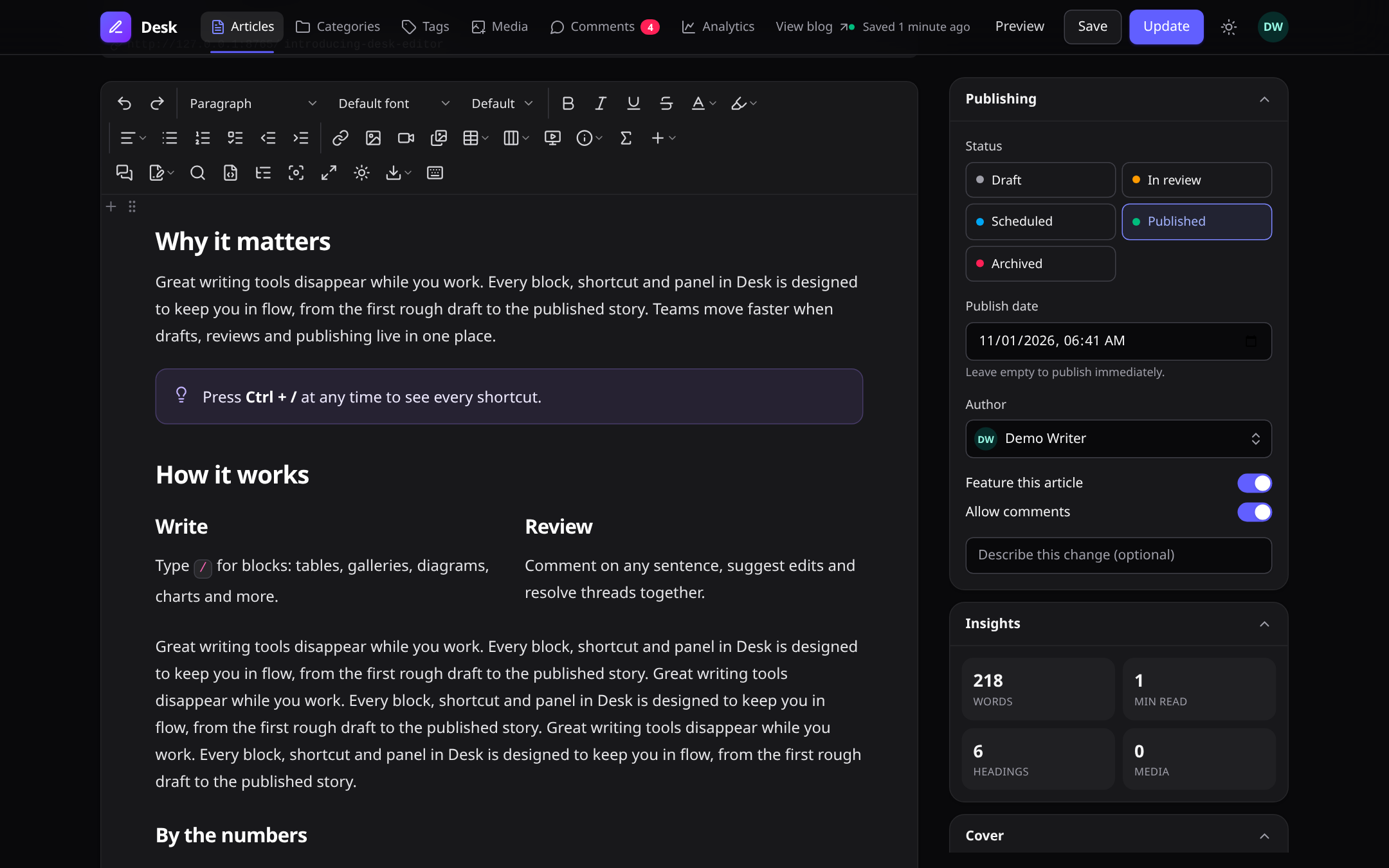
Light theme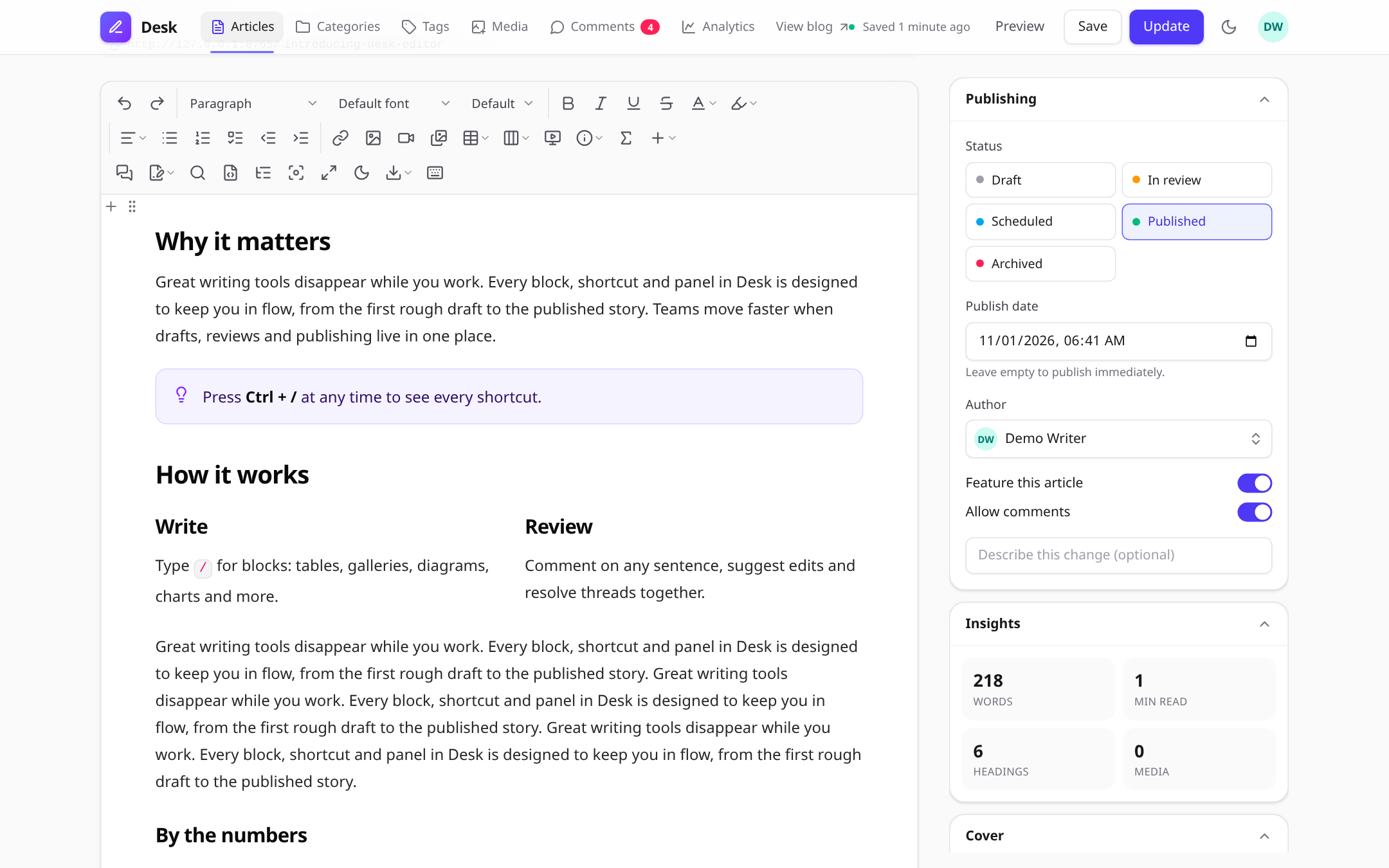 |
Dark theme |
Slash commands: type / to insert any block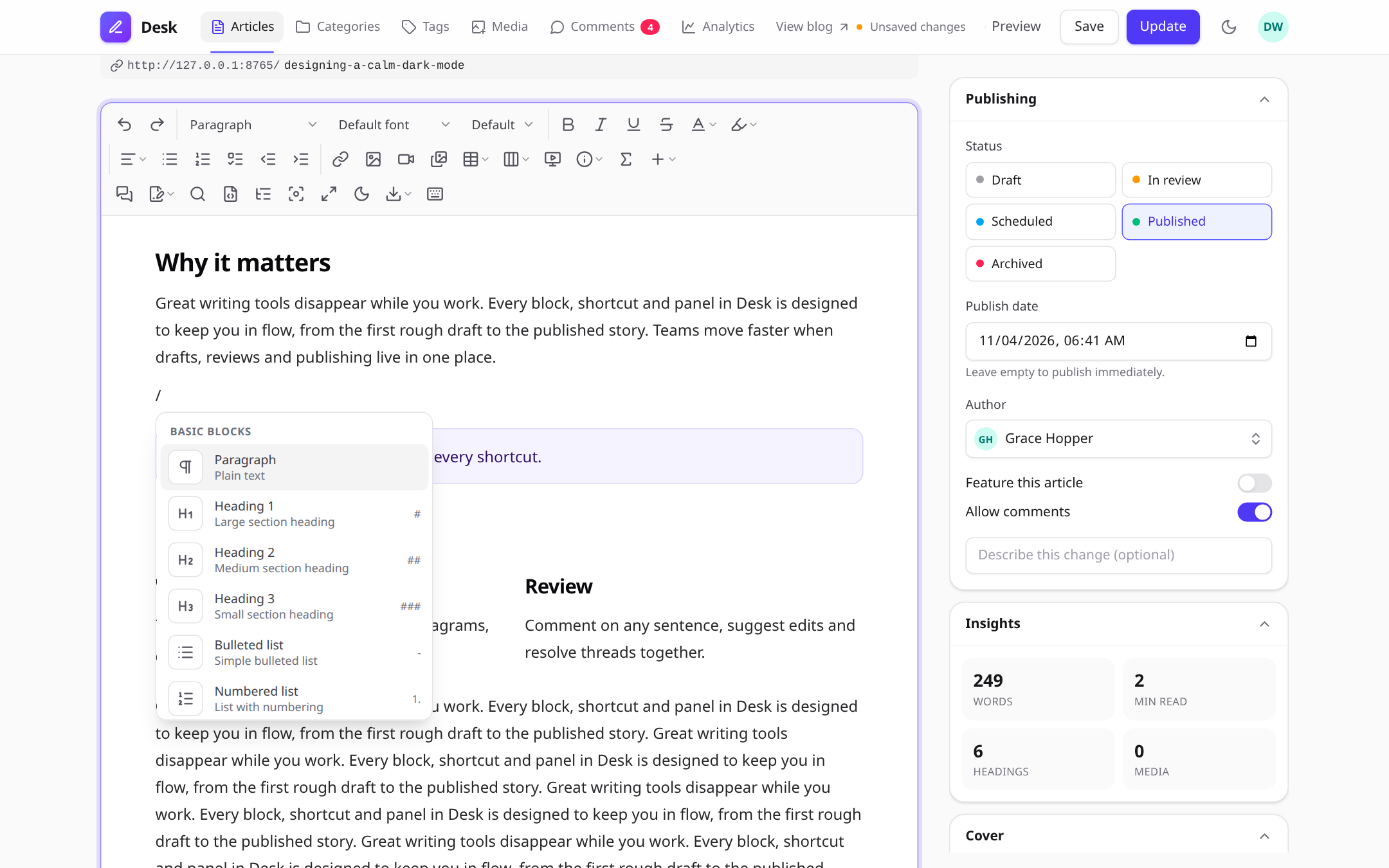 |
Bubble menu on any text selection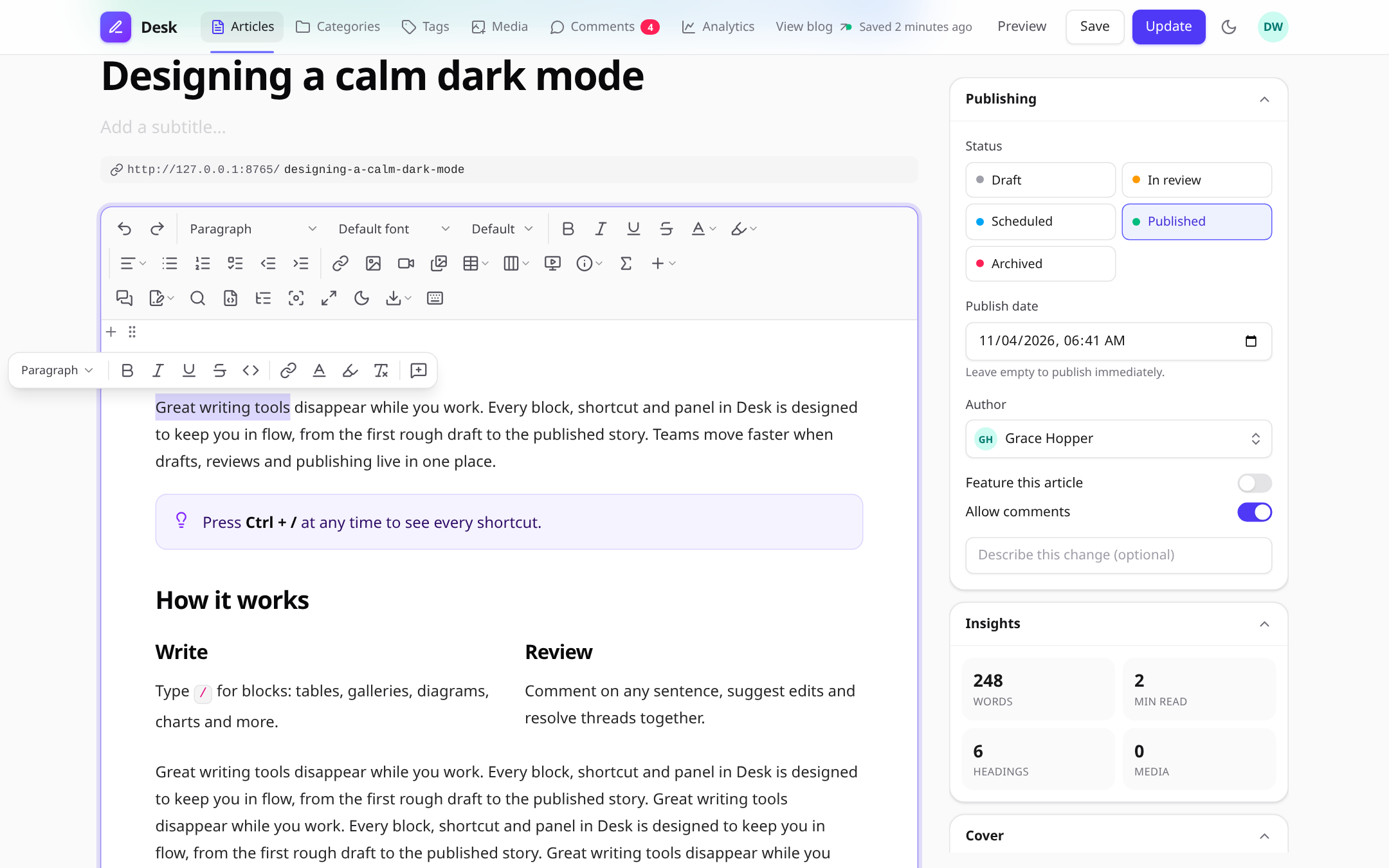 |
Comments and suggestion mode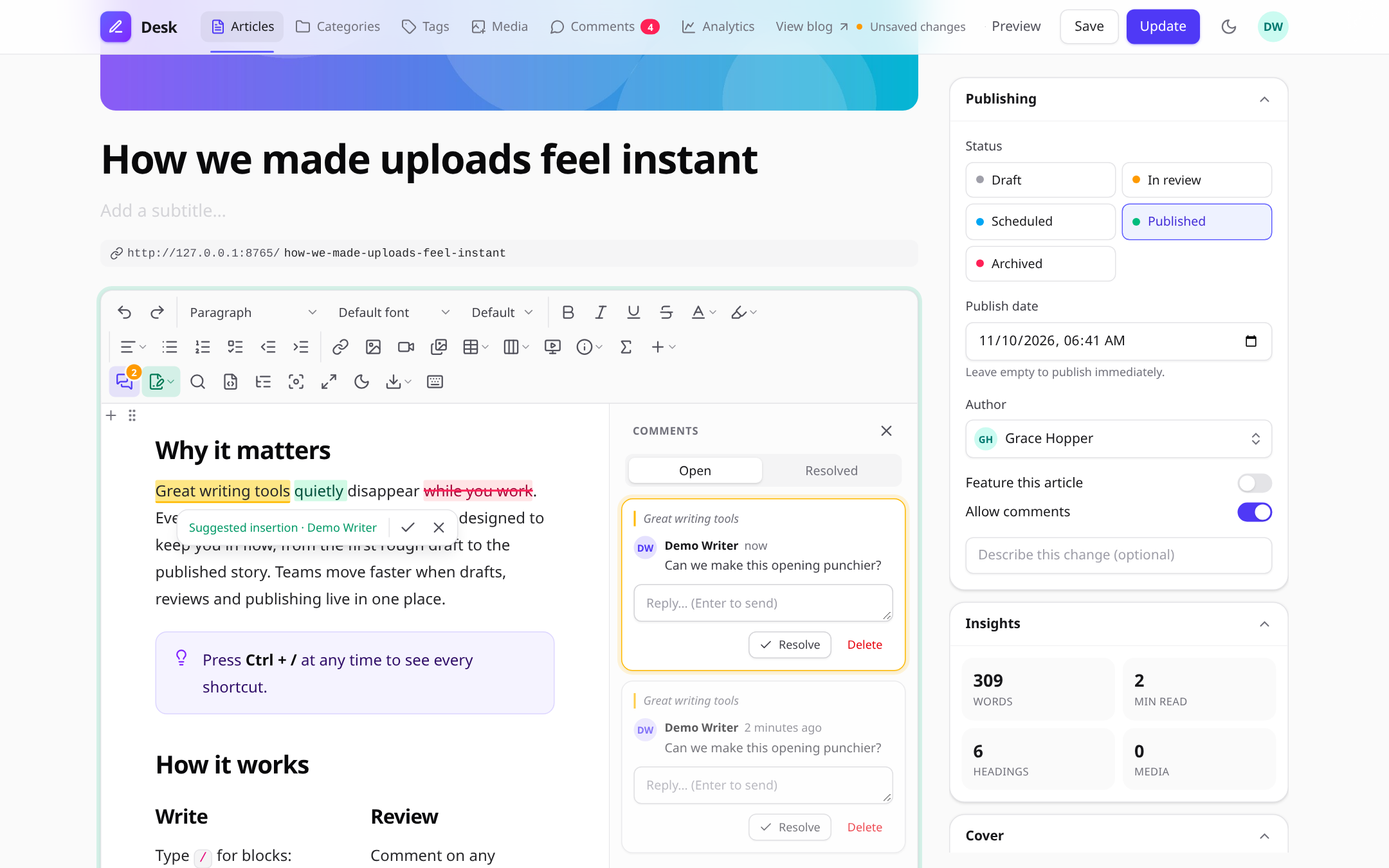 |
Live collaboration with named cursors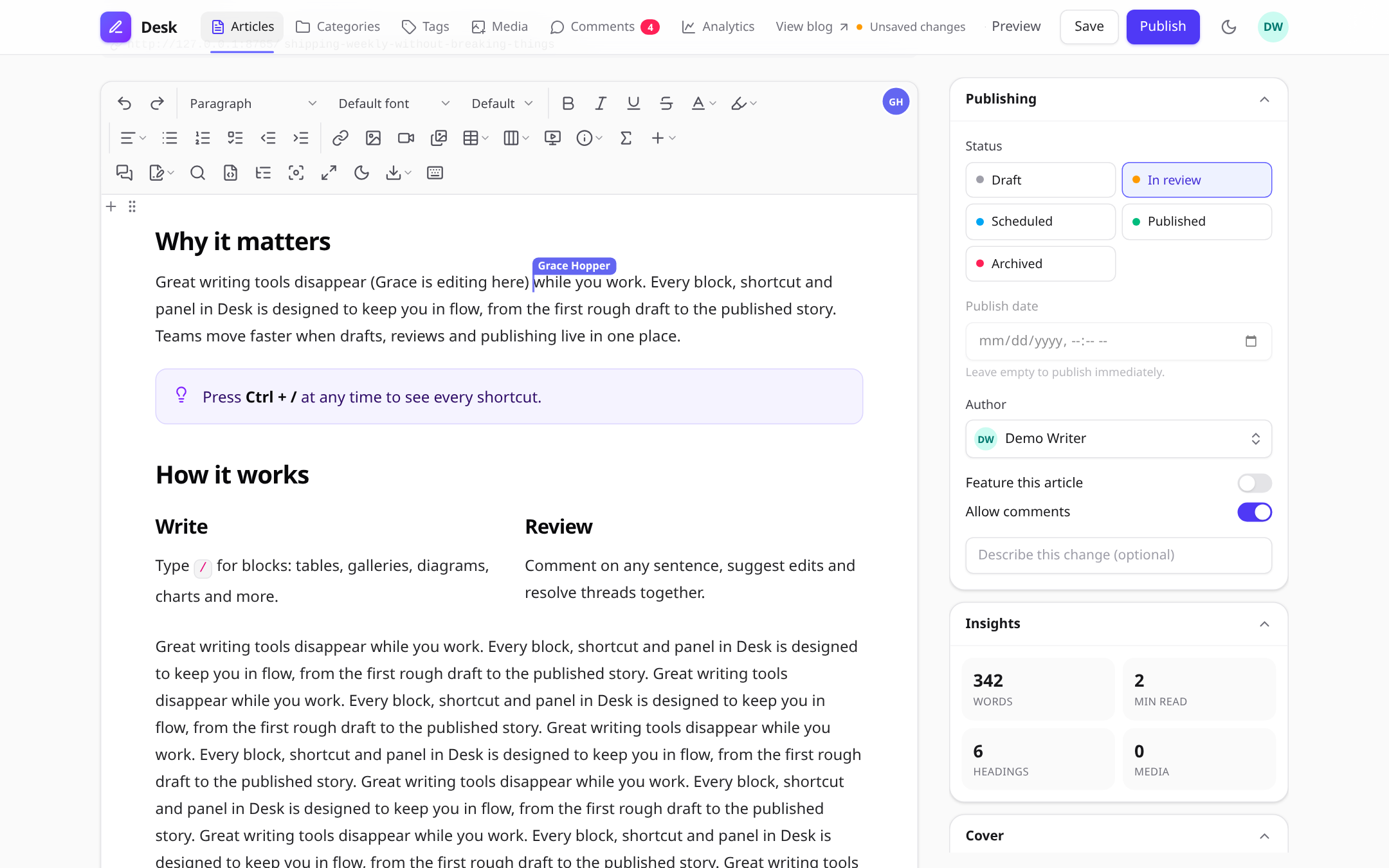 |
Diagram editor (Mermaid, live preview)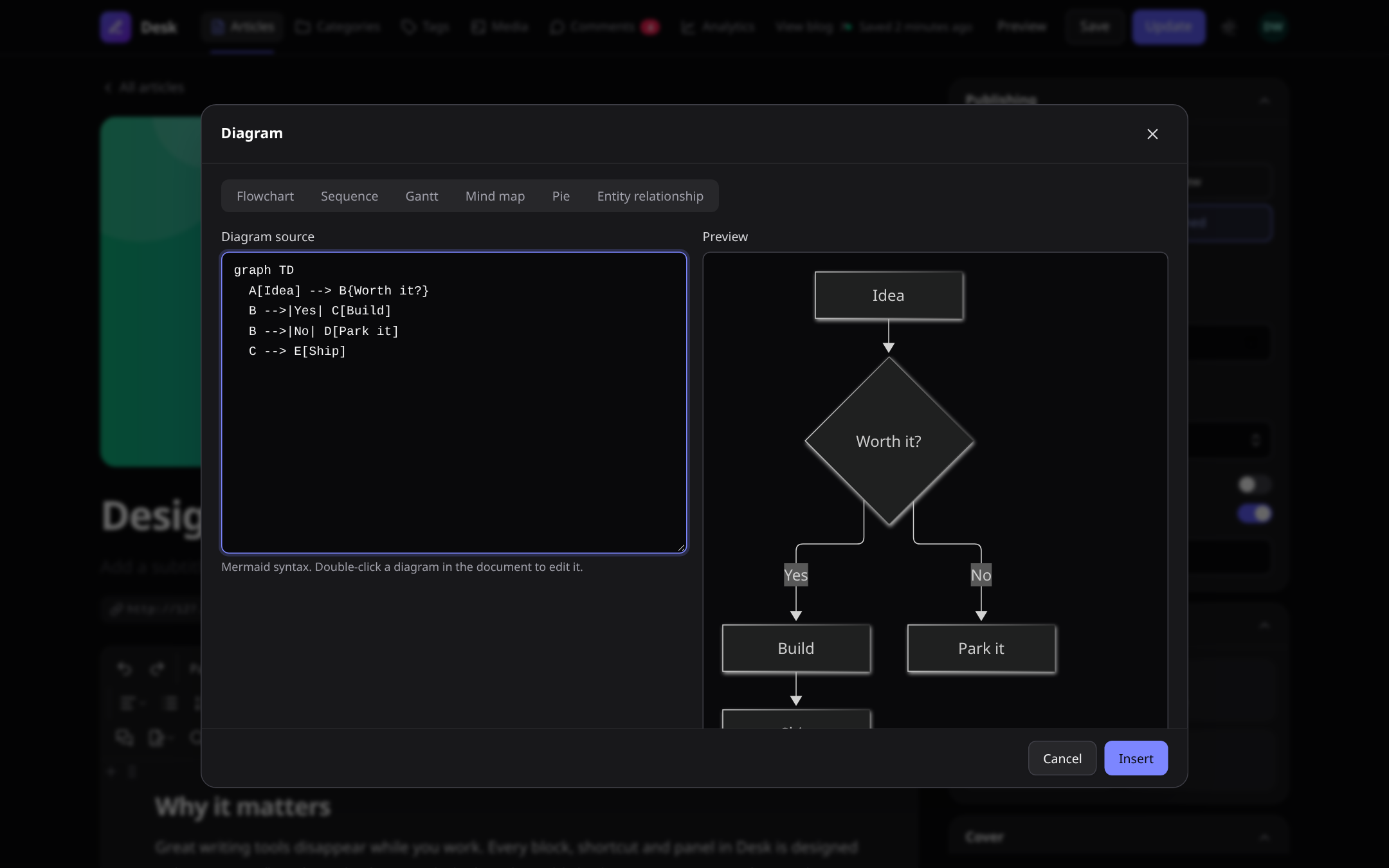 |
Chart editor (bar, line, pie and more)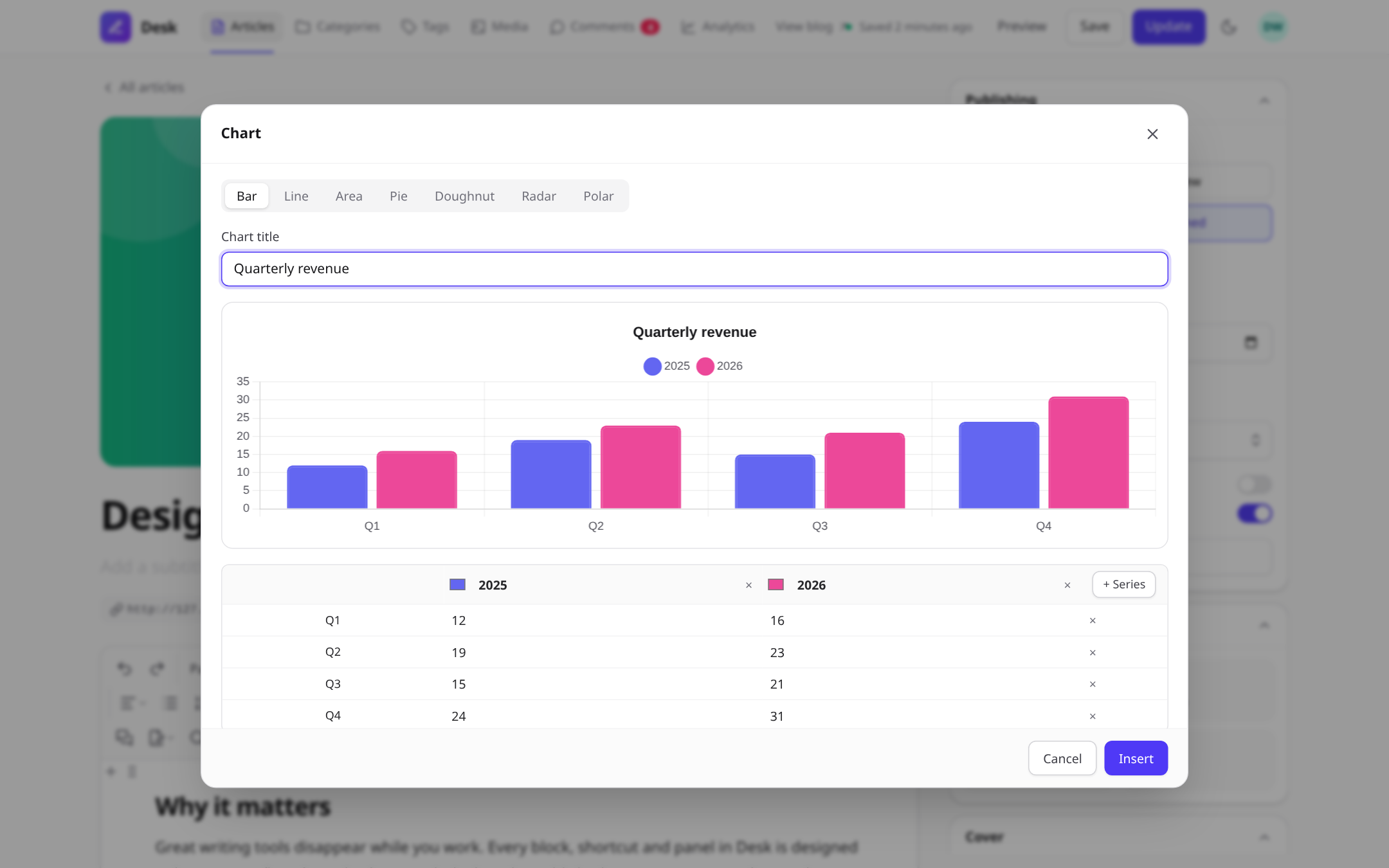 |
Image editor: crop, rotate, flip, filters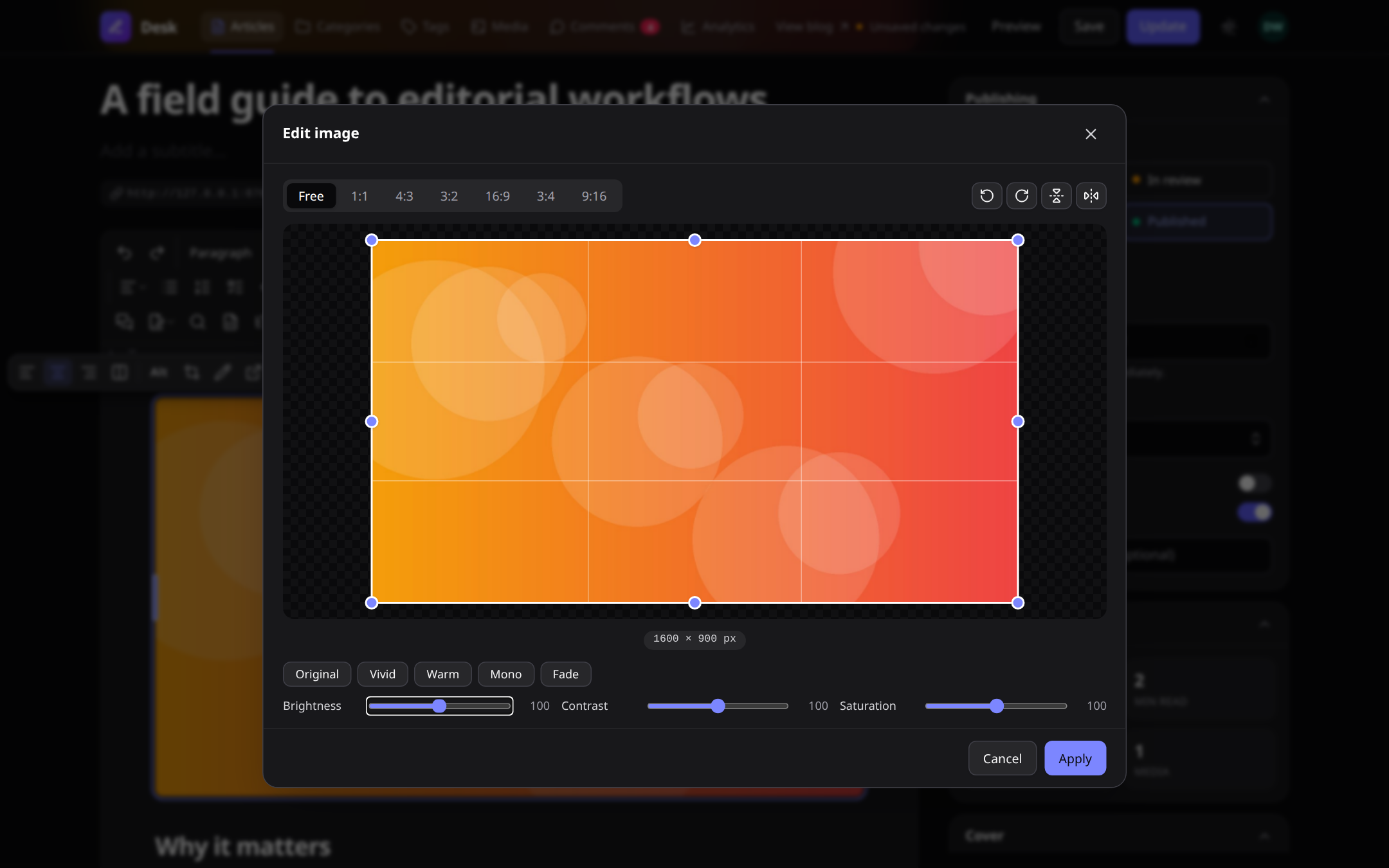 |
Media library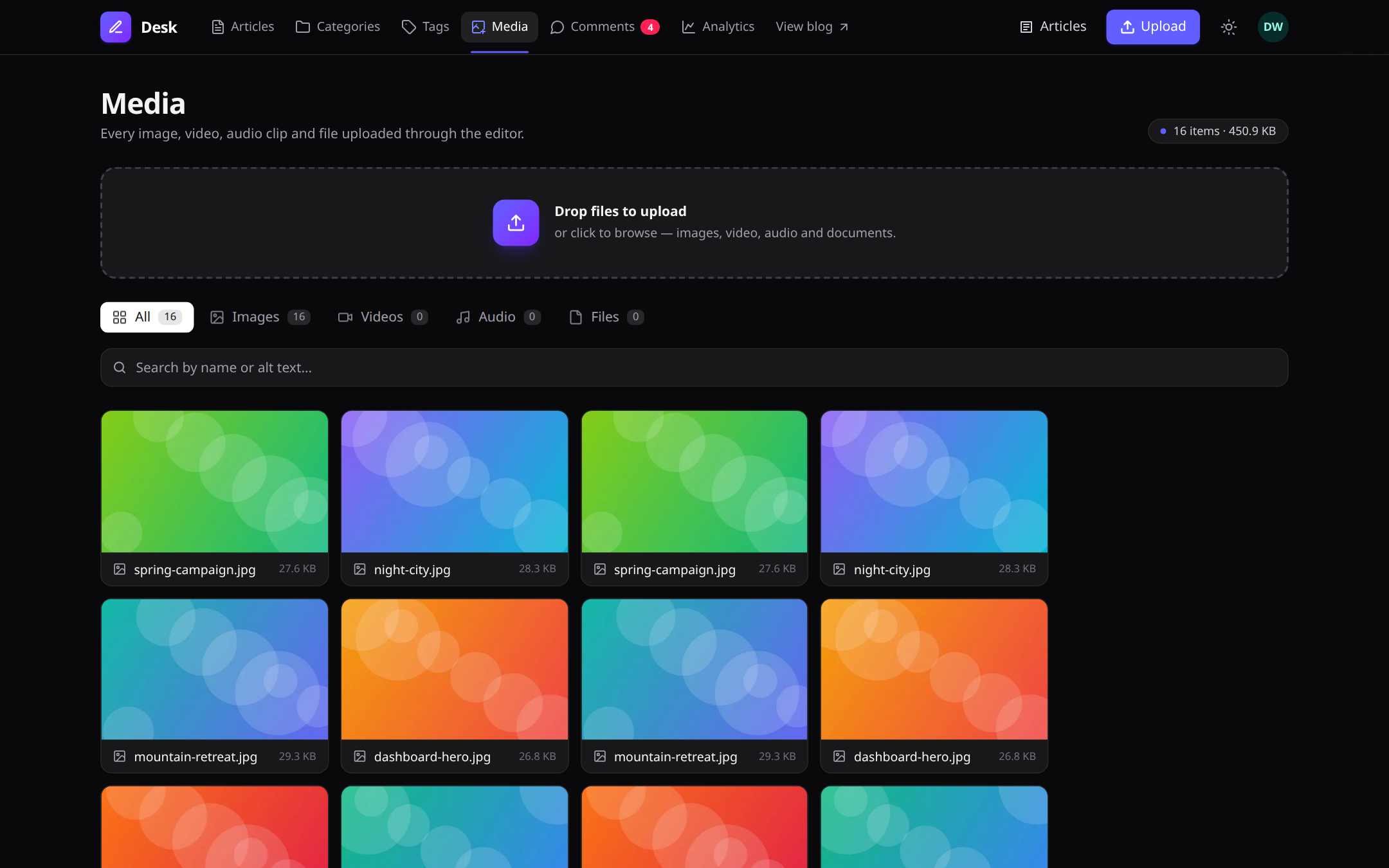 |
Article manager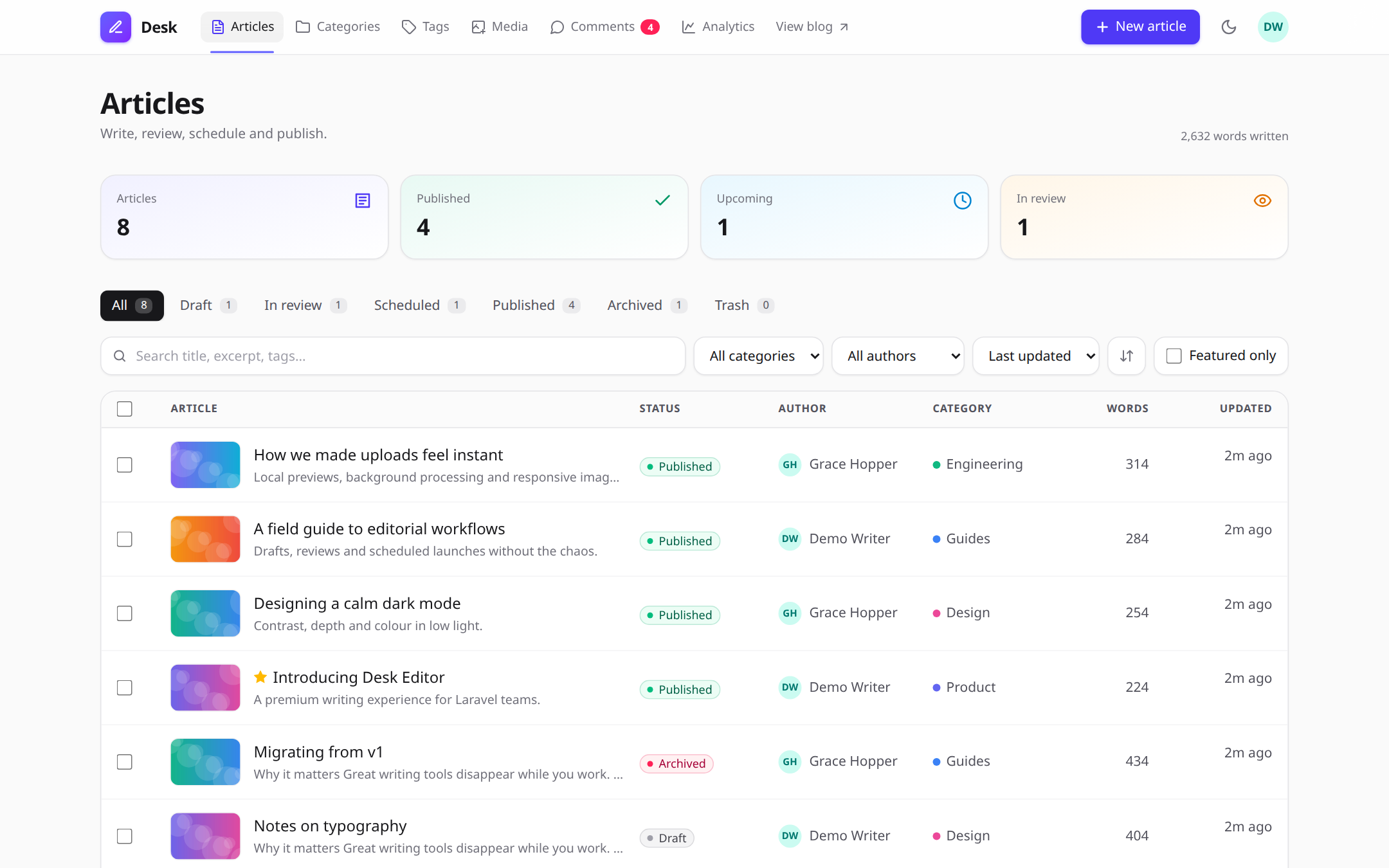 |
Analytics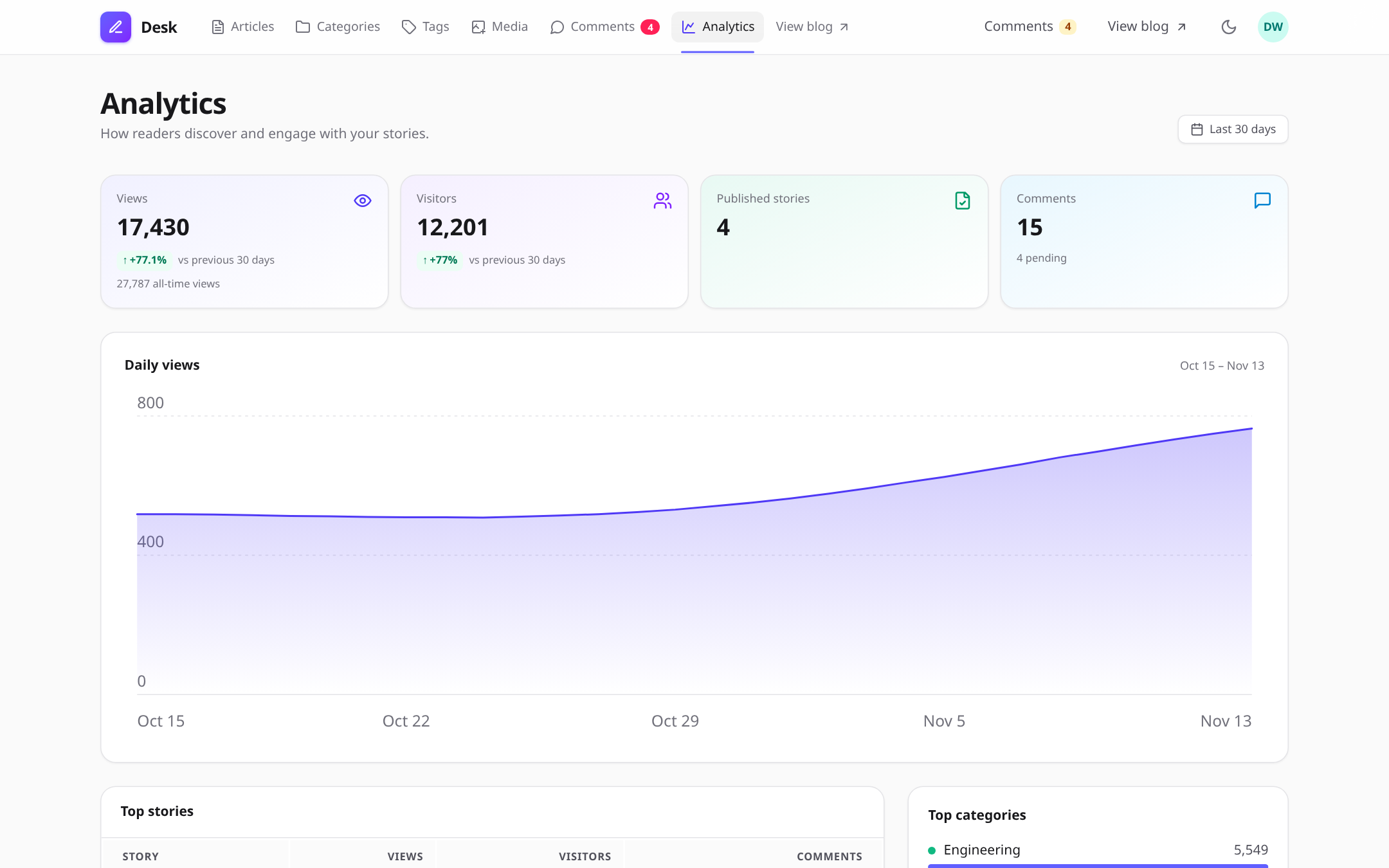 |
Public blog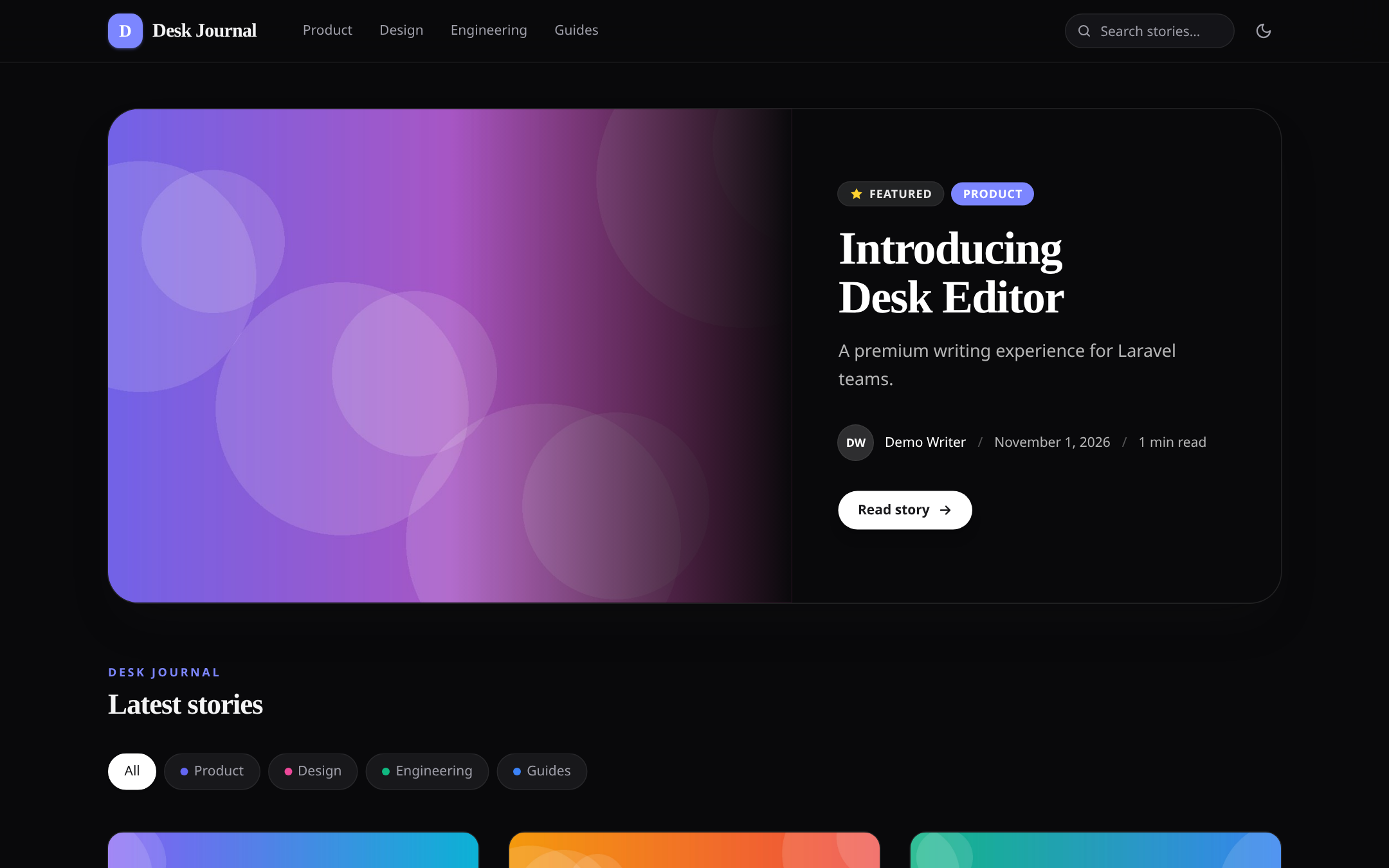 |
Reader view: columns, charts, contents sidebar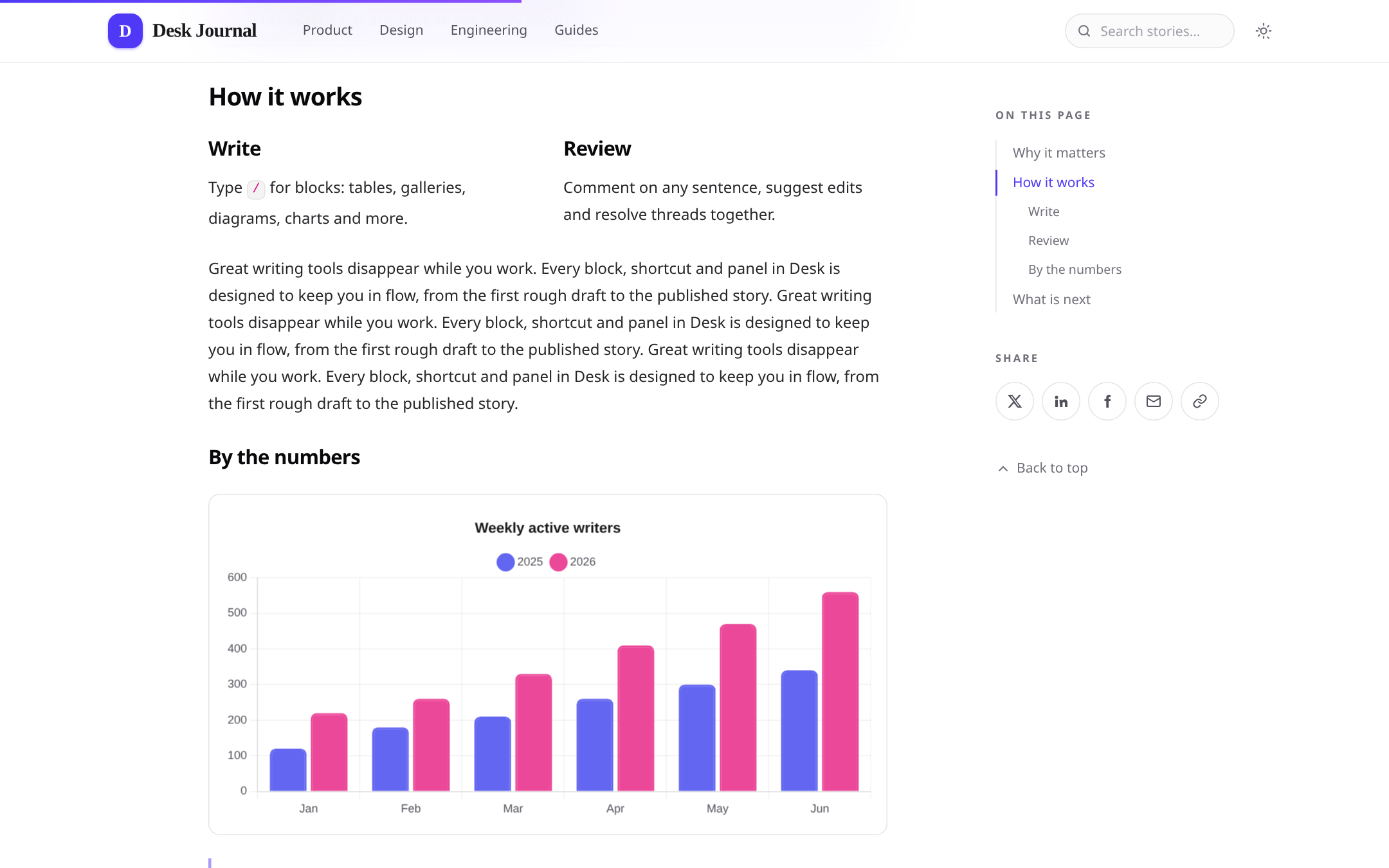 |
Enable document-specific features with the corresponding component attributes:
Server drafts are stored per user and can be restored across devices. Live collaboration requires Laravel broadcasting and a configured broadcaster.
## Render saved content
Use the content component to render editor output for readers:
Content is sanitised before rendering. Editorial-only markup is removed, media receives responsive sources and dimensions, and supported features such as diagrams, charts, code highlighting, math, collapsibles, and image lightboxes are enhanced in the browser.
## Store and validate content
Use the package cast to sanitise content when it is written:
The cast provides helpers for common content tasks:
Validate content with `DeskContentRule`:
Validation measures visible text, so empty HTML elements do not count as content.
## CMS and public blog
The article manager is available at `/desk/articles`. It includes:
- Draft, review, scheduled, published, and archived states
- Authoring, SEO fields, categories, tags, and translations
- Reviewer approval and change requests
- Revision comparisons and restore
- Edit locks and conflict detection
- Scheduled publishing and activity history
Enable the public blog with:
The default URL prefix is `/blog`. The blog includes article and category pages, search, related posts, threaded reader comments, RSS/Atom feeds, a sitemap, structured metadata, and analytics.
## Media processing
Uploads are recorded in the media library at `/desk/media`.
- Images can be converted into responsive WebP variants.
- Video and audio metadata and posters are generated with ffprobe.
- Video transcoding uses ffmpeg and can run through queued jobs.
- Unused media can be reviewed with a dry run:
SVG uploads are disabled by default. Increase PHP's `upload_max_filesize` and `post_max_size` when handling large media files.
## Filament
Use the package field in a Filament form:
The field stores sanitised HTML. Laravel Nova is not supported.
## JavaScript API
Get an editor instance and interact with it programmatically:
The package also emits DOM events, including `desk-editor:ready`, `desk-editor:change`, `desk-editor:upload`, and `desk-editor:peers`. Editors added dynamically are initialised automatically. To disable automatic initialisation, set `window.DeskEditorAutoInit = false` and call `DeskEditor.init(container)`.
## Configuration and security
- `theme="auto"` follows the page theme and operating-system preference; `light` and `dark` are also supported.
- Use `accent` to customise the editor's accent colour.
- The editor uses an HTML allow-list sanitiser.
- Iframes are restricted to HTTPS allow-listed hosts and sandboxed.
- Link previews validate destinations and redirects to protect against SSRF.
- Uploads are MIME-checked, stored under random names, and scoped to their owners.
- CMS routes are protected by authorization gates; configure the package gates to match your application's roles and permissions.
## Development
Regenerate the README screenshots from a running workbench with `node scripts/screenshots.mjs` (environment in `workbench/collab.env.sh`).
The repository includes a Testbench workbench application for trying the editor, CMS, and blog locally.
## License
MIT © Atannex.
Bundled TipTap, ProseMirror, Yjs, KaTeX, Mermaid, Chart.js, highlight.js, and Lucide icons are distributed under their respective MIT, ISC, or Apache licenses.All versions of desk-editor with dependencies
PHP Build Version
Package Version

Requires
php Version
^8.2
illuminate/contracts Version ^12.0|^13.0
illuminate/support Version ^12.0|^13.0
illuminate/http Version ^12.0|^13.0
illuminate/routing Version ^12.0|^13.0
illuminate/view Version ^12.0|^13.0
illuminate/filesystem Version ^12.0|^13.0
illuminate/validation Version ^12.0|^13.0
illuminate/console Version ^12.0|^13.0
symfony/html-sanitizer Version ^7.1|^8.0
illuminate/contracts Version ^12.0|^13.0
illuminate/support Version ^12.0|^13.0
illuminate/http Version ^12.0|^13.0
illuminate/routing Version ^12.0|^13.0
illuminate/view Version ^12.0|^13.0
illuminate/filesystem Version ^12.0|^13.0
illuminate/validation Version ^12.0|^13.0
illuminate/console Version ^12.0|^13.0
symfony/html-sanitizer Version ^7.1|^8.0
The package atannex/desk-editor contains the following files
Loading the files please wait ...