Download the PHP package aksoyih/better-dump without Composer
On this page you can find all versions of the php package aksoyih/better-dump. It is possible to download/install these versions without Composer. Possible dependencies are resolved automatically.
FAQ
Example:

In general, it is recommended to use always a project to download your libraries. In an application normally there is more than one library needed.

- Some hosting areas are not accessible by a terminal or SSH. Then it is not possible to use Composer.
- To use Composer is sometimes complicated. Especially for beginners.
- Composer needs much resources. Sometimes they are not available on a simple webspace.
- If you are using private repositories you don't need to share your credentials. You can set up everything on our site and then you provide a simple download link to your team member.
- Simplify your Composer build process. Use our own command line tool to download the vendor folder as binary. This makes your build process faster and you don't need to expose your credentials for private repositories.
Informations about the package better-dump
BetterDump
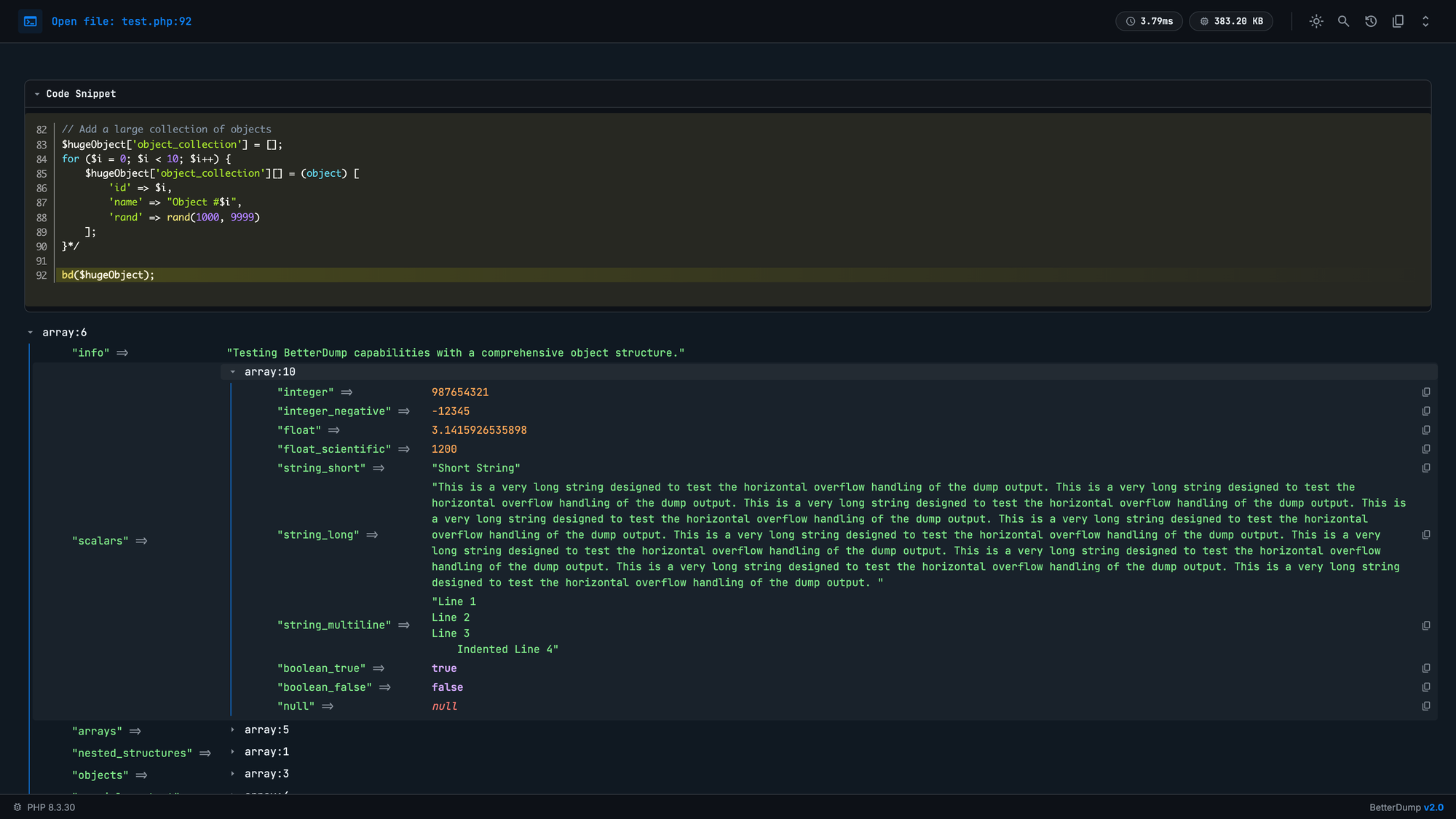
A professional-grade debugging library for PHP that provides a high-fidelity visual representation of variables, tailored for modern web development environments.
Installation
Usage
Global Error Handling
BetterDump can act as your application's global error and exception handler, providing a beautiful "Blue Screen of Death" when your code crashes, even if display_errors is off in php.ini.
JSON Output Mode
For debugging API responses, you can switch to JSON mode. This will output the dump as a formatted JSON response with Content-Type: application/json headers.
Laravel Integration
BetterDump comes with a zero-config Service Provider for Laravel.
- Auto-Discovery: The package is automatically discovered.
- Configuration: It respects your
config('app.editor')orconfig('ignition.editor')settings. - Safety: It automatically disables itself in
productionenvironments based onAPP_ENV.
To publish the configuration (Optional):
Configuration
You can configure the editor to open files in. The default is phpstorm.
You can also set a local root directory for editor links. This is useful when your runtime paths are relative or inside a container.
Production Safety
BetterDump is disabled by default in production environments (APP_ENV=production or APP_ENV=prod) to prevent accidental leakage of sensitive data.
To force enable it in production:
Keyboard Shortcuts
| Shortcut | Action |
|---|---|
Cmd+K / Ctrl+K |
Toggle Search |
/ |
Focus Search |
Escape |
Close Search / Close Stack Trace |
Cmd+Click |
Open File in IDE |
Features
- Beautiful UI: Modern, zero-dependency interface with Light/Dark mode support.
- Search: Built-in real-time fuzzy search to filter keys and values.
- Code Snippet Preview: Automatically displays the code surrounding an error or dump location with syntax highlighting.
- Smart Helpers:
bd()(Dump & Continue) andbdd()(Dump & Die). - Stack Trace: View the full execution history leading to the dump.
- LLM-Ready Copy: Copy the dump output as clean JSON with context, perfect for pasting into ChatGPT or Claude.
- Deep Linking: Clickable file paths that open directly in your IDE (PhpStorm/VSCode).
- Image Previews: Hover over image URLs to see a thumbnail.
- Recursion Detection: Safely handles circular references.
- Performance Metrics: Shows execution time and memory usage.
License
MIT License
